MMO Tropes: Alts
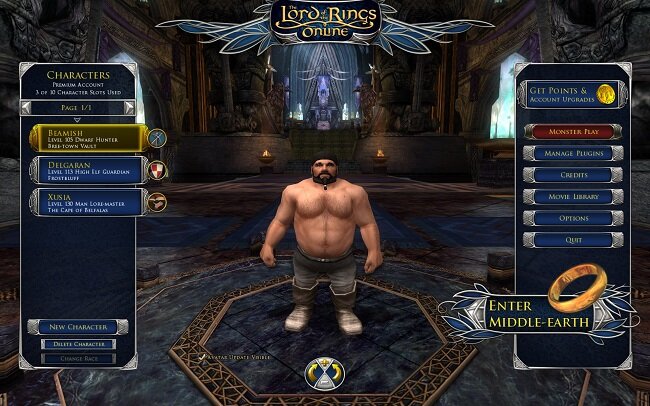
In massively multiplayer online games (MMOs), alts (short for alternate characters), are new characters created by a player in addition to their primary character (often called the “main”). Alts are often encouraged by developers as a means to keep players engaged with their game(s). Sometimes an MMO will actively reward the creation of alts either with access to exclusive content, or with additional skills or items previously unlocked by primary characters. As the myth that an MMO really begins at endgame still persists in gaming culture, some games sell boosts that will instantly raise the level of an alt to that of the current level cap. Creating alts is such a key aspect of the MMO genre, that some games will sell additional character slots, so that players can create further alts beyond the default amount allowed. There are many reasons why players create alts. Let us consider some.
In massively multiplayer online games (MMOs), alts (short for alternate characters), are new characters created by a player in addition to their primary character (often called the “main”). Alts are often encouraged by developers as a means to keep players engaged with their game(s). Sometimes an MMO will actively reward the creation of alts either with access to exclusive content, or with additional skills or items previously unlocked by primary characters. As the myth that an MMO really begins at endgame still persists in gaming culture, some games sell boosts that will instantly raise the level of an alt to that of the current level cap. Creating alts is such a key aspect of the MMO genre, that some games will sell additional character slots, so that players can create further alts beyond the default amount allowed. There are many reasons why players create alts. Let us consider some.
Trying different classes: Many MMOs offer diverse classes, races and specialisations. Alts allow players to experience these without abandoning their main character.
Experiencing alternative gameplay: Alts can offer a fresh perspective on the game world, allowing players to engage in different activities, storylines, or even roleplay.
Farming resources: In some MMOs, alts can be used to gather more resources, complete daily quests, or participate in other activities. These often offer rewards such as items or currency, which can benefit the player's main character.
Socialising: Alts can be used to play with different groups of friends, or to participate in content that requires a specific group of classes.
Avoiding burnout: Playing the same character for extended periods can lead to burnout, and alts can provide a break from the routine.
Roleplaying: Some players create alts for roleplaying purposes, developing unique backstories and personalities for each character.
Increased and unique rewards: Some MMOs offer rewards for having multiple characters, such as bonus experience, unique items or account wide unlocks.
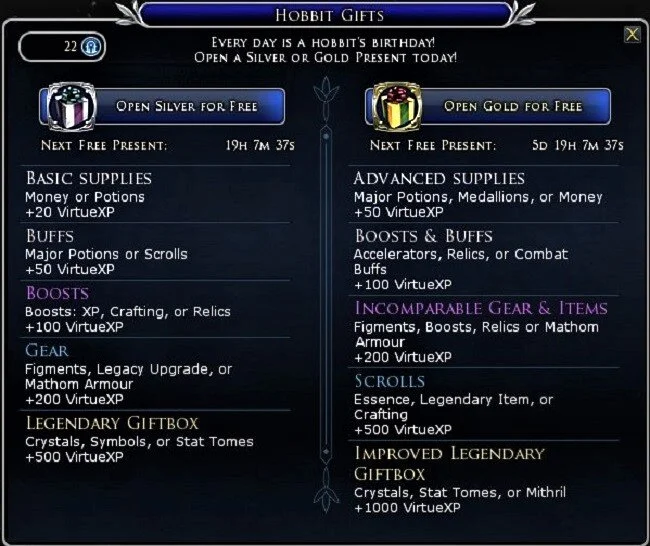
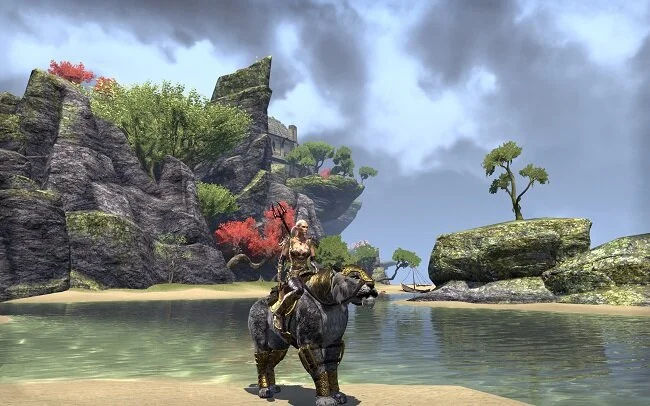
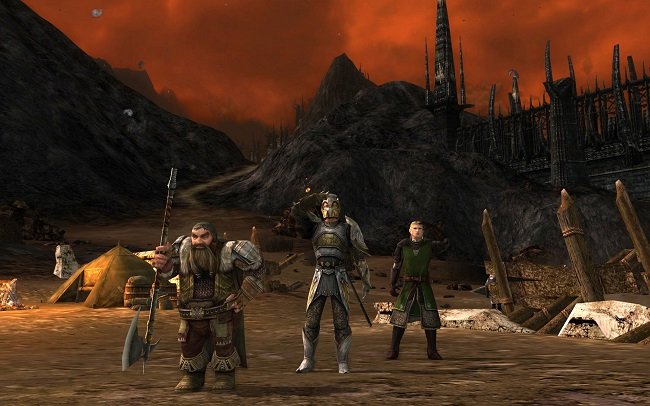
The MMO genre handles the issue of alts in a broad fashion. Some older games such as Age of Conan (now Conan Unchained) only have one path through game content. If you roll a new alt you will still have to play through content you have already experienced. The Lord of the Rings Online takes a different approach with your character’s race determining their starter area. This offers a degree of difference for alts, although the storylines come together after a certain level. Guild Wars 2 takes a similar approach, again favouring race specific starters areas. In The Elder Scrolls Online, new characters begin in a tutorial area called Coldharbour's Wailing Prison, then are sent to their alliance's starting zone. After the tutorial, players can explore their alliance’s respective zone and choose which quests to pursue. Players then have the option to explore other alliances’ zones later.
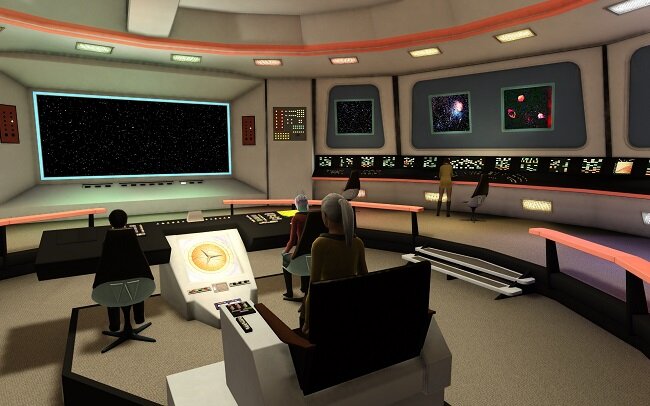
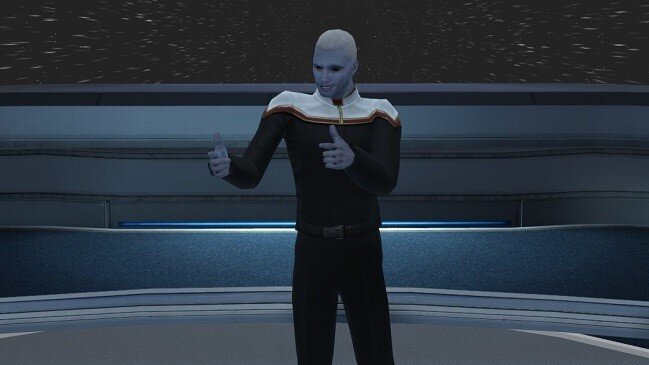
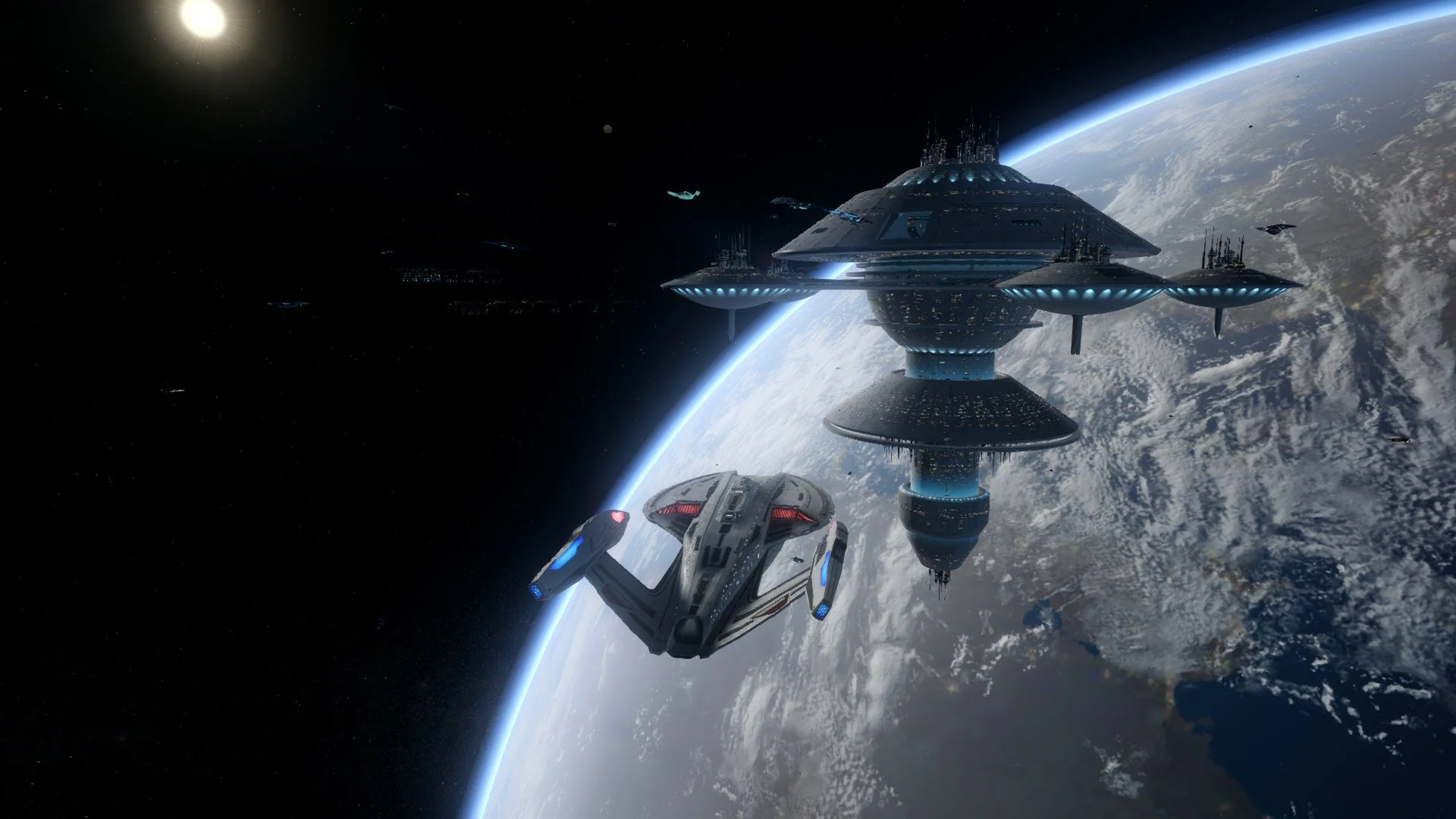
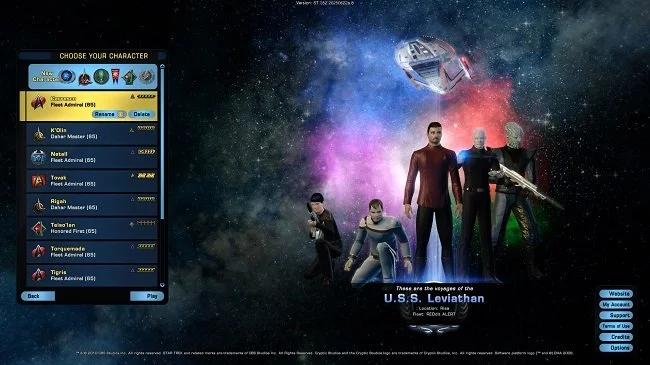
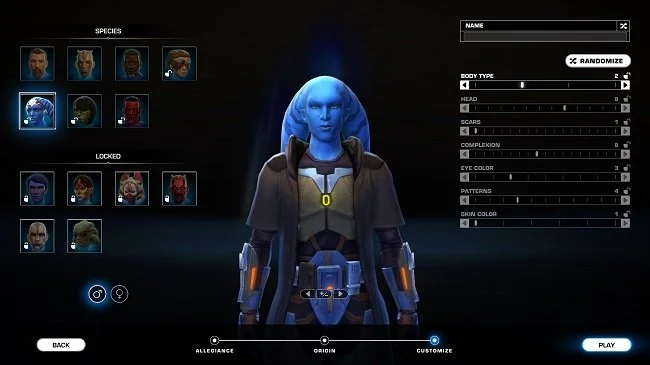
Star Wars: The Old Republic takes a far bolder approach to alts. The starting area for each character is determined by their chosen class. There are four starting planets shared between two classes. However, every class has a completely unique story that runs throughout the duration of the base game. This greatly improves the games replayability across the eight classes. Similarly, the MMO Star Trek Online offers bespoke stories across its six main factions before the stories converge into a unified episodic arc. The game also has regular events that unlock account wide rewards. Someone who has played the game regularly with a primary character, has the benefit of being able to access numerous bonuses and items whenever they create a new alt. Items, such as ships, bought in the cash shop are also available to all alts.
Alts are often encouraged and in some specific titles an integral part of that game’s lifecycle. The MMO genre certainly has a requirement for players to roll alts. They offer increased variety, engagement and sometimes additional resources within the game world. Where other genres struggle with replayability, MMOs fare far better via the medium of alts. However, alts are not a foolproof solution to player engagement. Alts often end up abandoned, especially if the new class on offer is not a good fit for a player’s style. Many are experiments or something undertaken on a whim. Many are created purely for storage or to perform specific tasks, such as resource farming. But some choice is better than no choice and alts are an opportunity to try new things. Whether we personally take advantage of them or not, it is a positive thing that they exist.

Creating Alts and Copying Settings in ESO
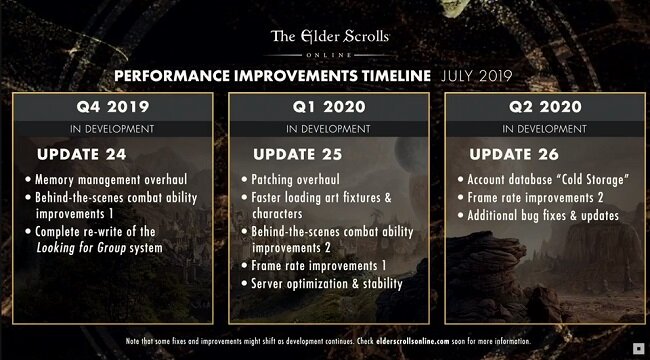
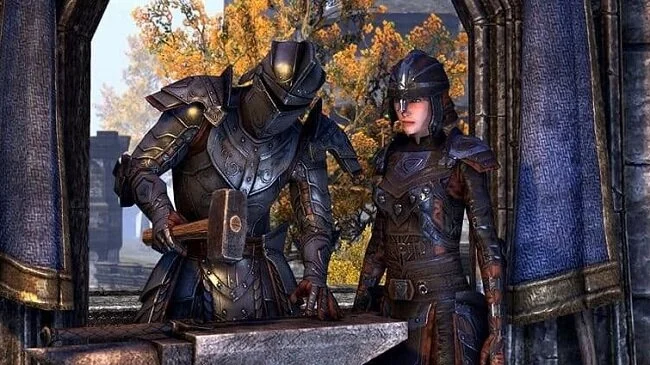
If you are a veteran player of The Elder Scrolls Online, this post will simply be a statement of the “bleedin’ obvious”. However I have written this article for the benefit of those relatively new to ESO as well as the occasional or casual player who are not au fait with all the subtleties and nuances of the MMORPG. If I can spare someone the hassle that I’ve had over the past 48 hours trying to figure this shit out, then I consider that a valuable social service. Because unlike other MMOs, creating a new alt in ESO causes some additional problems to arise. If you know about them in advance, they are a lot easier to manage. If, like me you were not aware of them, then it can be frustrating attempting to trouble shoot them on the fly.
If you are a veteran player of The Elder Scrolls Online, this post will simply be a statement of the “bleedin’ obvious”. However I have written this article for the benefit of those relatively new to ESO as well as the occasional or casual player who are not au fait with all the subtleties and nuances of the MMORPG. If I can spare someone the hassle that I’ve had over the past 48 hours trying to figure this shit out, then I consider that a valuable social service. Because unlike other MMOs, creating a new alt in ESO causes some additional problems to arise. If you know about them in advance, they are a lot easier to manage. If, like me you were not aware of them, then it can be frustrating attempting to trouble shoot them on the fly.
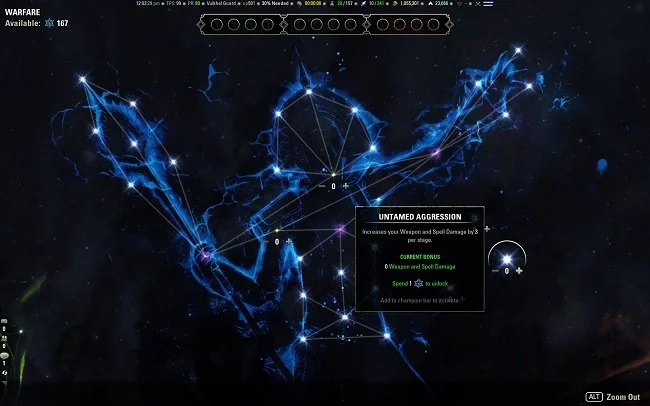
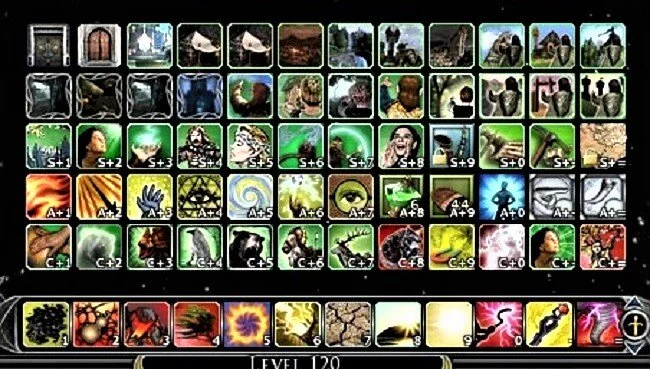
In older games such as The Lord of the Rings Online and Star Trek Online, you can customise you UI and key mapping easily and when complete save all relevant settings to a file. Hence when you create a new alt, once you finished the important task of tweaking their appearance you can start the game and load all your customary settings. You bags, hotbars and other onscreen paraphernalia is all where you expect it to be. You can now focus on the game rather than fine tuning your HUD etc. However, things are not so simple in ESO. New alts enter the game world with defaults settings. Yep, you read that right. All changes made to the key mapping of your other character are not present. Furthermore, assuming you want to use the same addons on your new alt, all those settings have not by default been carried over. Hence hours of tweaking await you if you’re unprepared.
So, before you start the process of creating your alt, get ahead of these potential issues by installing the following addons (yes, it takes an addon to solve and addon problem). Joviex's Addon Settings Transfer (Updated) and Voltan's Keybinder. Once these have been added to your existing collection, log into your primary character whose settings you wish to replicate. Use the command line /jovast to bring up the addon settings transfer window. You then highlight which characters you wish to transfer settings from and to. Congratulations, you’ve now duplicated all your addons settings and GUI locations to your new alt. While still logged into your primary alt, press the Esc key and navigate to Controls and then to Settings. You’ll find Standard Keybinds and Addon Keybinds listed. If you investigate further, you’ll find that all the existing keybind settings have a tick box next to them. Use this to choose which key mappings are duplicated on your new alt.
Following the above steps will save you time and a lot of bother. But due to the foibles of ESO there are still a few settings that have to be dealt with manually. For example, some onscreen displays only show during combat. Chat can also fade if not active. If you want to change such settings you have to alter a drop-down box or toggle a switch. None of the above tools port these settings and you’ll have to make them manually. So I would advice making a comprehensive list beforehand, taken from your primary alt or if you have a second monitor, simply take some screen captures and use them as a crib sheet to fine tune your new character. I suspect that if you implement this process several times, eventually it will become second nature as you refine it and make it more efficient. If you are feeling particularly generous you could categorise this foible of ESO as part of the game’s charm. I wouldn’t go that far myself but now that I’ve learned the hard way, I have no intention of being bothered again in the future with other alts. Forewarned is forearmed.