
Today Is a Good Day to Die
Star Trek Online is currently running its yearly Klingon Recruitment Event for PC players. Characters created from January 21st to February 11th gain additional rewards and account wide unlocks while levelling. It is a particularly useful way to orientate new and returning players. I created a Klingon Engineer during the 2021 Klingon Recruitment Event which I previously levelled to the current cap. However, I hadn’t taken this character through all the episodic missions, so I thought the current event would be a good time to resume their progress. Therefore today I resumed playing through the Romulan Mystery story arc. It was during the course of the final part of the episode, “Mine Enemy”, that I encountered a curious bug. It amused me sufficiently to prompt this blog post and make a lazy pop culture reference.
Star Trek Online is currently running its yearly Klingon Recruitment Event for PC players. Characters created from January 21st to February 11th gain additional rewards and account wide unlocks while levelling. It is a particularly useful way to orientate new and returning players. I created a Klingon Engineer during the 2021 Klingon Recruitment Event which I previously levelled to the current cap. However, I hadn’t taken this character through all the episodic missions, so I thought the current event would be a good time to resume their progress. Therefore today I resumed playing through the Romulan Mystery story arc. It was during the course of the final part of the episode, “Mine Enemy”, that I encountered a curious bug. It amused me sufficiently to prompt this blog post and make a lazy pop culture reference.
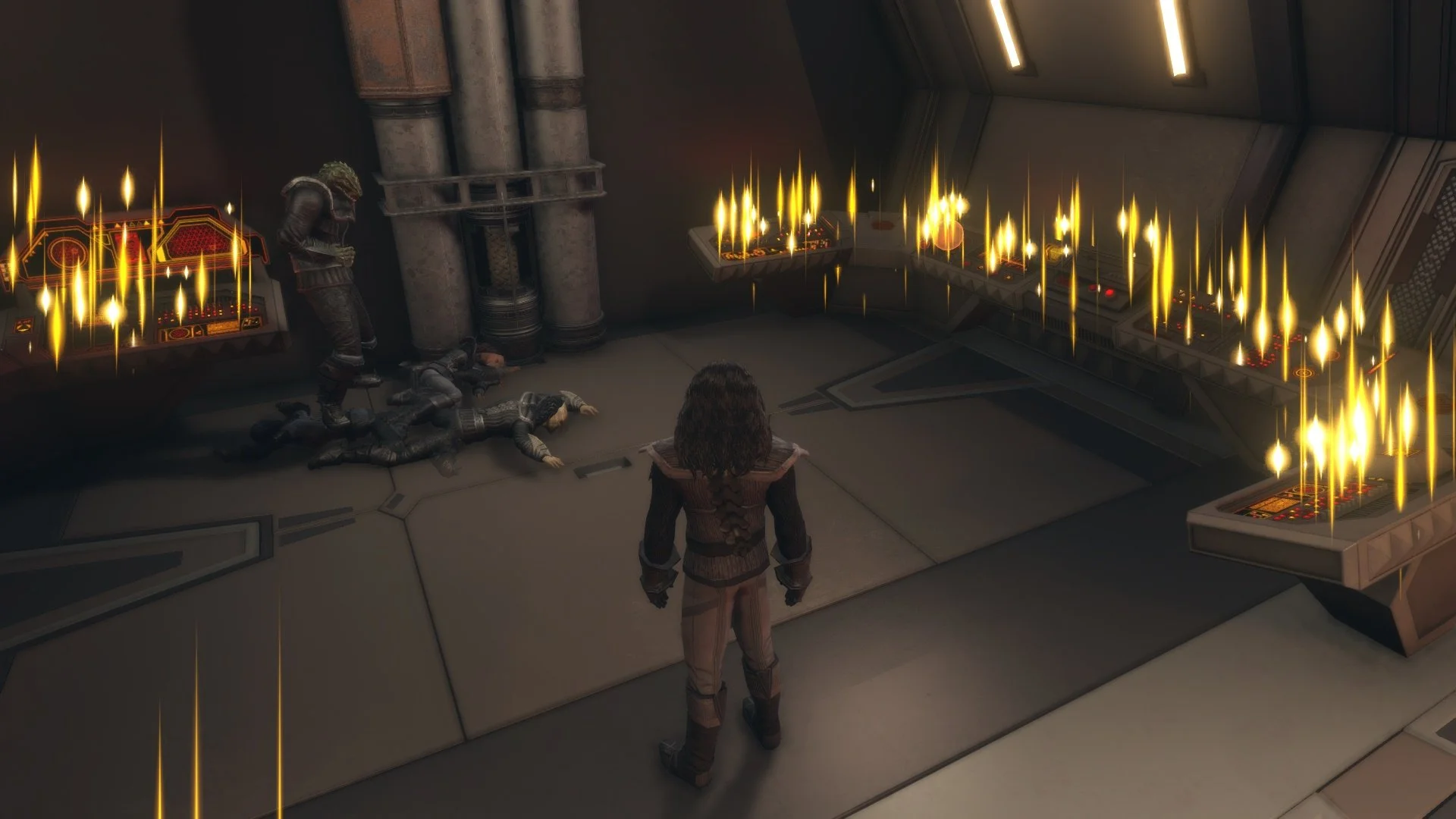
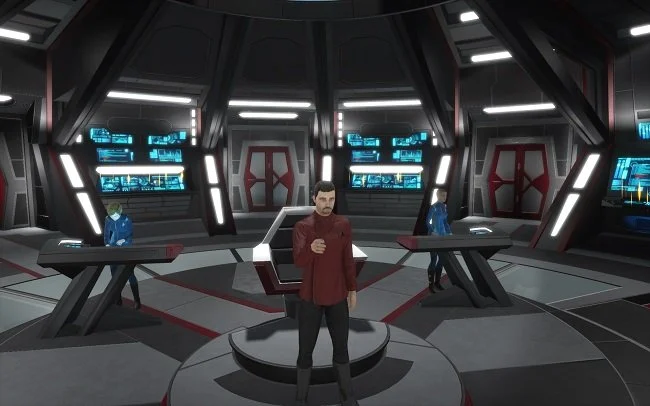
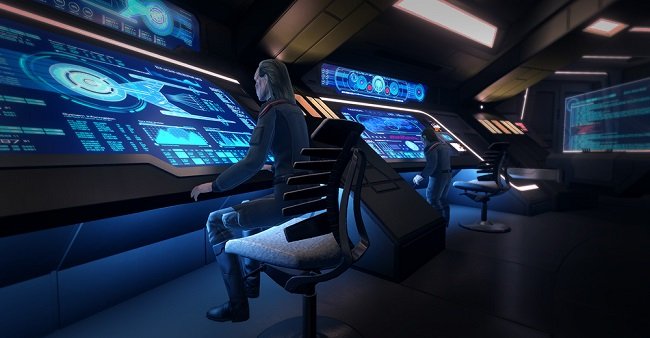
Hardly surprising I hear you say, as Cryptic (now DECA Games) are notorious for allowing minor glitches to persist in their MMORPG. However, this one didn’t impede gameplay in any manner. It was just a curious visual anomaly. It piqued my interest to the point where I used Bandicam to video capture the bug in question, which I then posted to YouTube. That process is a blog post in itself for another day but I digress. The mission required my character to visit their Ready Room on their ship and use the computer to decode some files. So I “transported” to the bridge of my ship and entered the rather spartan Ready Room. On entering I noticed several Klingon crew next to the computer. I was puzzled as there usually aren't any crew in this location. These NPCs subsequently died and fell to the floor, only for more to appear. The cycle then continued to repeat itself indefinitely.
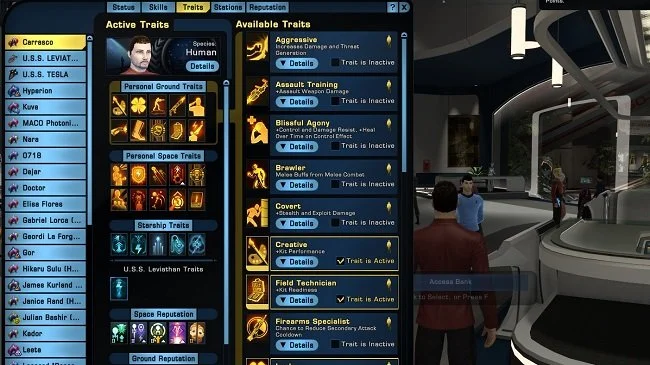
This bug didn’t prevent me from completing the task at hand so I decoded the files using the computer and left the ship. Later, I returned to the Ready Room to see if the bug would repeat itself but it didn’t. On reflection perhaps that is a good thing. Bugs like this may superficially be entertaining but can sometimes have the potential to crash the game. Sadly, there are many bugs in STO. Traits become unslotted, loadouts go missing and there are numerous graphical and animation glitches. It is one of the reasons why the MMO has never been truly regarded as a top tier game. I suspect that the new developers, DECA Games, are going to be far more focused on maintaining the status quo, rather than resolving these issues. As for the bug I encountered today, I have no explanation as to why it happened. All I can say is that today was indeed a good day to die.




Star Trek Online: Black Screen Bug
Over the last year an intermittent bug has been plaguing the MMORPG, Star Trek Online. For most players it is not unresolvable and there is a workaround. However, it is one of those bugs that is a low level source of annoyance for most and for a few unlucky players a major impediment to playing Star Trek Online. The bug is as follows. If you use the Arc game launcher to log into your Perfect World Entertainment account and then start Star Trek Online from the list of games, you will randomly get a black screen rather than the Cryptic logo and the game loading. If this occurs, you need to press ctrl+alt+del to bring up the Task Manager and manually click “End Task” to terminate the frozen GameClient.exe file. Relaunching the game from Arc a second time often resolves the issue and the game starts. However, the problem may occur again after exiting the game or it may not. It does seem to be somewhat random and capricious.
Over the last year an intermittent bug has been plaguing the MMORPG, Star Trek Online. For most players it is not unresolvable and there is a workaround. However, it is one of those bugs that is a low level source of annoyance for most and for a few unlucky players a major impediment to playing Star Trek Online. The bug is as follows. If you use the Arc game launcher to log into your Perfect World Entertainment account and then start Star Trek Online from the list of games, you will randomly get a black screen rather than the Cryptic logo and the game loading. If this occurs, you need to press ctrl+alt+del to bring up the Task Manager and manually click “End Task” to terminate the frozen GameClient.exe file. Relaunching the game from Arc a second time often resolves the issue and the game starts. However, the problem may occur again after exiting the game or it may not. It does seem to be somewhat random and capricious.
As this has happened to me, I have spent some time trying to determine what factors cause the “black screen bug”. Does it occur after a Windows update? Or a Star Trek Online or Arc client update? A video driver update? I’ve tried doing a file integrity test on the existing installation of the game but the bug will occur again shortly afterwards even if everything checks out. However, if you go directly to the installation directory for Star Trek Online and bypass the Arc game launcher altogether and click directly upon the GameClient.exe file, then the game launches without a problem every time. This squarely points to the problem being caused directly or indirectly by the Arc game launcher. Playing Star Trek Online without using Arc is not a major inconvenience. Arc simply provides some additional services that make life easier, such as the ability to easily buy in-game currency and to redeem game related item codes.
However, for a percentage of Star Trek Online players, the “black screen bug” is not so easily remedied and is a much larger problem. Not everyone finds launching the game directly from the GameClient.exe file bypasses the bug. I have found several subreddits and Steam discussions about this problem and some players have had to reinstall the entire game client to be able to continue to play the game. The technically minded have trawled through various log and error files but have not managed to determine a satisfactory explanation for this seemingly random problem. Perhaps it is time for Cryptic to look into this matter as it is obviously “a thing” for many players and may get worse overtime. It’s always best to try and get ahead of a problem than behind it. However, Cryptic are not known for their speed or decisiveness.