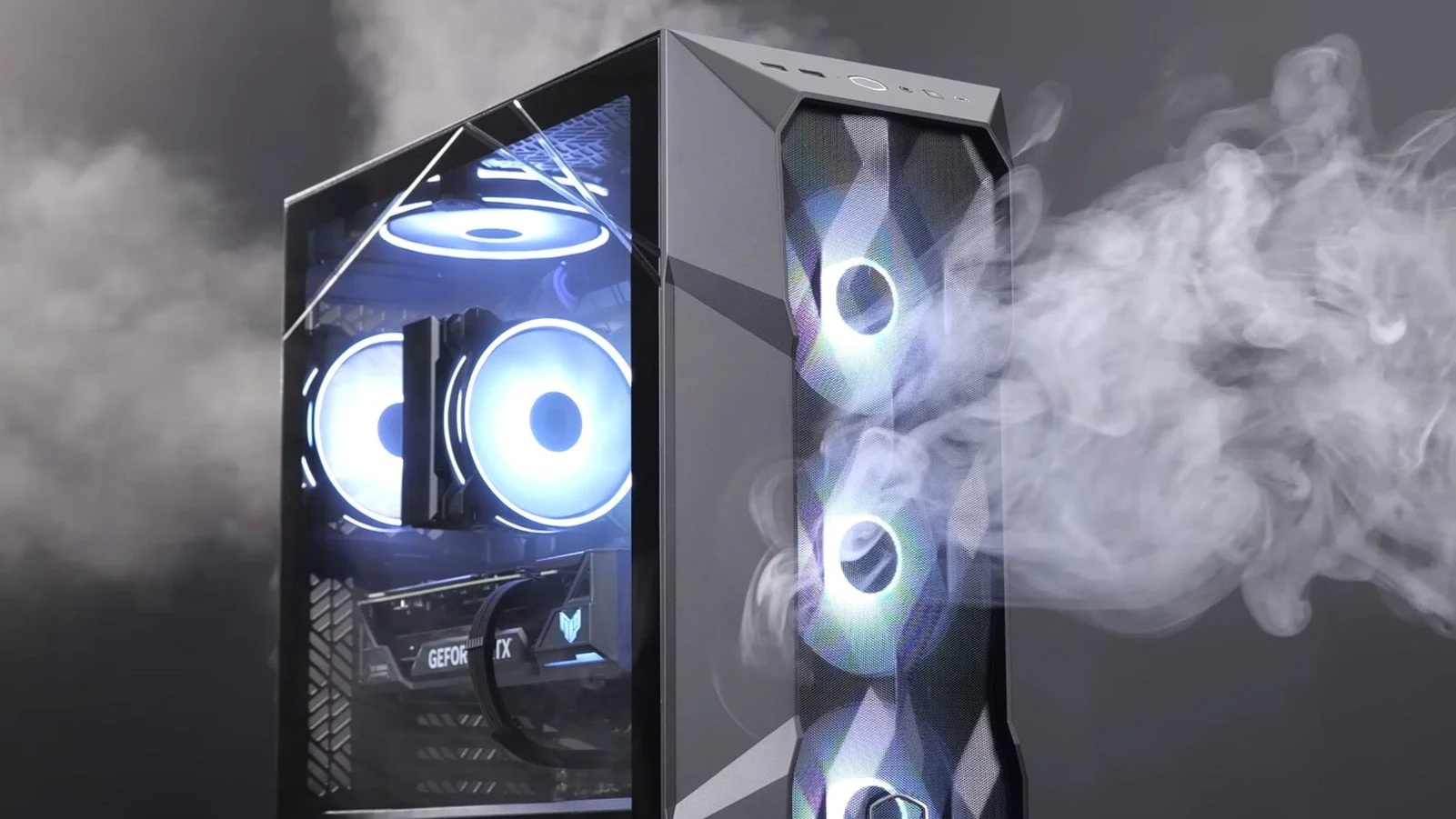
PC Airflow and Dust Contamination
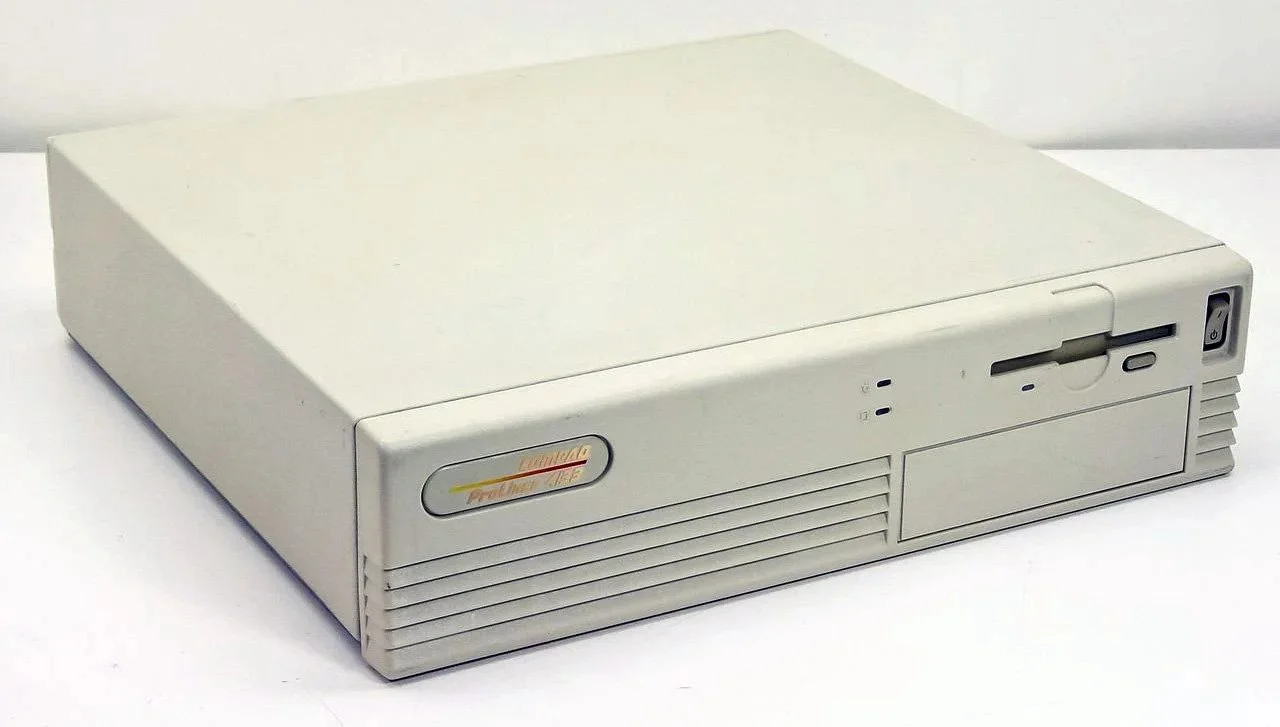
It may be a case of preaching to the Choir but dust contamination in your PC causes overheating, decreased performance, and potential hardware failure. This mainly occurs due to dust restricting airflow, impeding components such as heat sinks and creating short circuits from conductive particles. Fluff builds up and restricts cooling fans, forcing them to work harder. Heat build can lead to issues like system crashes, lagging, and even permanent damage to the motherboard and CPU. Over time, it can shorten the lifespan of the computer and in severe cases, poses a fire hazard. When I used to work in IT contracting, I used to see the effects of dust contamination all the time. PC placed on carpet tiles or on top of desks and surrounded by other objects. I remember one PC replacement project I was working on where we found an old PC with a dead mouse in it. It was desiccated by the heat.
It may be a case of preaching to the Choir but dust contamination in your PC causes overheating, decreased performance, and potential hardware failure. This mainly occurs due to dust restricting airflow, impeding components such as heat sinks and creating short circuits from conductive particles. Fluff builds up and restricts cooling fans, forcing them to work harder. Heat build can lead to issues like system crashes, lagging, and even permanent damage to the motherboard and CPU. Over time, it can shorten the lifespan of the computer and in severe cases, poses a fire hazard. When I used to work in IT contracting, I used to see the effects of dust contamination all the time. PC placed on carpet tiles or on top of desks and surrounded by other objects. I remember one PC replacement project I was working on where we found an old PC with a dead mouse in it. It was desiccated by the heat.
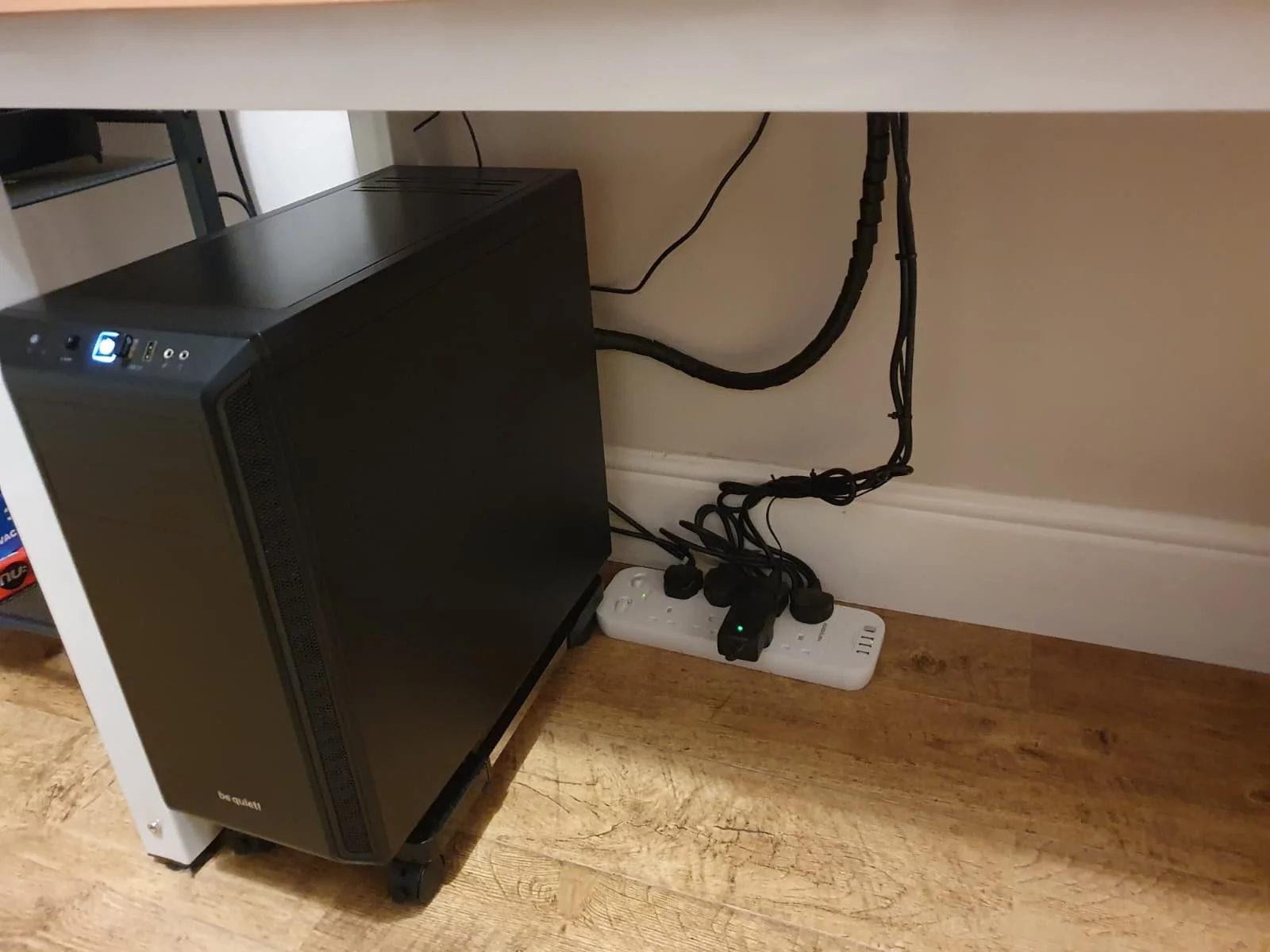
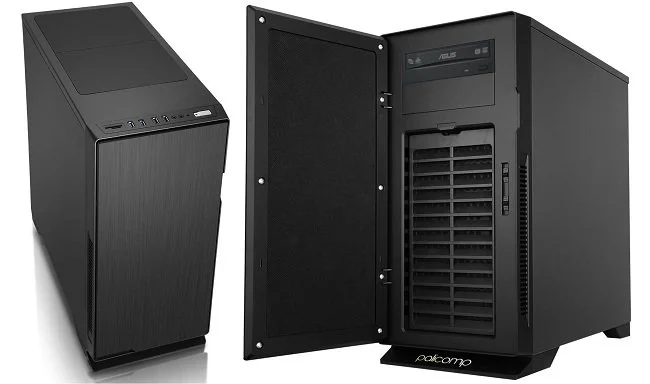
I bought my latest PC in January 2024. It has a Be Quiet branded case with two fans in the front and back of the chassis. The PSU is installed in the base of the tower case with the fan facing downwards, over a grill with a dust filter over it. The feet on the case raise the base about 2 centimeters or so off the ground. The GPU has two fans and there is a large fan on the heatsink of the CPU. The case itself has ventilation at the back, front and in the base. The PC resides under my desk and stands on a hardwood floor. I noticed over the last fortnight that the ambient temperature of my office was getting warmer and it was clear that the PC was the source of the heat. The fans were also getting noisier when playing graphic intensive games. So I adjusted the speed of the two fans mounted in the case to cool the PC and decided that I should have a look in the case once it was turned off.
Despite having adequate ventilation in a clean room (I vacuum the floor weekly), all fans in the PC had a substantial layer of grey fluff. The base of the PC where the vent for the PSU is located was especially clogged. It was clear that all fans were being impeded by the dust contamination and that the PSU was getting especially hot. Fortunately I bought a USB air duster and vacuum cleaner recently and used this to remove all dust and fluff. After cleaning all fans appeared to be spinning unimpeded. I subsequently vacuumed the room so that the displaced dust and fluff wasn’t drawn back into the PC case. I am still surprised at how much dust was present, especially in light of the fact that we do not have any carpeting in our home but there are plenty of other potential sources both inside and outside the house. Upon turning the PC back on, the fans were noticeably quieter and the temperature remained stable.
Since cleaning my PC case I have given some thought to relocating my base unit off the floor. Unfortunately there isn’t sufficient desk space available at present. As a compromise I bought a PC stand that raises the case a further 7 centimetres off the ground and allows air to flow under the PC a lot more freely. As it’s on wheels it also allows me to pull the case out from under the desk for easy access to the various cables that connect at the back. Overall I recommend checking your PC for dust contamination at least once every quarter and ensuring that your PC case is placed for optimal ventilation. It would appear that PC’s overheating is still a common problem and can on occasions do damage to the CPU, GPU and PSU. In extreme circumstances you may even flambé a rodent, which would never do. However, 10 minutes of simple maintenance, every few months, can prevent such things.