Screen Capture Software and HDR
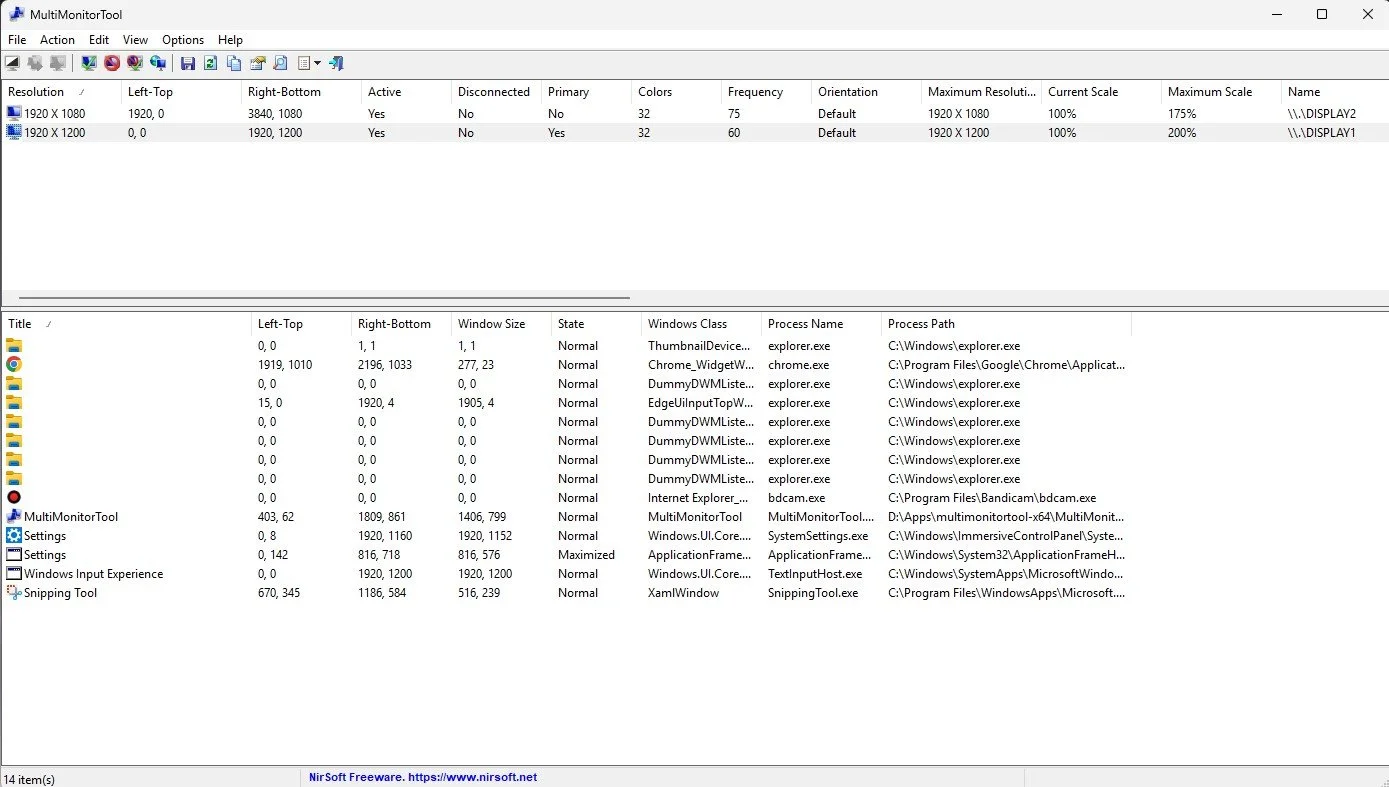
I take a lot of screen captures of video games and Windows apps, usually for blog posts. I use both Bandicam and Windows Snipping Tool to do this and have set up various hotkeys to make the process easy. Of late, the screen captures that I’ve taken have all suffered from washed out colours, regardless what tool I used to take them. I checked to see if both these apps needed to be updated but they are running the latest versions. Hence I was initially stumped as to why this problem had started happening. After some thought, I deduced that the only new elements in my PC hardware were my two new monitors. Both of which support HDR. Google Gemini quickly informed me that this was a known issue and taking screen captures from an HDR enabled device resulted in an excessively bright image that looked over exposed.
I take a lot of screen captures of video games and Windows apps, usually for blog posts. I use both Bandicam and Windows Snipping Tool to do this and have set up various hotkeys to make the process easy. Of late, the screen captures that I’ve taken have all suffered from washed out colours, regardless what tool I used to take them. I checked to see if both these apps needed to be updated but they are running the latest versions. Hence I was initially stumped as to why this problem had started happening. After some thought, I deduced that the only new elements in my PC hardware were my two new monitors. Both of which support HDR. Google Gemini quickly informed me that this was a known issue and taking screen captures from an HDR enabled device resulted in an excessively bright image that looked over exposed.
HDR, or High Dynamic Range, is a technology that improves image and video quality by creating a greater contrast between the brightest and darkest parts of an image. This allows for more realistic pictures with a wider range of colours, deeper blacks and brighter whites, while also preserving detail in both highlights and shadows. It is commonly used in 4K televisions and is supported by streaming services like Netflix and Amazon Prime Video. 4K UHD Blu-ray supports HDR but regular Blu-ray does not, instead using the older Standard Dynamic Range. HDR is also a feature on the latest Smartphones. Furthermore, HDR is common in many contemporary video game titles and as such gaming monitors now support the process. Hence capturing an image from any of these sources is potentially going to run into these issues with regard to colour balance and contrast.
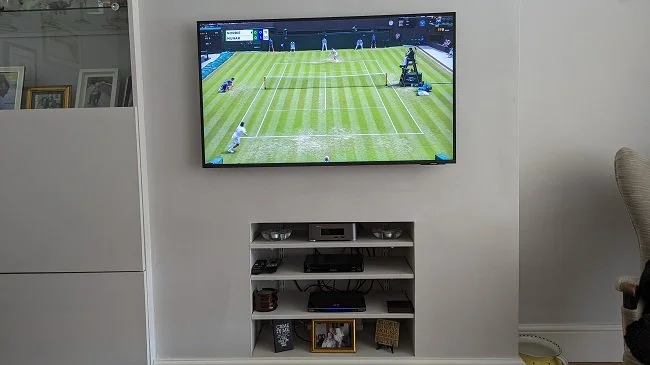
Bandicam screen capture without HDR support
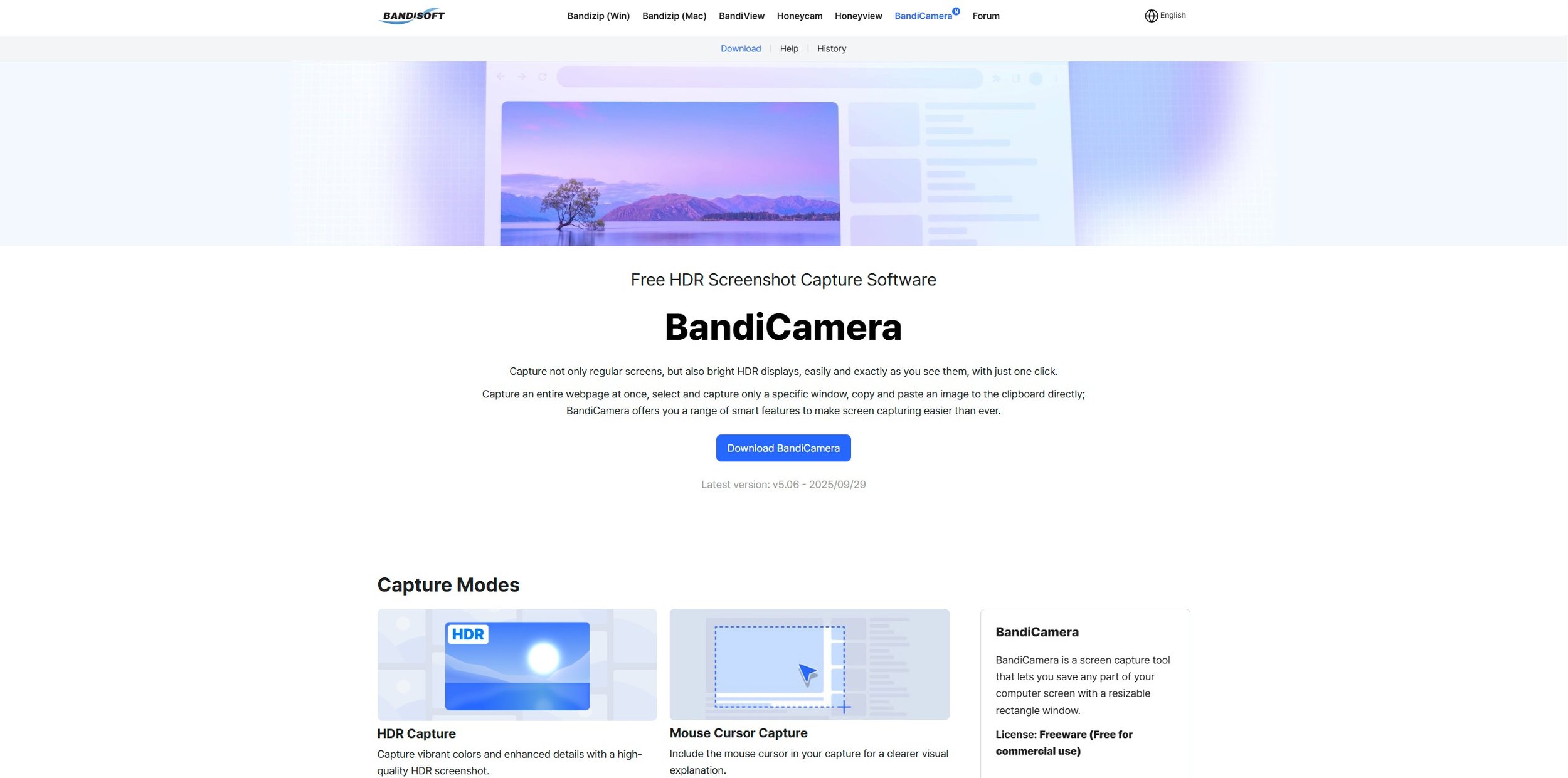
Why does this happen? Mainly because most screen capture software has been designed to capture content in the older Standard Dynamic Range (SDR) format and has been incrementally updated over the years. The fundamental mismatch between the wide brightness and colour range of HDR displays and the technical limitations of traditional capture methods leads to screenshots and recordings that appear dim, washed out, or overexposed. Fortunately, there are specific screen capture apps that have subsequently been designed to support HDR. Bandisoft, the software developer that makes Bandicam, has another product called BandiCamera which is HDR compliant and works in an identical fashion to Bandicam. However, it is purely a screen capture tool producing still images. At present it does not support video capture.
BandiCamera screen capture with HDR support
So far BandiCamera, which is free to download, has proven a good solution to the problem. Screen captures of both video games and websites no longer suffer from the overexposed and washed out look that previously blighted them. Screen captures can be saved in .PNG, .JPG and .AVIF formats. However, BandiCamera lacks some of the features found in Bandicam, which can be configured to take pictures of a specific monitor or any active game executable file. BandiCamera has various hotkeys that can be assigned to specific tasks, one of which allows you to “find capture target”. This works fine when you’re taking a screen capture from a website or YouTube video. However, it is not so good for grabbing a screenshot on the fly while playing a video game. Hopefully future releases will address this and add further functionality.
Update: During the course of researching this issue, I discovered after I had downloaded and installed BandiCamera, that Windows Snipping Tool already has a setting called “HDR screenshot colour corrector”. This can be toggled on or off accordingly. It does a similar job of compensating for HDR’s vivid colour palette, although the results are not quite as comprehensive as BandiCamera. The obvious benefit is that this is a tool that comes with Windows 11.