
A Year in Technology
Looking back at my various posts regarding “technology” this year, a recurring theme has been my ongoing attempts to replace certain mainstream products with alternatives that do the job in-hand better, don’t require constant updates, aren’t bloated by superfluous functionality and are more cost effective or even ethical. Needless to say, this has proven quite hard. Hence I was unable to find a suitable replacement email client for Microsoft Outlook and end my subscription to Microsoft 365 Personal. The main problem is that most alternative software won’t support my email archive due to differences in the mailbox format. One possible work around is to install an older and therefore, non-subscription version of Outlook but this raises support and compatibility issues. It would be a lot easier to divest myself of a lot of mainstream software if I was starting from scratch.
Looking back at my various posts regarding “technology” this year, a recurring theme has been my ongoing attempts to replace certain mainstream products with alternatives that do the job in-hand better, don’t require constant updates, aren’t bloated by superfluous functionality and are more cost effective or even ethical. Needless to say, this has proven quite hard. Hence I was unable to find a suitable replacement email client for Microsoft Outlook and end my subscription to Microsoft 365 Personal. The main problem is that most alternative software won’t support my email archive due to differences in the mailbox format. One possible work around is to install an older and therefore, non-subscription version of Outlook but this raises support and compatibility issues. It would be a lot easier to divest myself of a lot of mainstream software if I was starting from scratch.
AI is currently everywhere and seems to be the biggest talking point of the year. I have mixed feelings on the subject as I feel that it can be a useful tool in some specific circumstances. I like AI tools that can be used to fix photos, as I am currently cataloguing my parents’ prodigious collection. Some of the pictures are from the start of the last century and have a lot of damage. I occasionally use AI for collating basic data. The sort of information that is not disputed or subject to political misrepresentation. However, I don’t agree with AI being used to bypass paid creativity and sadly that appears to be at the vanguard of its use. I’m sure Disney’s $1 Billion investment in OpenAI will end with negative consequences for the existing animators, voice artists and other creative employees. I look forward to an EU law that mandates that the use of AI has to be declared when buying a product or service.
Another notable aspect of 2025 has been the ongoing war between ad blockers and their respective corporate opponents. YouTube has pushed back hard against such apps and browser extensions. Although advertisements can still be blocked, there are notable delays, sometimes commensurate with the blocked adverts running time, before the desired video will actually play. Advertising has become more pervasive and invasive, even finding a foothold on my Windows 11 lockscreen and desktop. Fortunately such features can be removed. Advertising on social media also became problematic and is harder to remove or bypass. All of which indicates an advertising market that is declining, or at least fragmented, hence corporations are pursuing “their piece of the cake” more aggressively. Again, shareware, freeware and companies offering a one time payment, rather than a subscription become more appealing.
A short break at the end of October served as a timely reminder of the ubiquitous nature of the internet in our life and our reliance upon it for both work and leisure alike. I found myself in an environment (a static caravan) that did not have internet access by default and I briefly lost connectivity. It certainly gave me pause for thought about how I live my life. In the meantime while grappling with this philosophical crisis, I resolved the immediate problem by internet tethering to my phone. Another recent change is how I fill “dead time”. Over this year I have pivoted from reading while waiting for a bus, train or travelling, to relying on my phone to entertain me. This is mainly via the internet, with games such as Roblox. It’s not something I’m particularly proud of and I shall try and address this in the New Year. Using the internet for leisure is fun but everything in moderation.
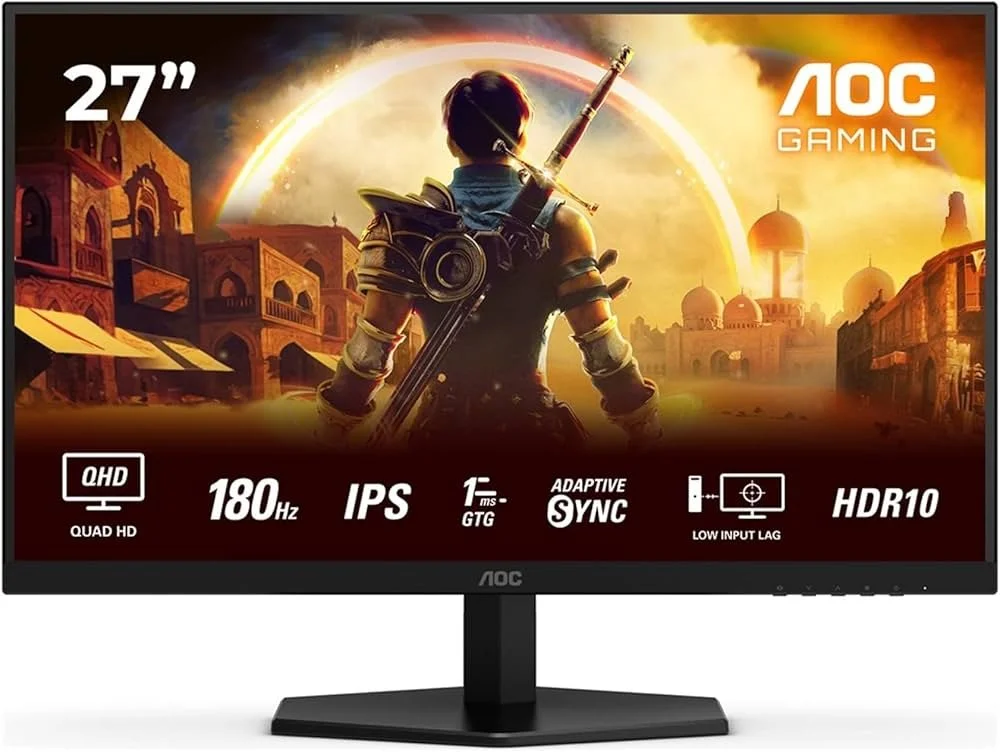
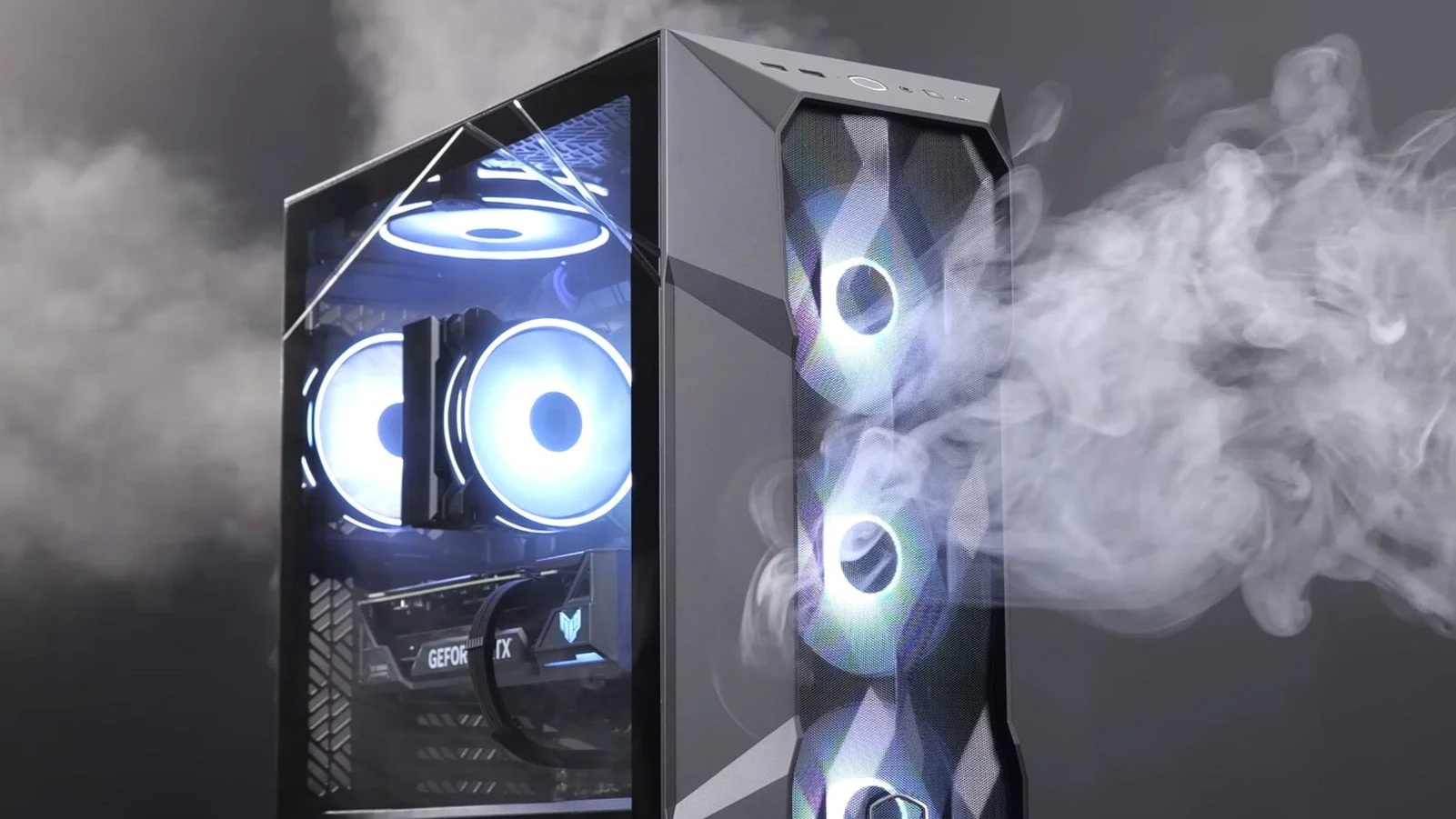
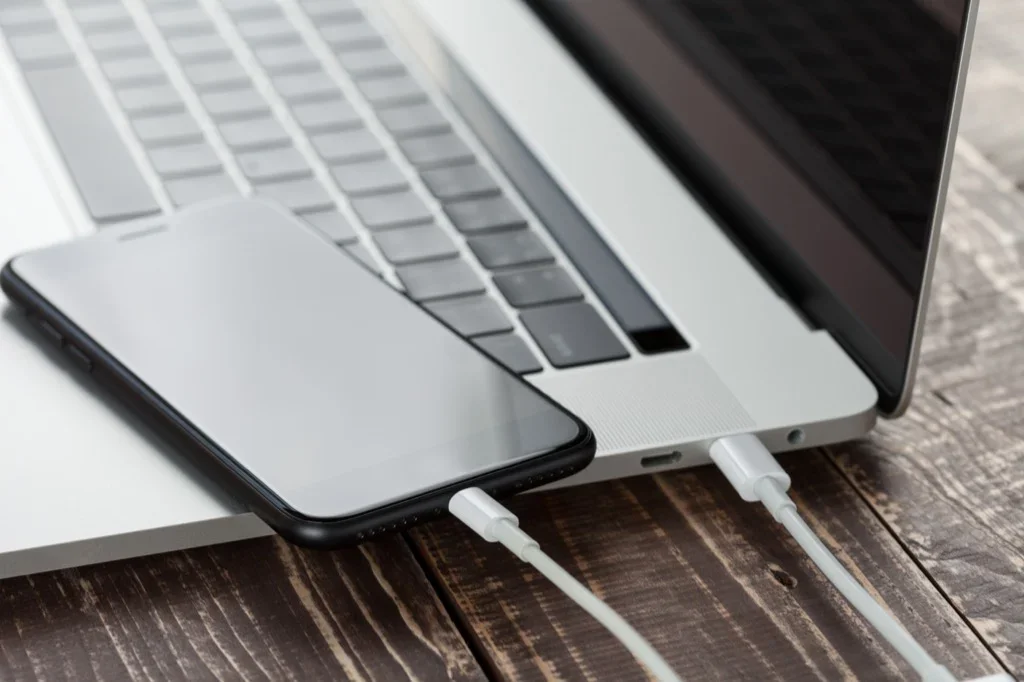
I bought a little new technology this year, mainly out of necessity. My phone needed replacing due to battery bulge and my ageing monitors were becoming difficult for me to see clearly. So I bought a new handset and a pair of 2K monitors. I hope that I can future proof my current desktop PC for another 24 months. Looking forward to 2026, my next technology based endeavour is to see if I can ditch Windows as an operating system for everyday use. Perhaps set up a dual boot PC with a bare bones install of Windows for running games and some variation of Linux, such as Zorin OS, for everything else. I also need to continue with locking down my phone and making web browsing via that device as good an experience as using my PC. Overall technology is losing its appeal. Too often causes just as many problems as it solves. It also tends to serve the manufacturers needs more than the customers.














Software Updates
As part of our increasing dependency upon software, we have also grown accustomed to its associated foibles, especially the negative ones. Today, I upgraded my blog from Squarespace 7.0 to 7.1 and my PC operating system from Windows 10 to 11. I started early in the morning and ensured that all my personal data was backed up. My default expectation was that both processes would go wrong in some way, shape or form. Let’s take a moment to consider this mindset, which is born out of experience. It is now taken as read that whatever you upgrade, be it an app on your phone or a program on your PC, that it’s going to be problematic. It won’t be a seamless transition and you’ll end up having to do some sort of troubleshooting. Despite our lives becoming more dependent on such software, the quality of these products seems to be deteriorating. What a sorry state of affairs.
As part of our increasing dependency upon software, we have also grown accustomed to its associated foibles, especially the negative ones. Today, I upgraded my blog from Squarespace 7.0 to 7.1 and my PC operating system from Windows 10 to 11. I started early in the morning and ensured that all my personal data was backed up. My default expectation was that both processes would go wrong in some way, shape or form. Let’s take a moment to consider this mindset, which is born out of experience. It is now taken as read that whatever you upgrade, be it an app on your phone or a program on your PC, that it’s going to be problematic. It won’t be a seamless transition and you’ll end up having to do some sort of troubleshooting. Despite our lives becoming more dependent on such software, the quality of these products seems to be deteriorating. What a sorry state of affairs.
Setting aside the failures of the tech industry, I was pleasantly surprised by the fact that both upgrades went well, with no major fallout. With regard to Contains Moderate Peril, I am quite happy how individual posts are displayed. I just need to determine whether from now on, I can include images that scale to the width of the page (but display at full size when clicked on), rather than having to set them to a standard resolution. I also have to fix the main blog page, as it is currently showing each post in full, rather than just the first paragraph along with the option to “read more”. However, these are not deal breakers. The site is still functional for both PCs and mobile devices. Similarly, the Windows upgrade went well. I was interested to see that some of the formatting aspects of Windows 10 were carried over and as a result, I have not had to excessively tinker with the visuals of Windows 11.
Oddly, because things appear to have gone relatively smoothly, I cannot help but feel somewhat disconcerted. Mainly because, as mentioned earlier, we are so used to things just not going to plan these days with regard to the software we use. Hence for the next few days, I will remain prepared for some unforeseen technical issues to manifest themselves. If they materialise, so be it. If they do not, then it’s an added bonus. Hopefully, there’s nothing else on my PC that requires a major update, for the immediate future. That being said, I rebooted my phone earlier today and it has obviously installed an Android update. I only spotted this when I received a phone call and was furiously trying to swipe upwards to answer it. Turns out I now have to swipe to the right. Oh the pleasure of software upgrades! The tech companies obviously think that daily life just isn’t interesting enough.



Windows 11
I recently bought a new laptop which shipped with Windows 10 preinstalled. As I use this device mainly for writing and web browsing, I deemed it the perfect test environment for Windows 11. I have very few programs (sorry, I believe we now have to universally refer to them as “apps”, regardless of the platform) installed, there was minimal risk of running into compatibility issues. So I duly installed the free upgrade and to date there’s been no major problems. So far there have been some minor changes associated with contextual menus but nothing that I’d label a deal breaker. I can live with the visual changes and such like. I look forward to experimenting with the installation of Android apps which this version of Windows is supposed to support. Overall, this upgrade has been a success.
I recently bought a new laptop which shipped with Windows 10 preinstalled. As I use this device mainly for writing and web browsing, I deemed it the perfect test environment for Windows 11. I have very few programs (sorry, I believe we now have to universally refer to them as “apps”, regardless of the platform) installed, there was minimal risk of running into compatibility issues. So I duly installed the free upgrade and to date there’s been no major problems. So far there have been some minor changes associated with contextual menus but nothing that I’d label a deal breaker. I can live with the visual changes and such like. I look forward to experimenting with the installation of Android apps which this version of Windows is supposed to support. Overall, this upgrade has been a success.
However, and there always seems to be a however, that was not the case with Mrs P’s new laptop. That model shipped with Windows 11 in S Mode. According to the Microsoft website “Windows 11 in S mode is a version of Windows 11 that's streamlined for security and performance, while providing a familiar Windows experience. To increase security, it allows only apps from the Microsoft Store, and requires Microsoft Edge for safe browsing”. Which explained why I couldn’t install Mozilla Firefox. I suppose I can see the logic of having such a facility, especially for those who are not especially tech savvy. However, for someone like myself who is very particular about how they configure a laptop or desktop PC, this mode was nothing short of infuriating. It requires creating a Microsoft account and changing your settings online to disable this mode. Something else I wasn’t entirely happy about.
From what I’ve learned from some online research, the main differences between Windows 10 and 11 are mainly in advanced features, design and aesthetics. It would appear that the fundamental architecture is the same. A summary of new features and functionality is as follows:
Design and interface
Android app integration
Better virtual desktop support
Easier transition from monitor to laptop
Microsoft Teams added to the Taskbar
Widgets
Enhanced touchscreen, voice and pen support
Xbox tech to improve gaming
As I stated earlier, upgrading my laptop to Windows 11was a calculated risk that paid off with minimal problems. At present my desktop PC in my office is still running Windows 10 and due to the wealth of games and other software that is installed, I am reluctant to upgrade when there is scope for far greater inconvenience if things do not go well. Hence, I shall defer changing operating systems for a while longer, having learned over the years the hard lessons of being an early adopter. At some point I obviously will have to upgrade but by then if there are any “issues” associated with Windows 11, they will hopefully have been rectified. As I’ve stated before, it would be nice if Windows per se had the facility to disable or uninstall the features that you don’t use or need.