
Learning How to Live Stream Part 2
It’s been a year since I wrote my last post about “learning to live stream”. I think that should give you a very clear indication of how well I’ve progressed. I mainly stopped streaming after a few experiments last March because of the time requirement involved. The only window of opportunity I had “go live” was from between 9:00PM and Midnight. That would have meant cutting into time I spend with Mrs P. Plus, due to health reasons, she often goes to bed before me. And as I use the spare bedroom as an office, my constant babble would have kept her awake. So this is yet another project that got shelved. However, a year later I find myself with a lot more time on my hands due to the current “global situation”. So today I fired up SLOBS once again and tried to get back on the horse. As with my previous experience, there’s a lot of fine tuning to be done if you want to live stream to any standard. So this latest outing was mainly a technical test to determine what needs to be changed in my current set up.
It’s been a year since I wrote my last post about “learning to live stream”. I think that should give you a very clear indication of how well I’ve progressed. I mainly stopped streaming after a few experiments last March because of the time requirement involved. The only window of opportunity I had “go live” was from between 9:00PM and Midnight. That would have meant cutting into time I spend with Mrs P. Plus, due to health reasons, she often goes to bed before me. And as I use the spare bedroom as an office, my constant babble would have kept her awake. So this is yet another project that got shelved. However, a year later I find myself with a lot more time on my hands due to the current “global situation”. So today I fired up SLOBS once again and tried to get back on the horse. As with my previous experience, there’s a lot of fine tuning to be done if you want to live stream to any standard. So this latest outing was mainly a technical test to determine what needs to be changed in my current set up.
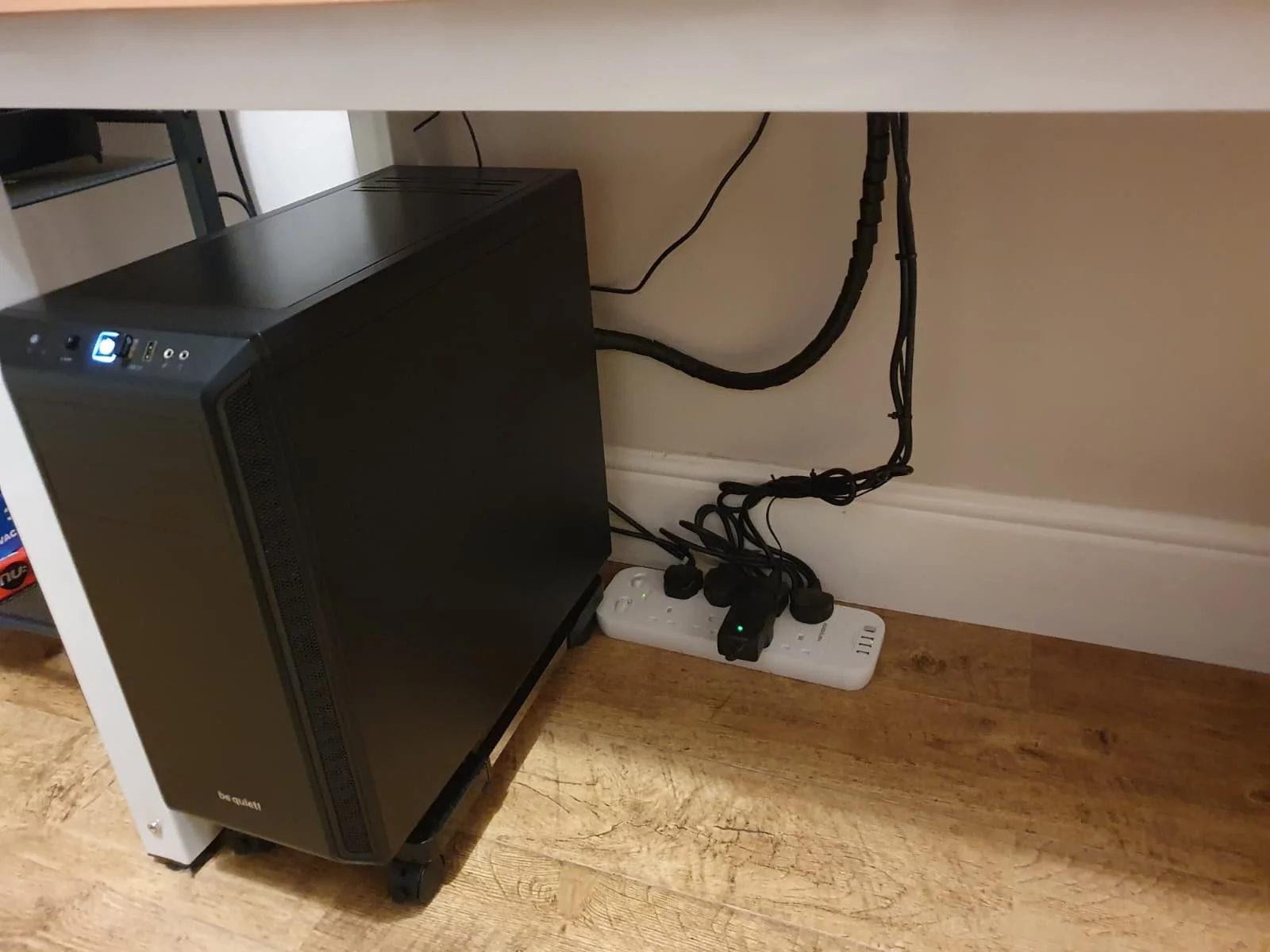
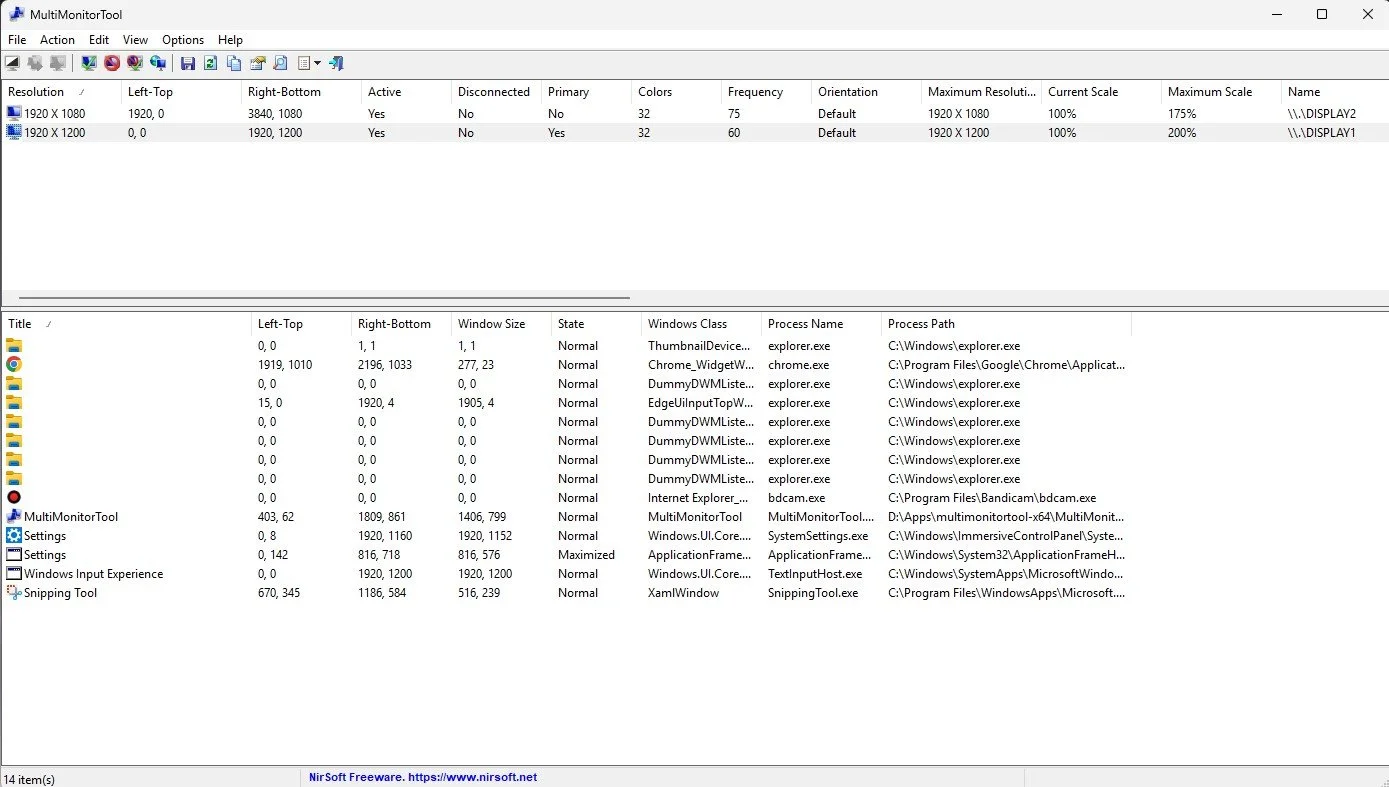
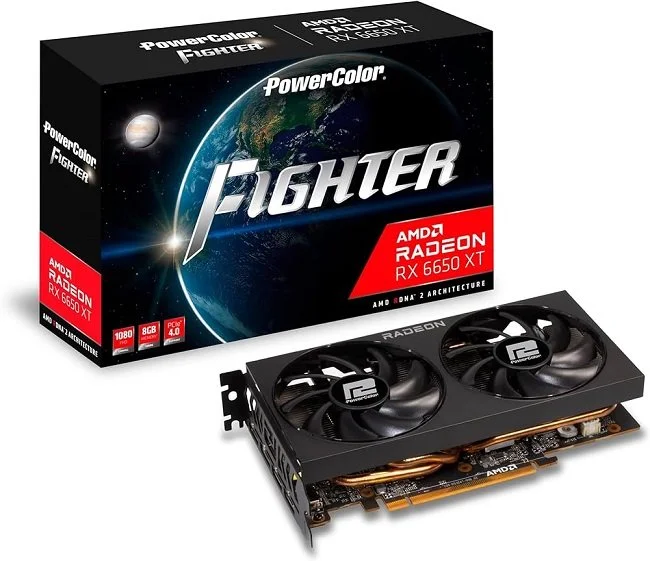
First off, I’m running a different PC this time round. To cut a very long story short, there is a Intel Graphics chipset on the Gigabyte Motherboard but the AMD Ryzen 5 3600 doesn’t support it and requires a discrete graphics card. So I couldn’t run a second monitor this way, as I did last year. However, my current NVIDIA GTX 1050Ti has 3 outputs; DVI, HDMI and DisplayPort. So after buying a DVI to VGA adapter, I managed to attach a second Acer X223W LCD monitor (1680 x 1050) and reconnected my existing primary Dell U2412M monitor (1920 x1200) with a DisplayPort cable. The cost was minimal (about £13 in total) and all items were delivered from Amazon in a matter of days.
The next issue has been tweaking various settings in SLOBS. Something that remains very much a work in progress. It took a while to resolve the “there was an error fetching your channel information" error message. Google presented a simple solution; enabling 2FA (Two Factor Authentication). However, it took several attempts before my Twitch Account recognised that this facility had been turned on. And then there’s the fiddling with settings. I play games at a default resolution of 1920 x 1200 (16:10) but the stream outputs at generic 1920 x 1080 (16:9) and so the image is distorted. I managed to resolve this issue after I stopped broadcasting. I also need to display my Twitch account Chat Channel on my second monitor so I can keep up with any comments. I suspect this wasn’t working earlier due to the 2FA issues, so I had to use my Fire HD 10 as an alternative means. It’s far from ideal. Another lesson learned is to stop using my headset and to switch to desktop mic. I was surprised how hot my ears and head got.
At present another matter that’s complicating this process is my own personality. I like things to be just so and it bugs the hell out of me when they’re not. I’ve yet to master the subtleties of SLOBS interface and many of its settings are not immediately clear to me. Hence every few minutes I’m Googling questions and then having to watch various YouTube videos for answers. I may have to speak to other streamers and see if I can essentially “crib” their settings as I’m sure that for many, this is a fairly generic process. In the meantime, I’ll try and persevere. If I stream every couple of days, I’m sure I can iron out some of the obvious imperfections and improve the overall presentation. As for sprucing up my “banter”, that’s a whole different blog post.




Learning How to Live Stream Part 1
Sometimes, it’s good to try something different and to learn new skills. I’ve been mentally restless of late and miss applying myself to technical problems and expanding my skills. It’s one of the few aspects of traditional “work” that I miss. So after some deliberation, I’ve decided to try live streaming. Whether I’m successful at it and maintain a regular streaming schedule is another matter altogether. But I’m going to give it a go and have already determined how I intend to approach it and what “my angle” is going to be. However, first things first. Matters such as style, tone and presentation are concerns for later. I spent today getting to grips with Streamlabs OBS and learning the basics. I thought I’d share my experiences because it hasn’t been as straight forward a process as I’d imagined.
Sometimes, it’s good to try something different and to learn new skills. I’ve been mentally restless of late and miss applying myself to technical problems and expanding my skills. It’s one of the few aspects of traditional “work” that I miss. So after some deliberation, I’ve decided to try live streaming. Whether I’m successful at it and maintain a regular streaming schedule is another matter altogether. But I’m going to give it a go and have already determined how I intend to approach it and what “my angle” is going to be. However, first things first. Matters such as style, tone and presentation are concerns for later. I spent today getting to grips with Streamlabs OBS and learning the basics. I thought I’d share my experiences because it hasn’t been as straight forward a process as I’d imagined.
First off, this post is not intended as a guide, it is more of a commentary on SLOBS and the wealth of information that is available online. Like most “free software” there is a minimal amount of information contained within the program itself. There are some video links for a standard installation and an overview of the software’s functionality. New users are encouraged to use the SLOBS Discord channel but getting help in such an environment is a mixed bag. You’re at the mercy of who’s online, how helpful they are and whether they’re a good communicator. The latter is a criticism that plagues most of the You Tube content on this matter. I sat through dozens of videos today, that were intended to help and share information. Sadly most were rambling, vague and poorly expressed. Fortunately, I have access to an existing streaming community who managed to answer most of my enquiries. Therefore I’d say lesson number one is to speak to other streamers if you can and try to replicate their settings.
Having configured SLOBS, I attempted a test. Rather than “Go Live” on my Twitch account, I opted to record the results. This proved very useful. New streamers will save themselves hours of grief if they ensure from the beginning to run SLOBS as an administrator. Otherwise it will not find the game that you’re streaming. Another foible of the software happens when tabbing between the game you’re playing and SLOBS itself, which mutes the sound of your live stream. This is an “active window” issue and the only immediate solution is to not do this while you’re “live”. Fortunately, there is a SLOBS Remote app for phones and tablets, so you can manage your scene transitions and management without the need to tab to SLOBS itself. However, this brings me to lesson number two. It is not essential, but it will certainly make matters easier if you have a second monitor.
And therein lies the rub. It is casually implied by Streamlabs and many of the internet guides that you can just install the software and “go”. However, the reality is not quite as simple. SLOBS has multiple functionality and there’s a wealth of widgets you can add to manage subscriptions and social interactions. It even integrates the chat from your Twitch channel into the UI when you “Go Live”. Therefore having a second monitor, a mobile device for SLOBS Remote and establishing a lot of additional key binds for extra functions are all desirable. All of which have to be implemented in a way that is accessible, while you’re playing a game. I’m sure a lot of good streamers get by in their own unique fashion, but for optimal performance, you need a large desk with lots of space, a multiple monitor set up and possibly a tablet or bespoke device such as Stream Deck.
I don’t really have the room for a second monitor on my desk nor want at this stage in the proceedings to invest in any further hardware. So I’ve settled for having SLOBS Remote on my phone for scene management and having chat from my Twitch channel displayed on my tablet. At this point I am not going to complicate matters by having a webcam and integrating myself into my live streams. Coming form a podcast background I prefer things to be about what is being discussed rather than my sartorial elegance and rugged good looks. Today’s test streams worked although they were minimalist in nature. Now comes the task of templates and scene design, although I want to keep this as basic and functional as possible. I shall cover the next stage of my “adventures” in my next post on live streaming. In the meantime, I have adjusted my opinion on all who try this medium as it isn’t as straightforward as it first seems.