Screen Capture Software and HDR
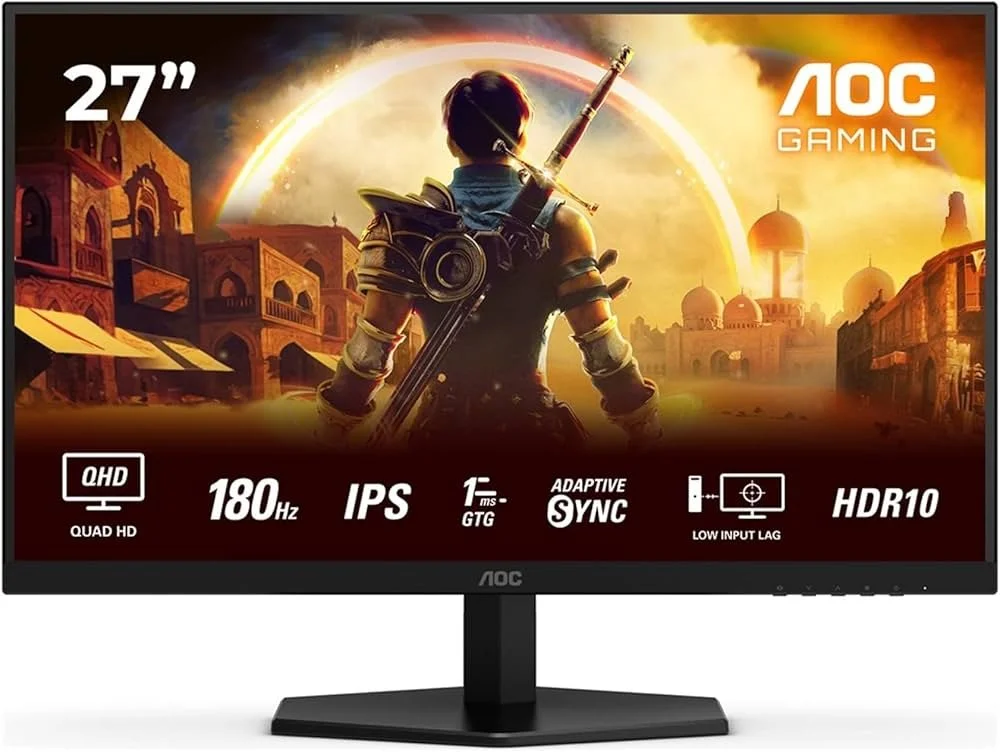
I take a lot of screen captures of video games and Windows apps, usually for blog posts. I use both Bandicam and Windows Snipping Tool to do this and have set up various hotkeys to make the process easy. Of late, the screen captures that I’ve taken have all suffered from washed out colours, regardless what tool I used to take them. I checked to see if both these apps needed to be updated but they are running the latest versions. Hence I was initially stumped as to why this problem had started happening. After some thought, I deduced that the only new elements in my PC hardware were my two new monitors. Both of which support HDR. Google Gemini quickly informed me that this was a known issue and taking screen captures from an HDR enabled device resulted in an excessively bright image that looked over exposed.
I take a lot of screen captures of video games and Windows apps, usually for blog posts. I use both Bandicam and Windows Snipping Tool to do this and have set up various hotkeys to make the process easy. Of late, the screen captures that I’ve taken have all suffered from washed out colours, regardless what tool I used to take them. I checked to see if both these apps needed to be updated but they are running the latest versions. Hence I was initially stumped as to why this problem had started happening. After some thought, I deduced that the only new elements in my PC hardware were my two new monitors. Both of which support HDR. Google Gemini quickly informed me that this was a known issue and taking screen captures from an HDR enabled device resulted in an excessively bright image that looked over exposed.
HDR, or High Dynamic Range, is a technology that improves image and video quality by creating a greater contrast between the brightest and darkest parts of an image. This allows for more realistic pictures with a wider range of colours, deeper blacks and brighter whites, while also preserving detail in both highlights and shadows. It is commonly used in 4K televisions and is supported by streaming services like Netflix and Amazon Prime Video. 4K UHD Blu-ray supports HDR but regular Blu-ray does not, instead using the older Standard Dynamic Range. HDR is also a feature on the latest Smartphones. Furthermore, HDR is common in many contemporary video game titles and as such gaming monitors now support the process. Hence capturing an image from any of these sources is potentially going to run into these issues with regard to colour balance and contrast.
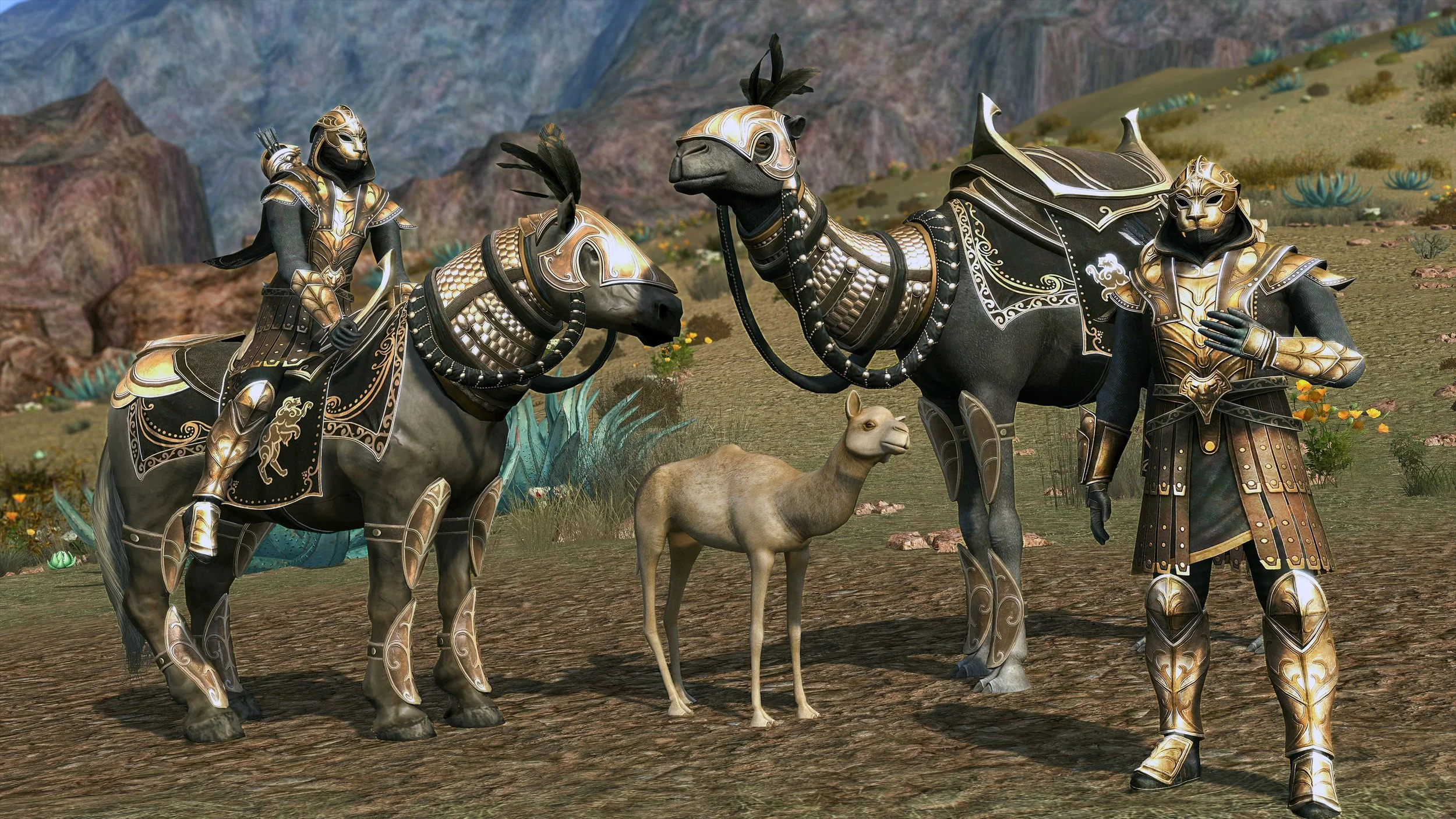
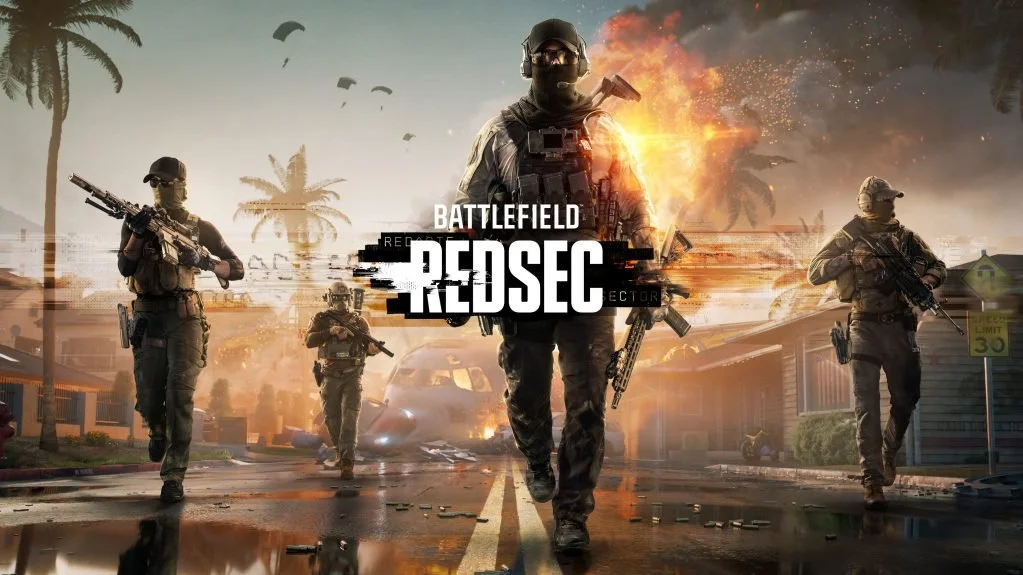
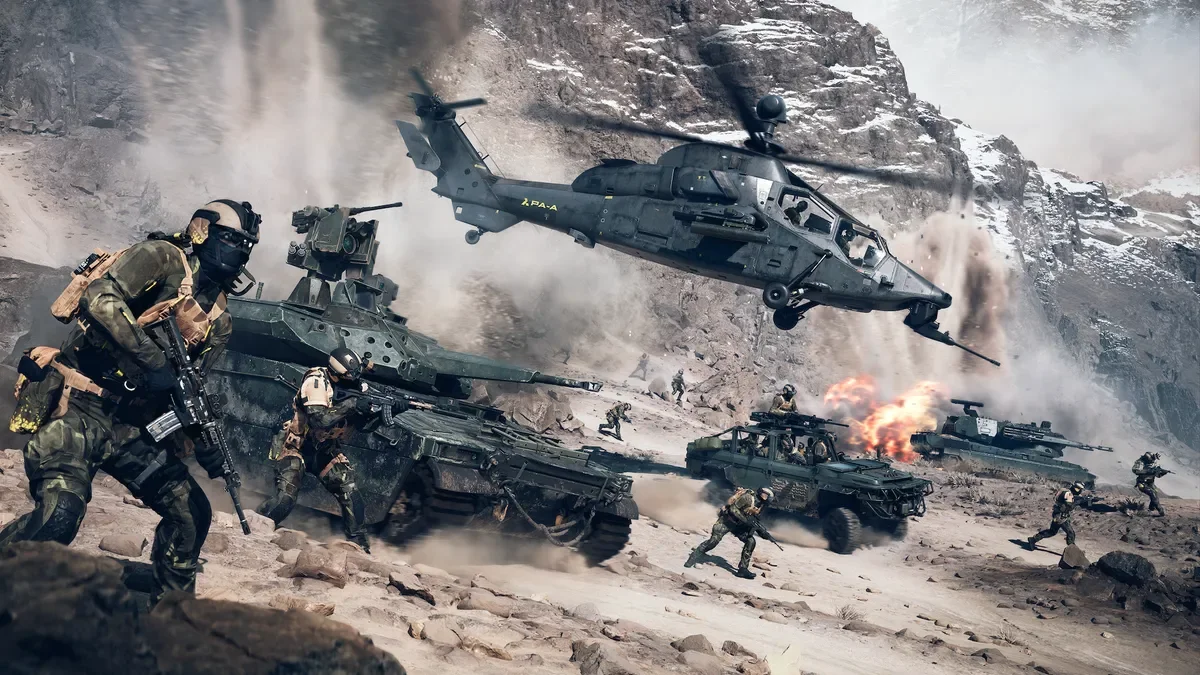
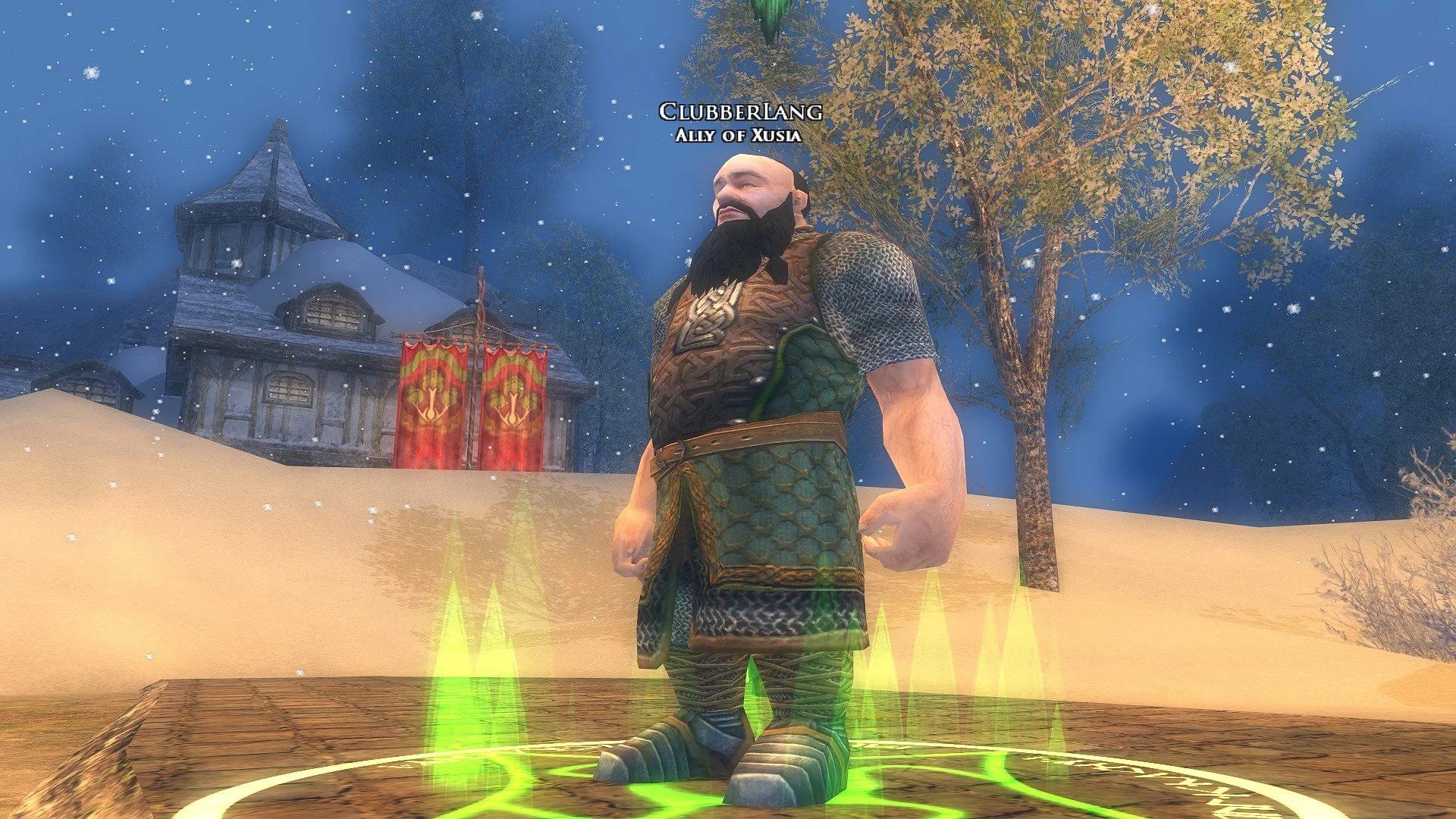
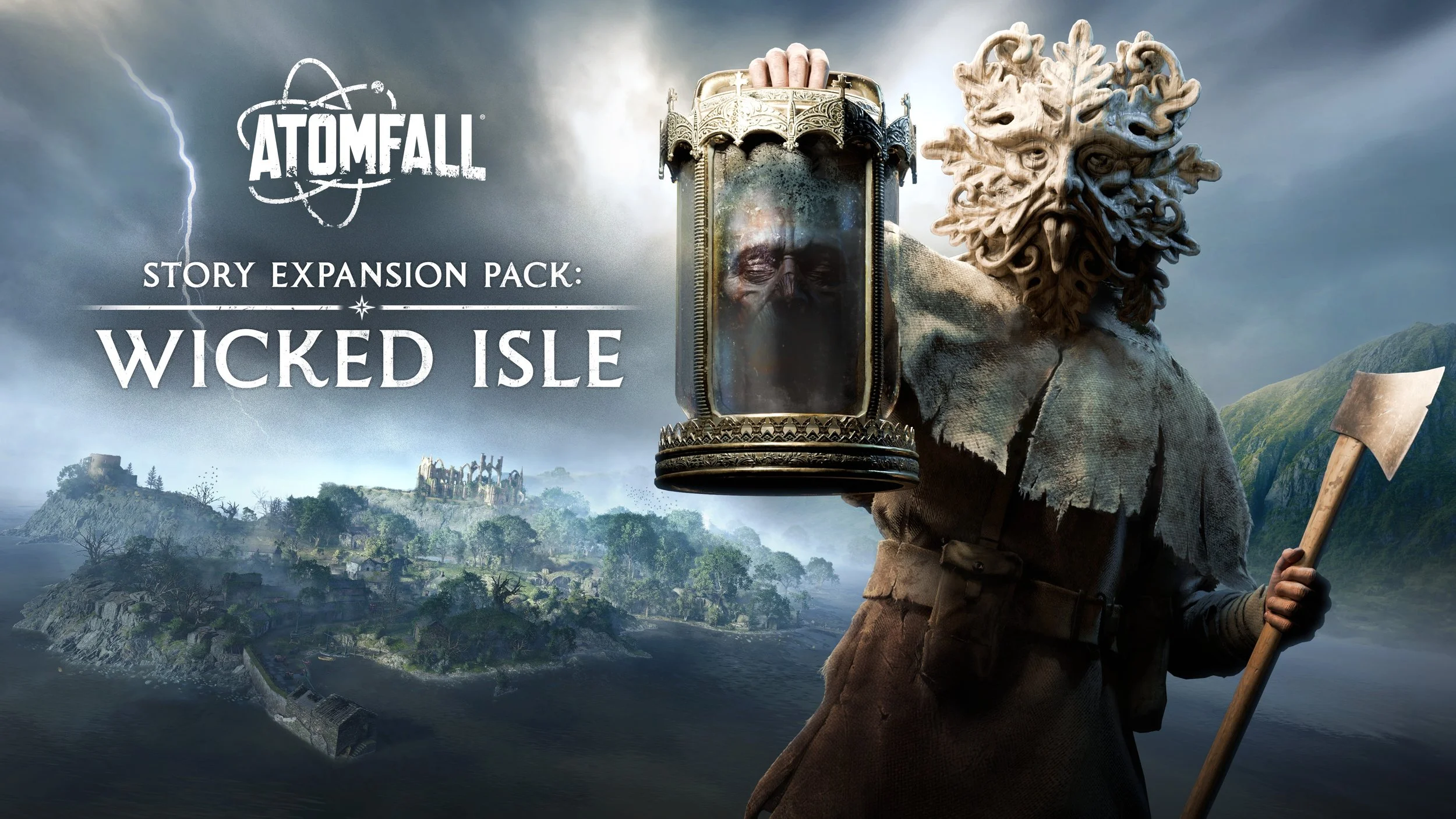
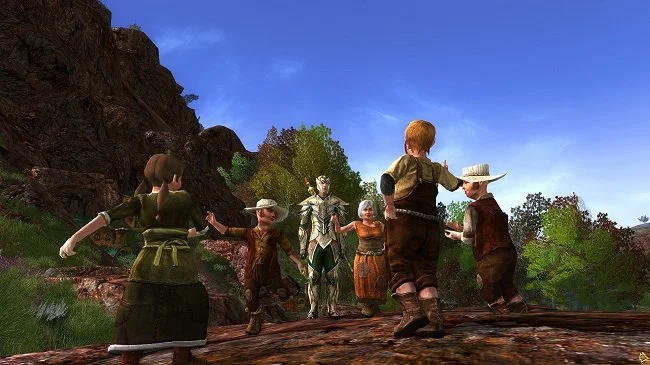
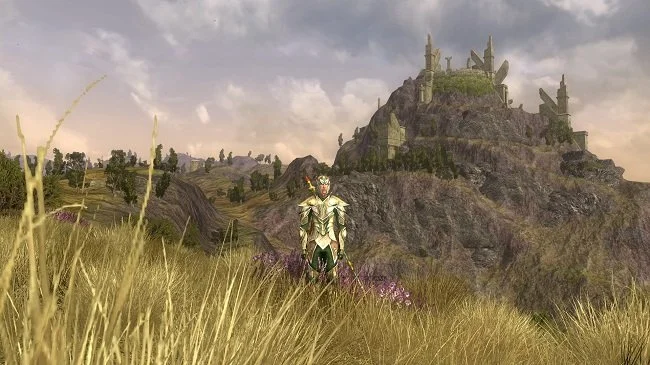
Bandicam screen capture without HDR support
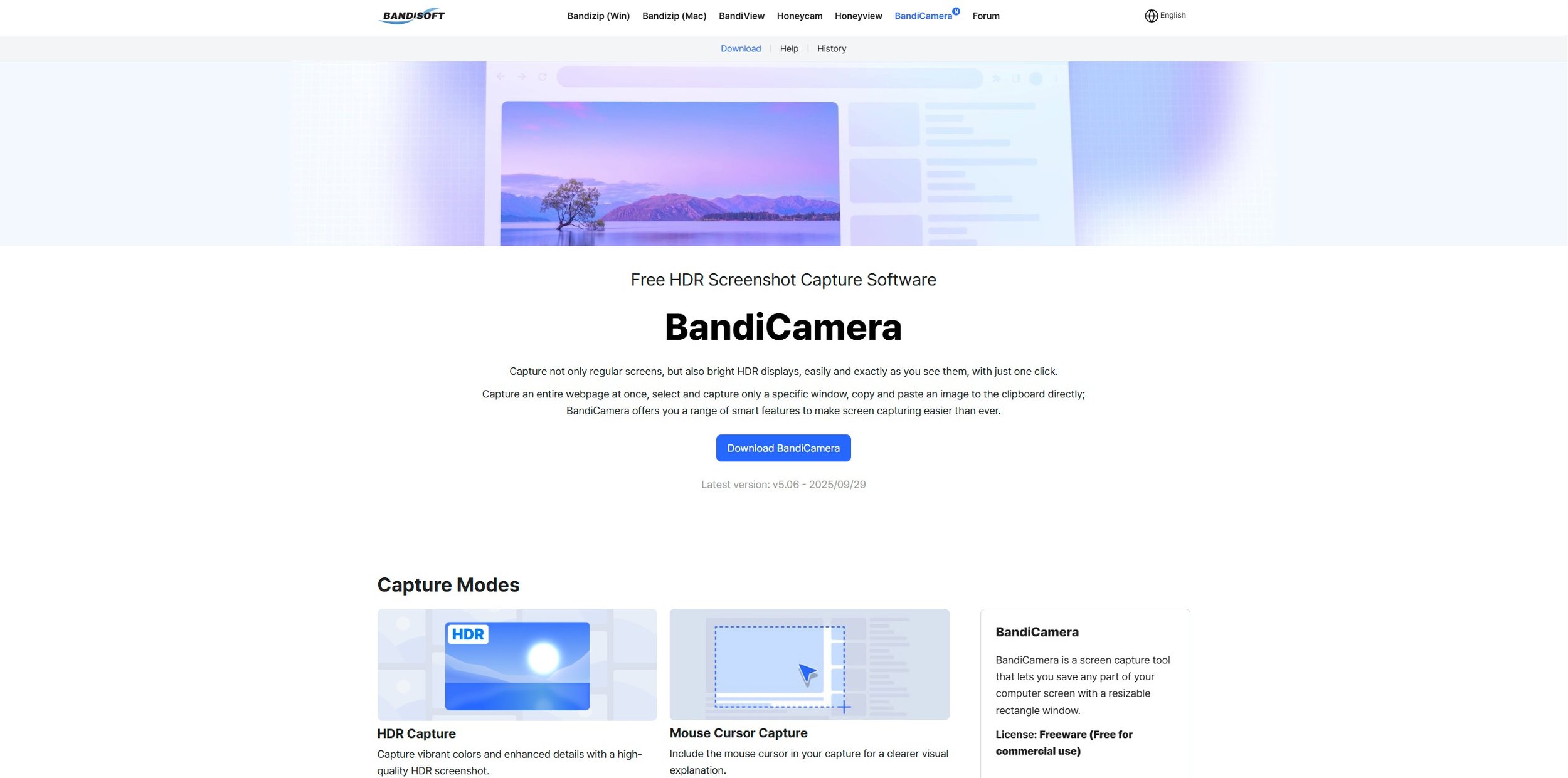
Why does this happen? Mainly because most screen capture software has been designed to capture content in the older Standard Dynamic Range (SDR) format and has been incrementally updated over the years. The fundamental mismatch between the wide brightness and colour range of HDR displays and the technical limitations of traditional capture methods leads to screenshots and recordings that appear dim, washed out, or overexposed. Fortunately, there are specific screen capture apps that have subsequently been designed to support HDR. Bandisoft, the software developer that makes Bandicam, has another product called BandiCamera which is HDR compliant and works in an identical fashion to Bandicam. However, it is purely a screen capture tool producing still images. At present it does not support video capture.
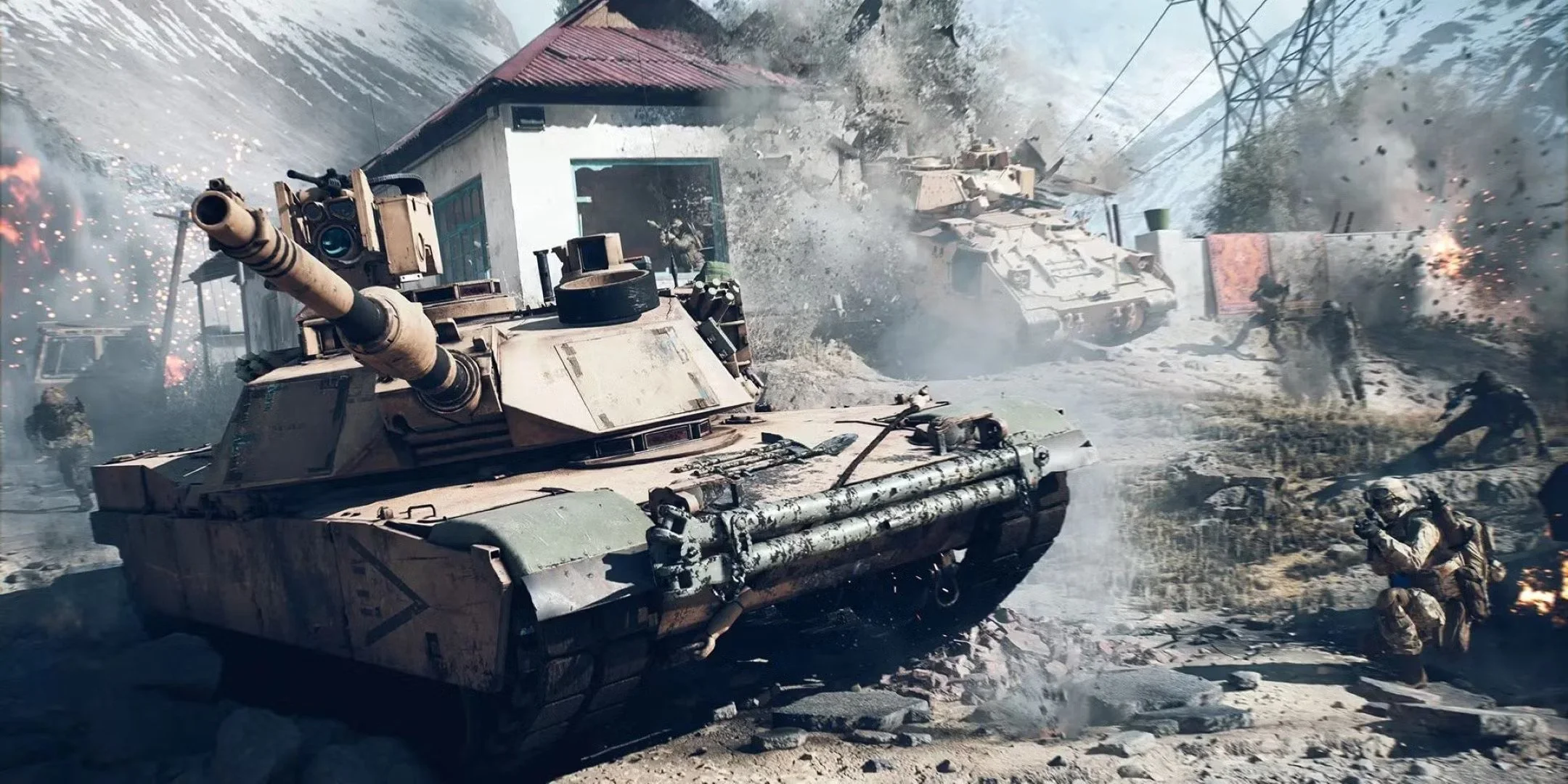
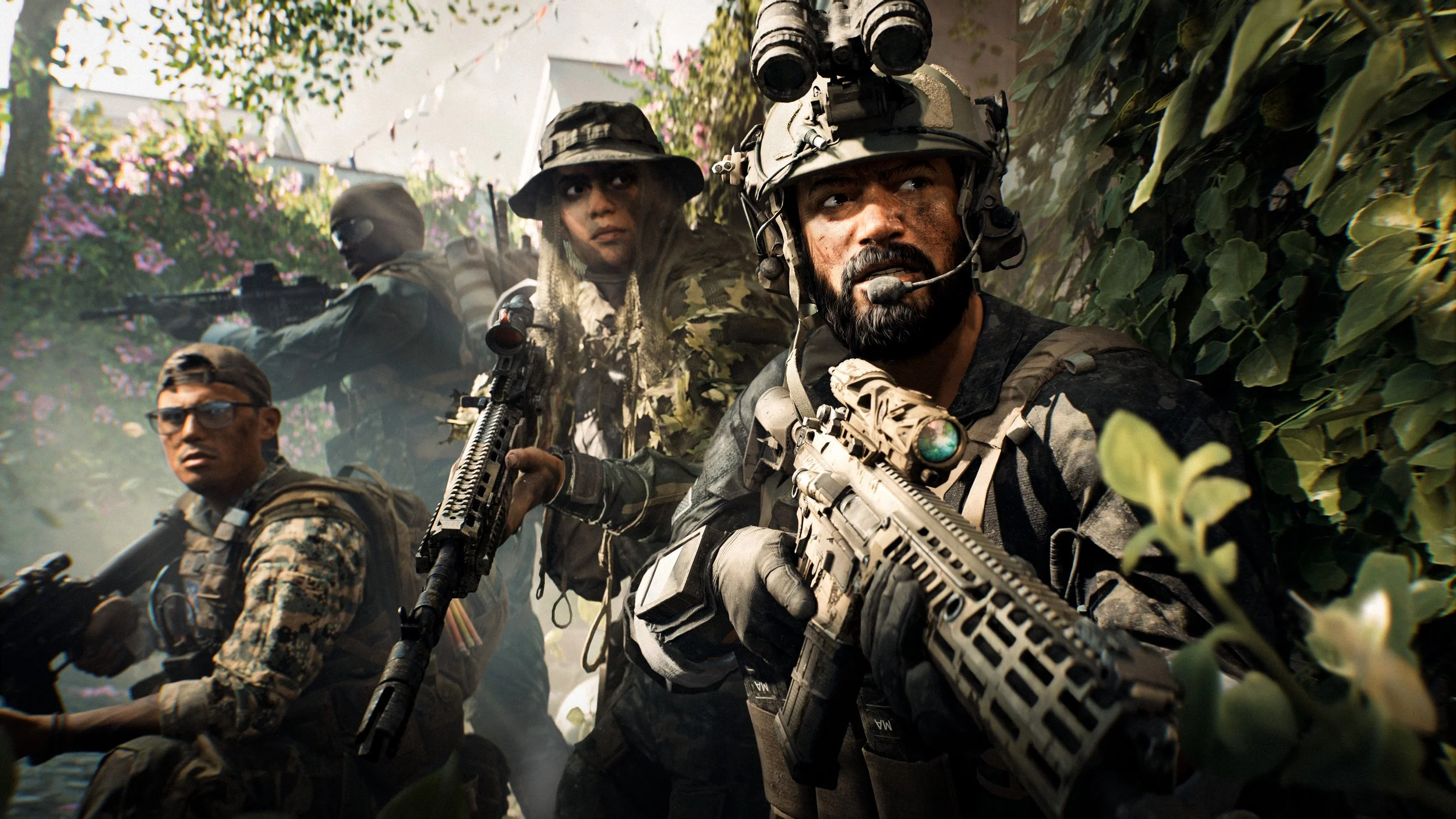
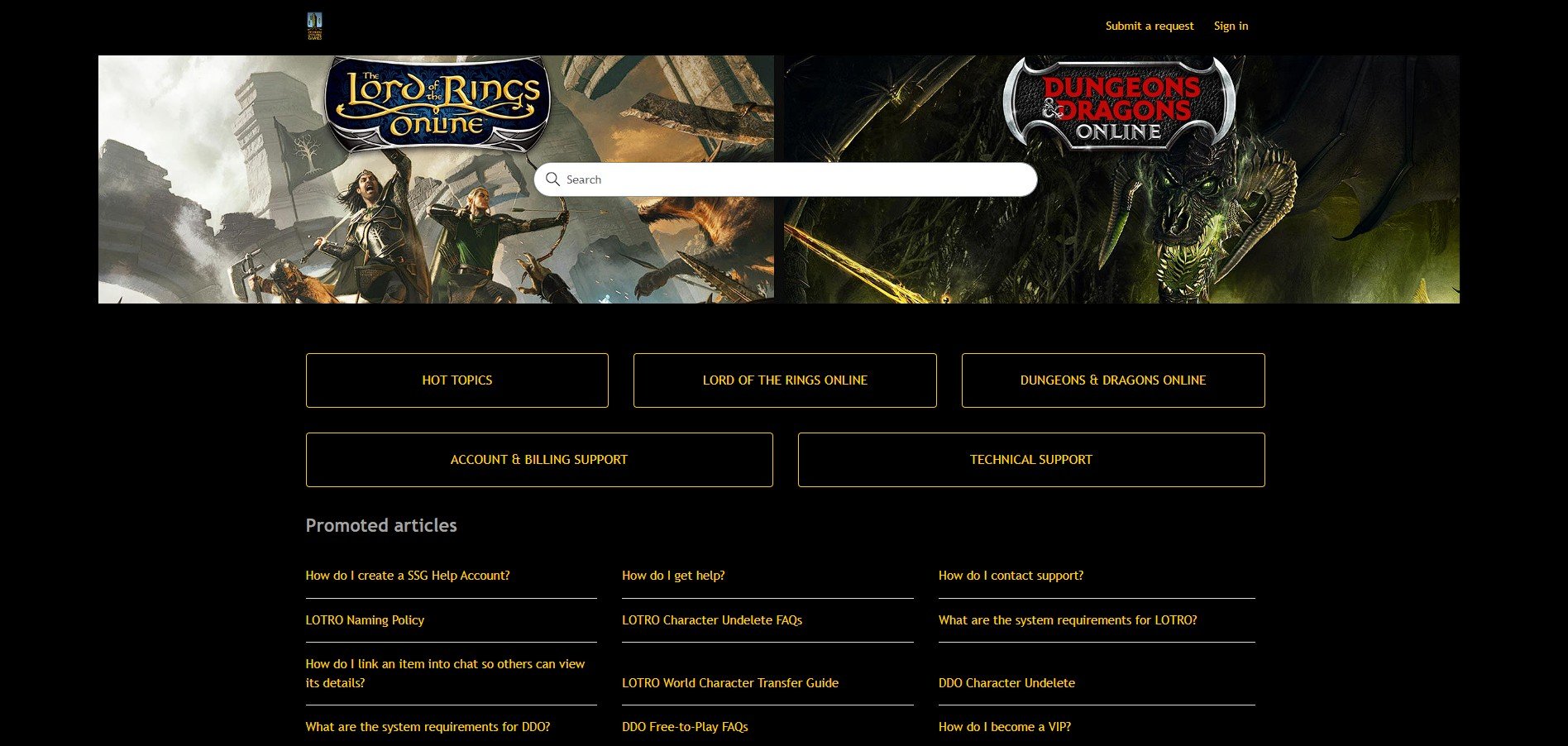
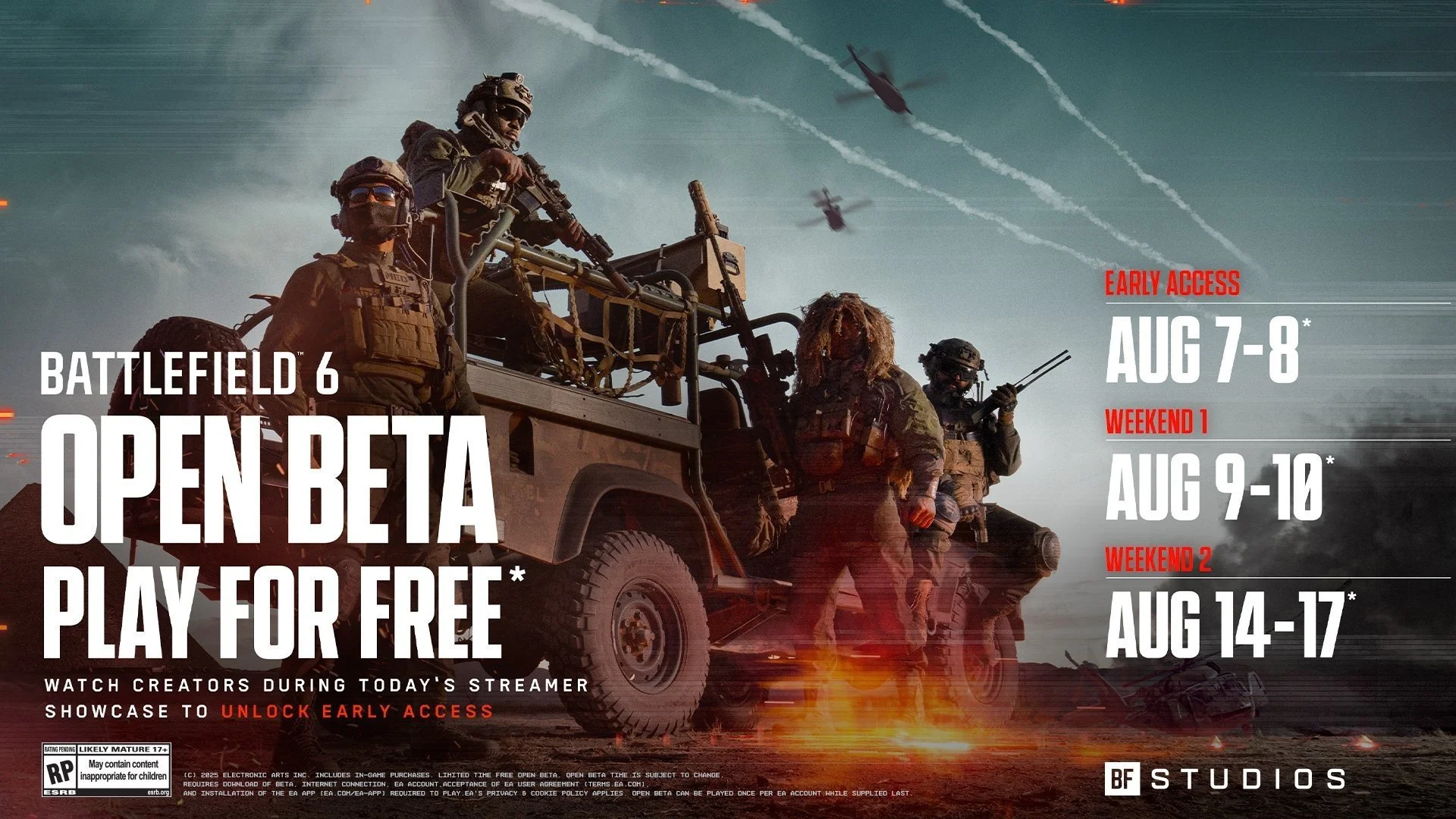
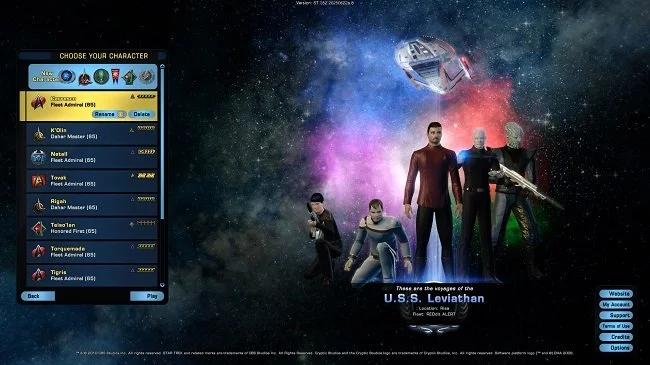
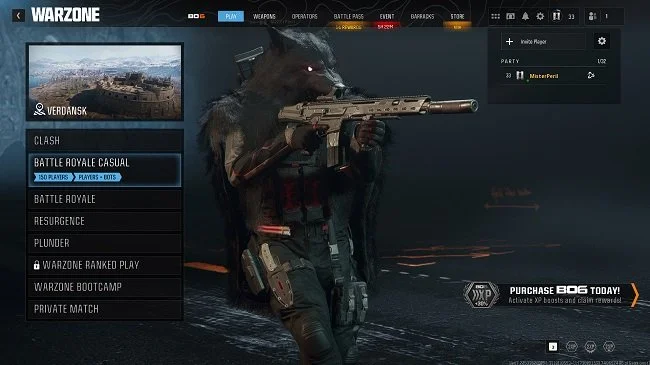
BandiCamera screen capture with HDR support
So far BandiCamera, which is free to download, has proven a good solution to the problem. Screen captures of both video games and websites no longer suffer from the overexposed and washed out look that previously blighted them. Screen captures can be saved in .PNG, .JPG and .AVIF formats. However, BandiCamera lacks some of the features found in Bandicam, which can be configured to take pictures of a specific monitor or any active game executable file. BandiCamera has various hotkeys that can be assigned to specific tasks, one of which allows you to “find capture target”. This works fine when you’re taking a screen capture from a website or YouTube video. However, it is not so good for grabbing a screenshot on the fly while playing a video game. Hopefully future releases will address this and add further functionality.
Update: During the course of researching this issue, I discovered after I had downloaded and installed BandiCamera, that Windows Snipping Tool already has a setting called “HDR screenshot colour corrector”. This can be toggled on or off accordingly. It does a similar job of compensating for HDR’s vivid colour palette, although the results are not quite as comprehensive as BandiCamera. The obvious benefit is that this is a tool that comes with Windows 11.









Screen Capture Software
The ability to take a screen capture of a video game that you’re playing, or an open application or browser tab, is just something we take for granted. Windows 10/11 have a built-in tool called Snip & Sketch that is simple to use. Most of the games that I play have a specific hotkey for taking screenshots and a default directory to store them. Similarly, the latest builds of Windows also include the Xbox Game Bar software, which allows you to capture video from any application that you’re running on your PC. You can then edit via Clipchamp which is the successor to the old Windows Movie Maker. I believe the macOS comes with comparable default software. The absence of such apps today would be noticeable. However, there was a time when such things were not considered standard features.
The ability to take a screen capture of a video game that you’re playing, or an open application or browser tab, is just something we take for granted. Windows 10/11 have a built-in tool called Snip & Sketch that is simple to use. Most of the games that I play have a specific hotkey for taking screenshots and a default directory to store them. Similarly, the latest builds of Windows also include the Xbox Game Bar software, which allows you to capture video from any application that you’re running on your PC. You can then edit via Clipchamp which is the successor to the old Windows Movie Maker. I believe the macOS comes with comparable default software. The absence of such apps today would be noticeable. However, there was a time when such things were not considered standard features.
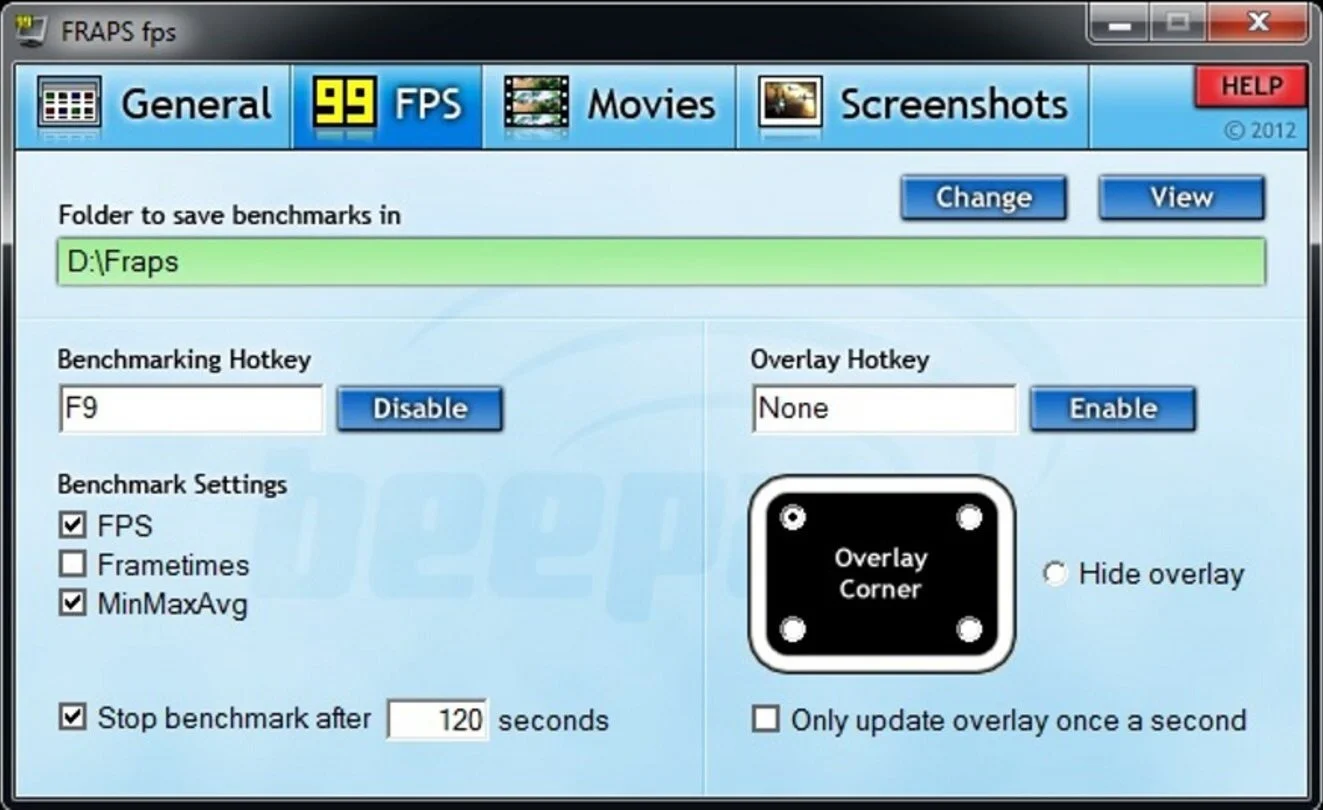
It was around the early 2000s’ while I was creating fan websites based on particular video games, that I became aware of a need for specific screen capture software. The single player games in question had no native screen shot option. So I was using the Print Screen button on my keyboard and then pasting the content into Microsoft Paint. As a process, it broadly worked and indeed still does to a degree but was not exactly convenient. It was about this time I discovered Fraps. Software that could capture both screenshots and as well as providing a benchmarking service. For $40 you could purchase a lifetime subscription, which I duly did. It proved to be a very useful app and was continuously supported and revised up until 2013. I continued using Fraps until 2019 and only stopped because some contemporary games were not compatible, resulting in screenshots of a black screen.
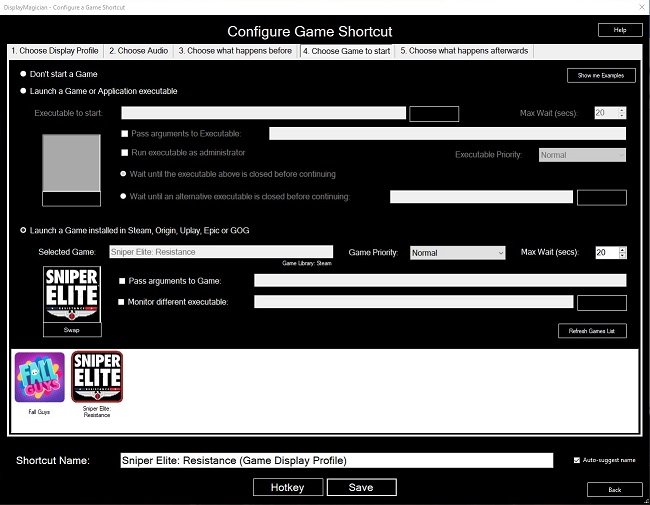
In 2019, after researching a suitable replacement, I decided upon buying Bandicam. I used the free demo version for a while and found that the app was easy to use, especially with regard to switching between two monitors. It also had a more robust video capture facility, taking advantage of more contemporary codecs such as HEVC, affording smaller output files. As recording video footage was both watermarked and restricted to 10 minutes in the demo version, I bought a full license and have been using Bandicam ever since. I use it prodigiously from taking screenshots in-game to taking captures of open web pages and apps. I do the latter for things like bookings or timetables. Information that I can quickly post into a WhatsApp group discussion. The video capture facility is adequate for taking short clips for subreddits etc. It also comes with Bandicut bundles with it, which provides simple editing services.
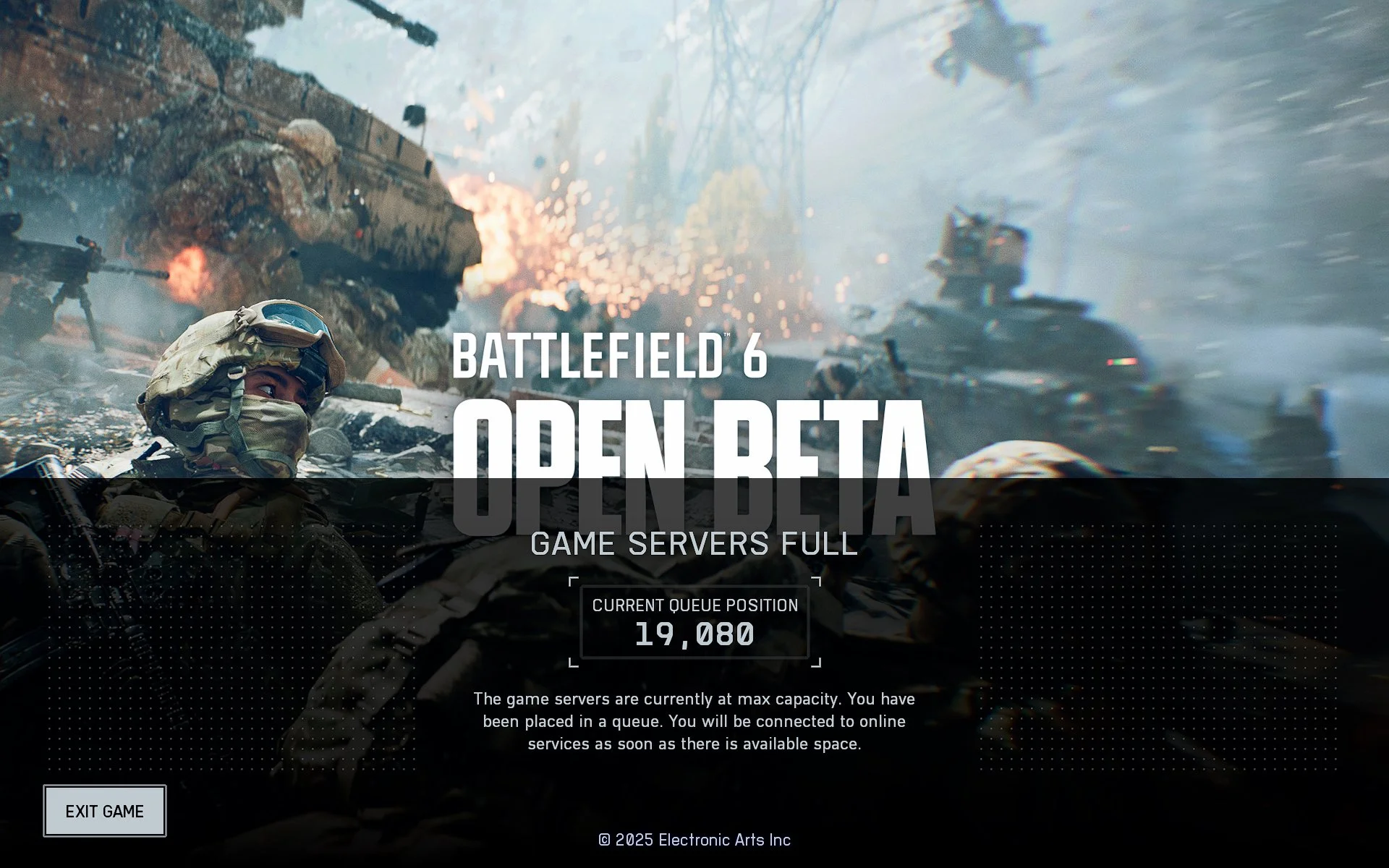
However, due to many games now shipping with anti-cheat software, even Bandicam can be blocked on occasions from taking screenshots or video capture. This happened to me recently during the first Battlefield 6 Beta test. It was at this point, I started experimenting with the AMD Adrenalin software that accompanies my graphics card. It does so much more than just manage driver updates. It can fine tune game graphics, such as sharpening images and upscaling. It can also take screen and video captures and being integral GPU software, can often bypass anti-cheat related problems. Furthermore, it can screen capture in a variety of image formats and be configured to take a series of pictures, with minimal impact to the running of the game. My only complaint is that the default hotkey combination for a screen capture requires three keys to be pressed.
Recently, I’ve dabbled with posting video game footage to YouTube. This introduced me to such software as OBS and Xsplit Broadcaster. Recording a video game or other activities from your Windows desktop provides me with the option to take screencaptures directly from the video file. This is useful as it affords me a lot more time to be able to select the content that I wish to screencapture. This can be something simple like choosing an appropriate picture for a YouTube thumbnail or taking a series of screenshots to document a specific task or process. It is interesting that in the space of just two decades, the idea of being able to take pictures or video of as you work or play on your PC, has gone from being a specialist requirement, to just an everyday tool. But such is the pace of change in the twenty-first century.
Screenshots and Photo Mode
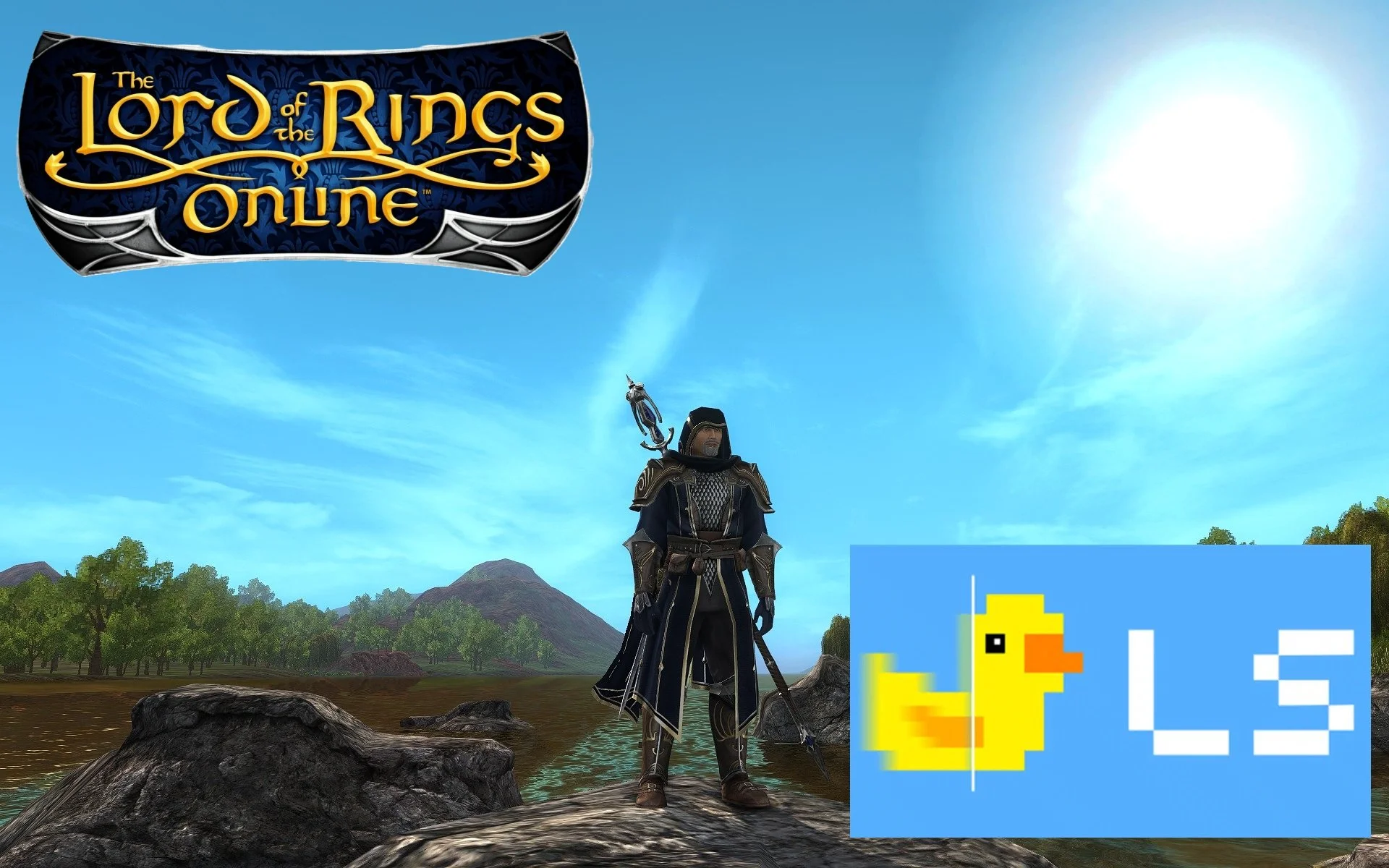
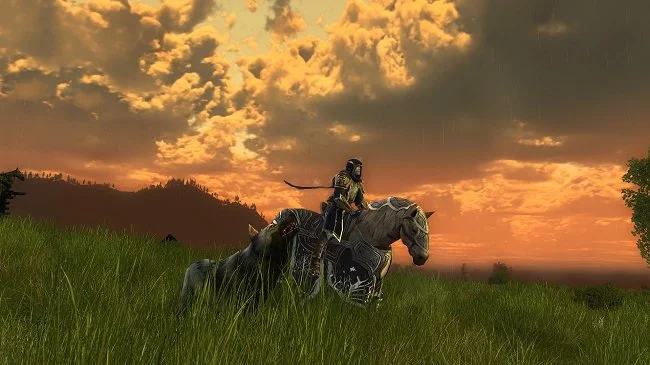
Despite its many flaws, Cyberpunk 2077 launched with a very comprehensive “photo mode”. Developer’s CD Projekt Red put a lot of resources into creating the game's aesthetic and recognised that players would want to explore it and record how their avatars interact with it. The ability to take screen captures is a selling point for many games, especially in the RPG and MMORPG genres. It allows players to keep a permanent record of their activities over time and also adds another social aspect to proceedings. Players love to share screenshots that showcase their avatars and record events they’ve participated in. Some fan sites are predicated purely upon in-game photos. Either highlighting the various cosmetic items that are available or capturing the beauty of the virtual world. I still have screenshots from The Lord of the Rings Online going back to the day I started playing in December 2008.
Despite its many flaws, Cyberpunk 2077 launched with a very comprehensive “photo mode”. Developer’s CD Projekt Red put a lot of resources into creating the game's aesthetic and recognised that players would want to explore it and record how their avatars interact with it. The ability to take screen captures is a selling point for many games, especially in the RPG and MMORPG genres. It allows players to keep a permanent record of their activities over time and also adds another social aspect to proceedings. Players love to share screenshots that showcase their avatars and record events they’ve participated in. Some fan sites are predicated purely upon in-game photos. Either highlighting the various cosmetic items that are available or capturing the beauty of the virtual world. I still have screenshots from The Lord of the Rings Online going back to the day I started playing in December 2008.
There is a surprising amount of skill involved in composing a good screenshot and it is not just a case of point and click. Framing and the “rule of thirds” are important factors. A Google search will provide you with plenty of common sense advice. However it helps immensely if a player can readily swap from third person to first person perspective. There will be times when you do not want or need your own avatar in the picture that you are taking. Thankfully most major MMOs have the facility to easily change between camera views and to turn off the user interface. However, photo mode, found in single player games, provides a far greater degree of creative freedom. It allows the game to be paused and the in-game camera to be detached from its preset configurations and to navigate in three dimensions around the desired image.
Considering that so many games these days have a business model based around the sale of cosmetic items, it comes as no surprise that gamers want to take in-game selfies. It has to be said that the MMORPG genre, especially the role playing community, has a somewhat vain streak running through it. After all it is your avatar that is at the centre of the game. Hence, it seems logical and good business sense to ensure that all games come with facilities to accommodate and support screen captures. Where possible I’d personally like to see the more comprehensive photo mode supported. This really appeals to me in the same way as drawing and painting does. There is immense satisfaction to be had in trying to compose and frame a shot. It is something I can happily spend hours on. And then there is the option of post processing although that can be a somewhat contentious issue. Does it enhance the image at the expense of the game?
Sadly, some games still lack integral screenshot support or do not have a specific photo mode. Furthermore, some even go so far as to actively block third party screen capture apps from working. For years I used the screen capture program FRAPS but some Ubisoft games see it as a security threat and consider its activity suspicious. So I found myself having to use for a while the screen capturing tool that comes with Nvidia’s GeForce experience software, to take pictures in certain games. Fortunately, I subsequently discovered Bandicam which offers a one stop screen and video capture solution, bypassing the issues caused by certain developer’s security protocols. There’s a free version that allows for unlimited screen captures without watermarks but it does restrict video capture to 10 minutes. The full version of the software cost $40.