LOTRO: Fine Tuning Your Graphics
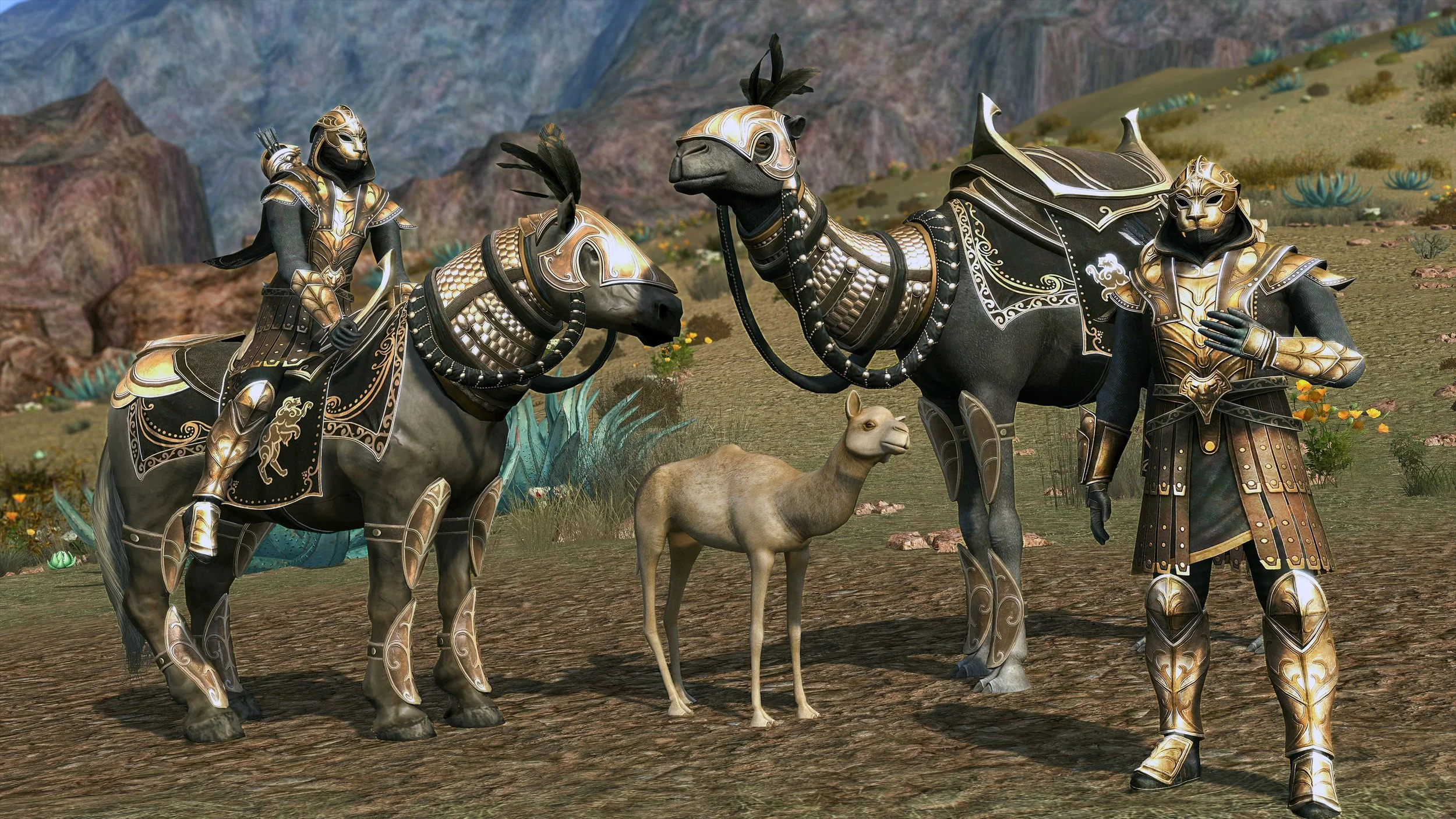
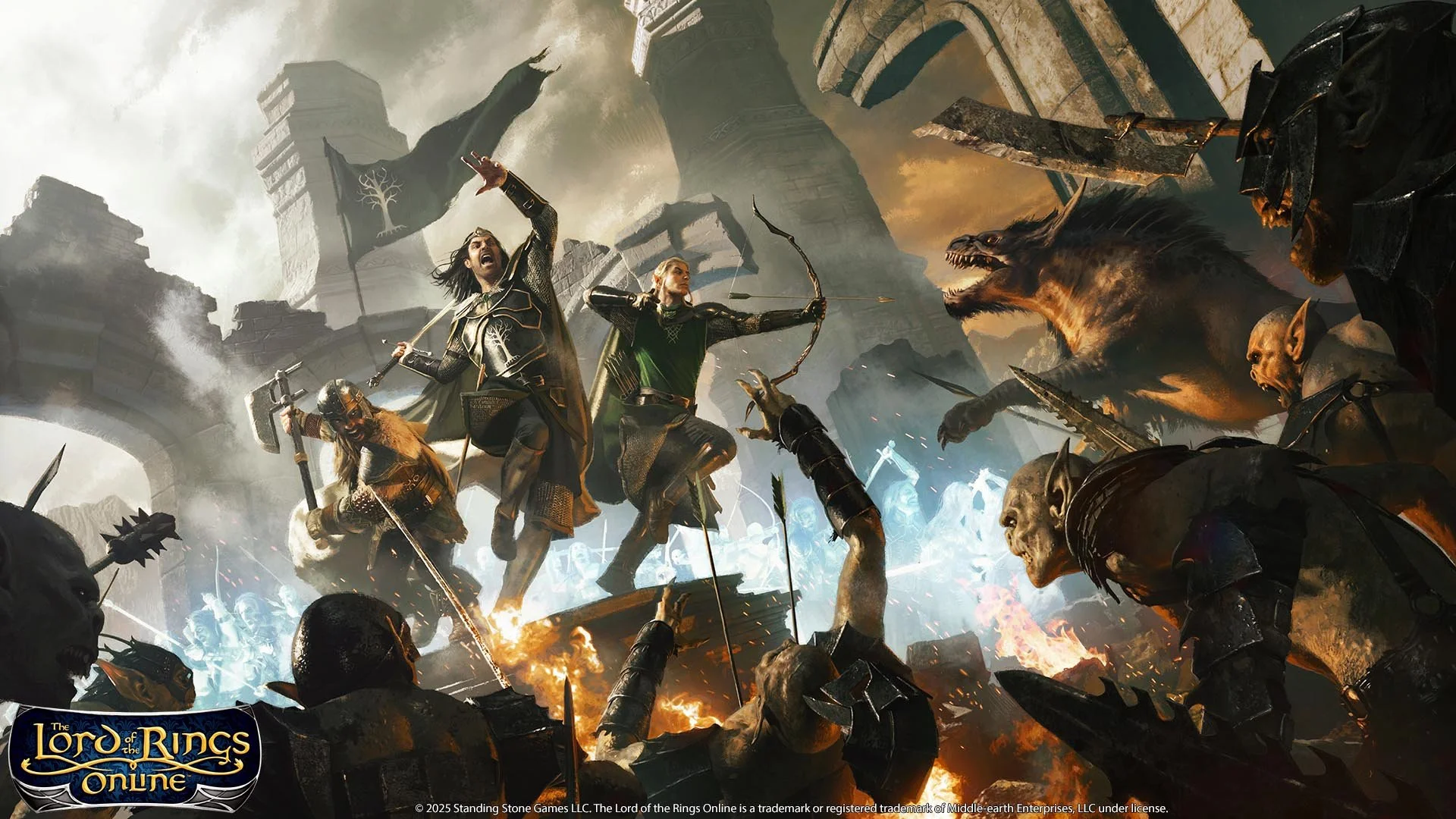
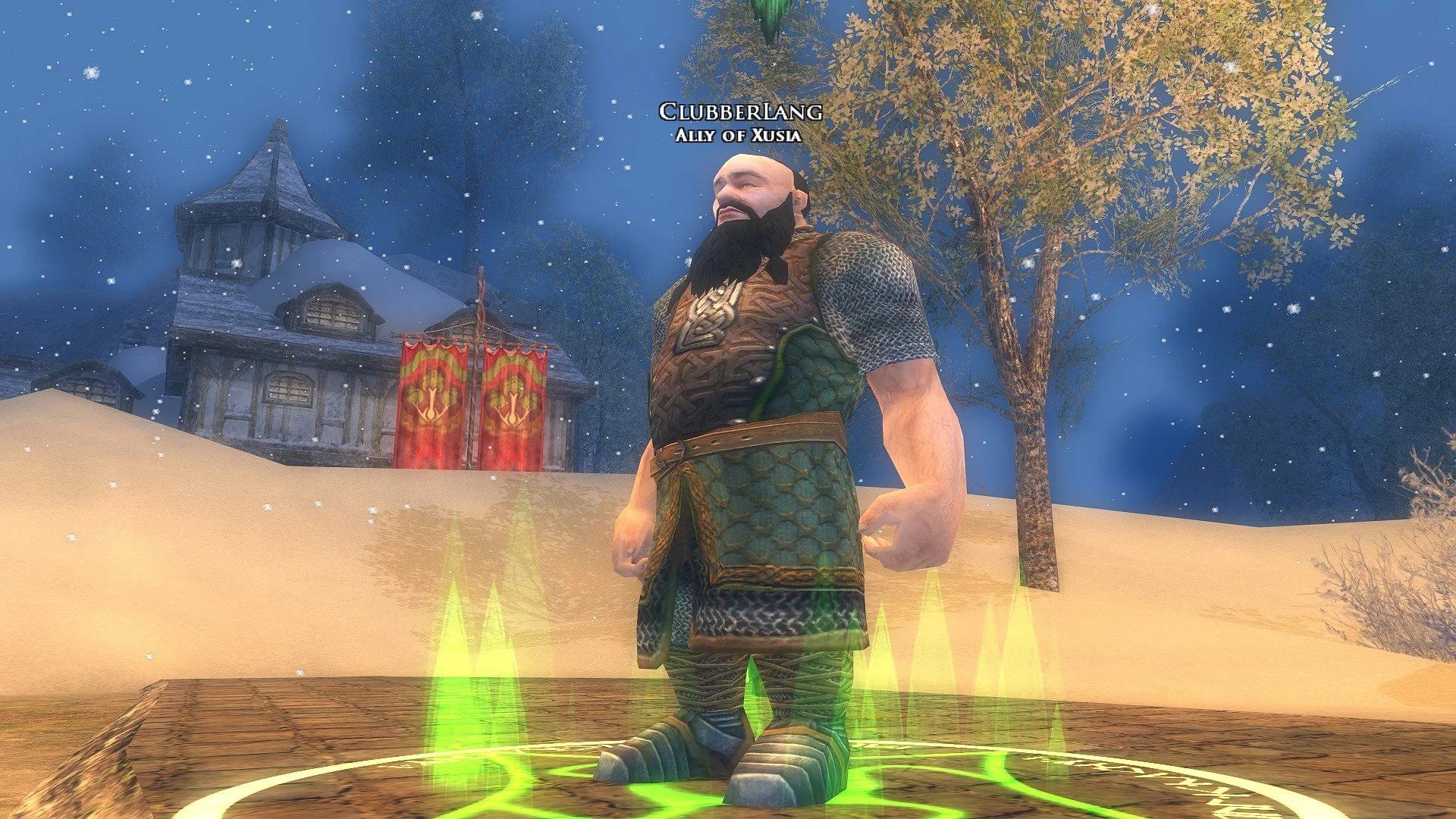
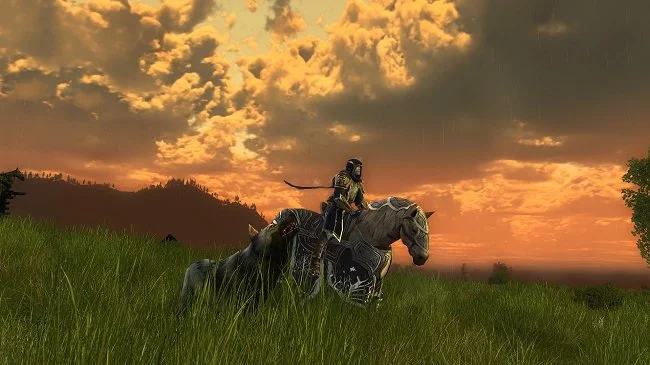
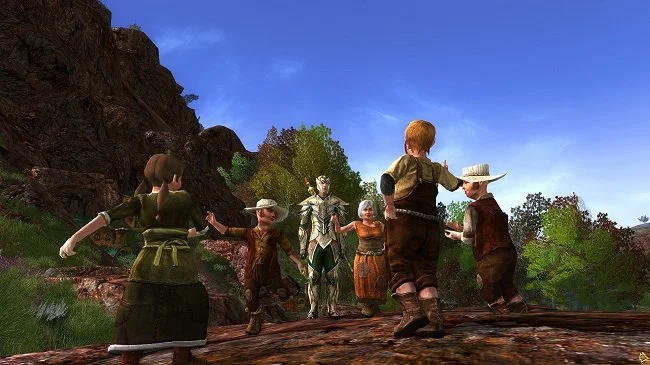
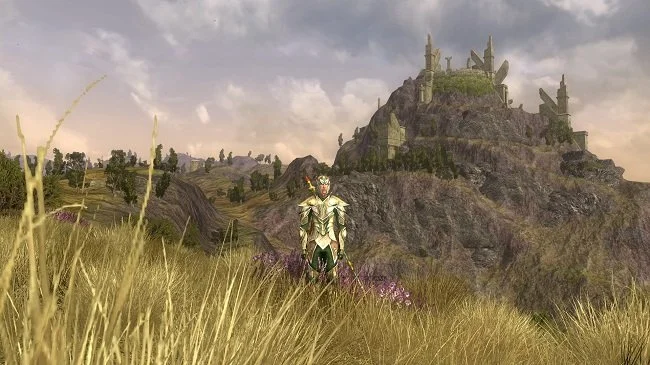
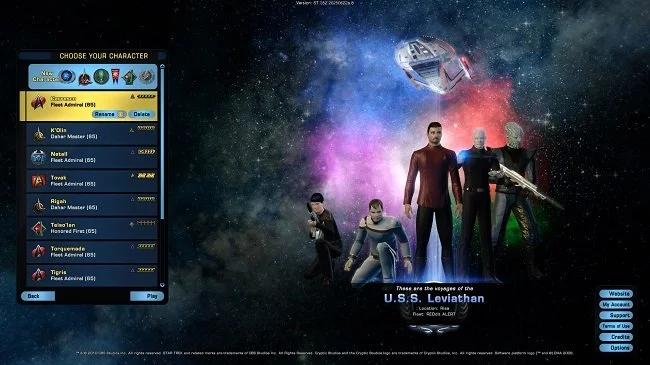
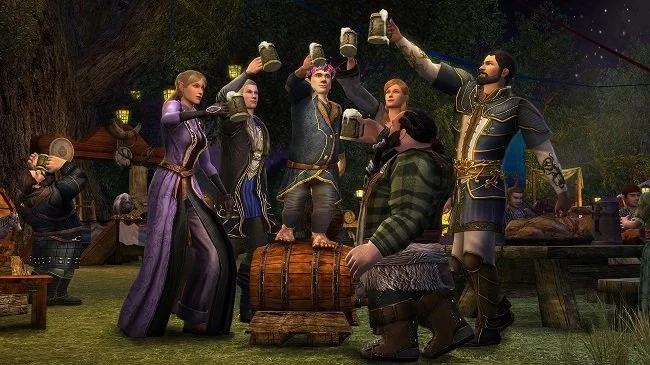
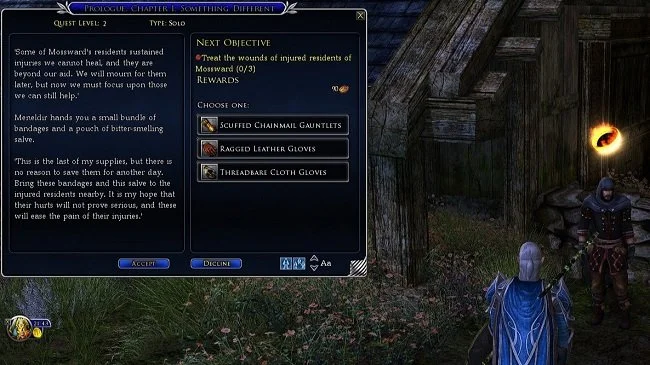
One of the things that I find fascinating about the MMORPG, The Lord of the Rings Online, are other peoples screenshots. Being a 17 year old game, the required hardware specifications are not especially high. Hence it will effectively run on a “potato”; IE an older PC. This is often reflected in the variety of screen captures you will find for the game. No two images ever look quite alike, due to the variety of PCs and laptops that people use to play the game. Hence you’ll sometimes come across screenshots with lower resolutions, or less graphical detail. I have screenshots from when I started playing LOTRO in 2008 and they look demonstrably different to those I’ve taken more recently. The game itself has changed a lot over the last 17 years and this has included graphical updates. Hence, unlike a lot of modern games, LOTRO screenshots do not have such a homogenous look.
One of the things that I find fascinating about the MMORPG, The Lord of the Rings Online, are other peoples screenshots. Being a 17 year old game, the required hardware specifications are not especially high. Hence it will effectively run on a “potato”; IE an older PC. This is often reflected in the variety of screen captures you will find for the game. No two images ever look quite alike, due to the variety of PCs and laptops that people use to play the game. Hence you’ll sometimes come across screenshots with lower resolutions, or less graphical detail. I have screenshots from when I started playing LOTRO in 2008 and they look demonstrably different to those I’ve taken more recently. The game itself has changed a lot over the last 17 years and this has included graphical updates. Hence, unlike a lot of modern games, LOTRO screenshots do not have such a homogenous look.
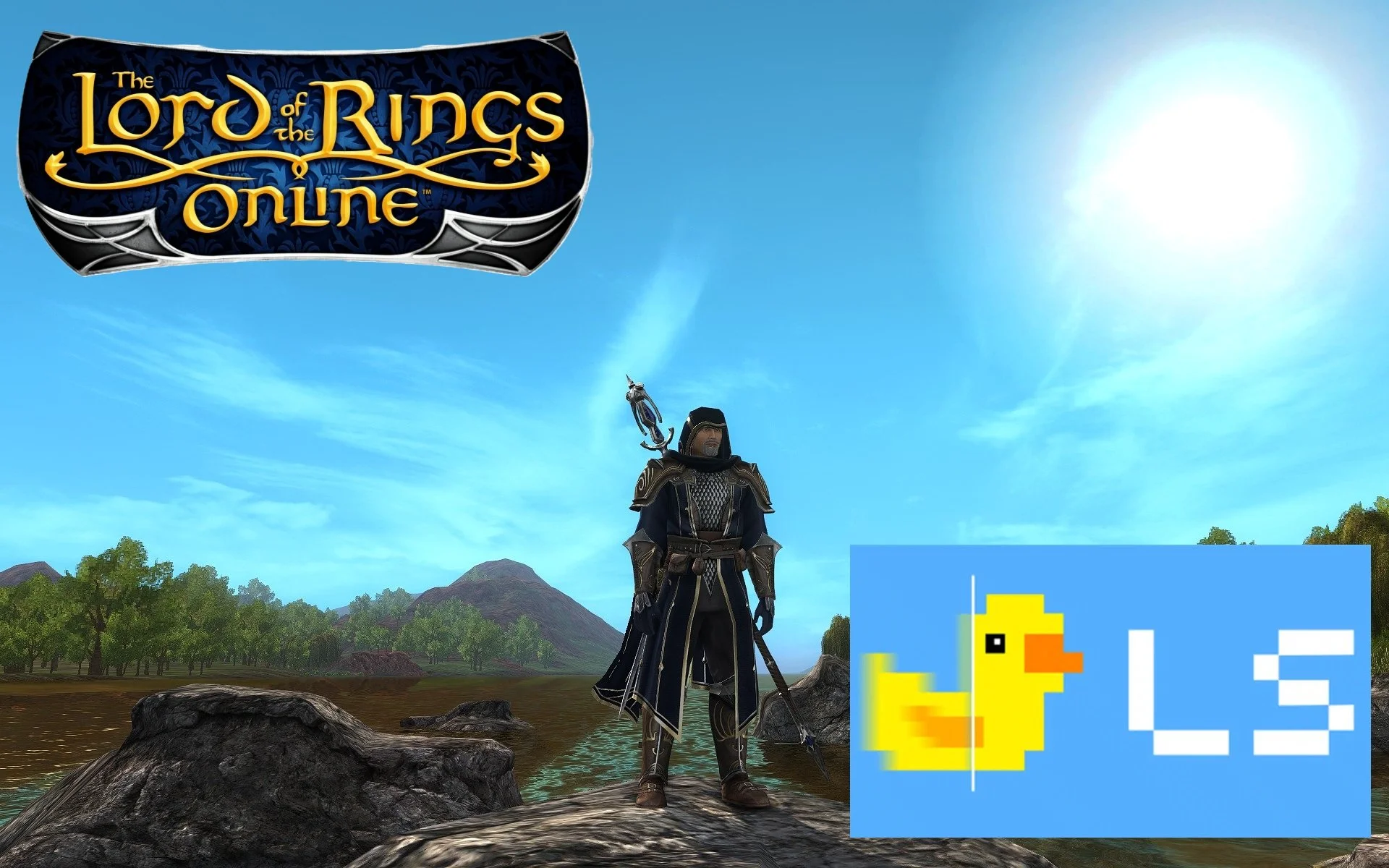
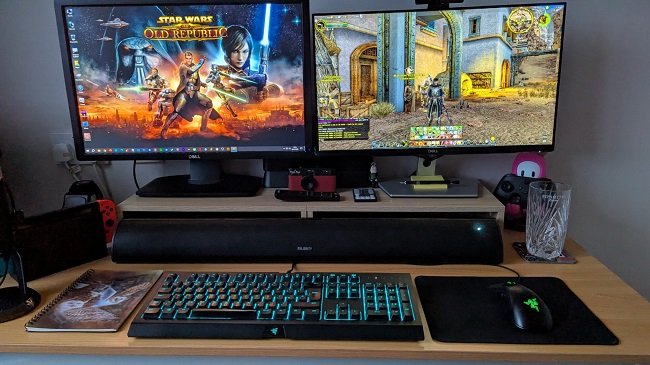
I bought a new graphics card in July. Specifically a Powercolor AMD Radeon RX 6650 XT Fighter 8GB GDDR6. It is neither the best or worse GPU on the market but essentially the best I could get on my budget. It is certainly adequate for the two monitors I use. An ageing Dell U2412M (1920x1200) and a more recent Dell S2421H (1920x1080). Having recently resubscribed to LOTRO, I decided to fine tune the in-game graphic settings and see if I could get the game to look as good as it could on my PC. I also wondered if it were possible to use some third party software to enhance the ageing games visuals. After some research, I spent a day tinkering with both LOTRO and my PC to try and implement the results. I’ve added a link to a gallery of screen captures at the end of this post, for your edification. The images are at the full resolution that they were taken.
Unlike modern games, LOTRO has no facility to choose which monitor you wish to use if you have more than one. It defaults to your primary monitor. As far as I am aware, there is no easy way around this beyond changing which monitor is designated as primary within Windows but that is far from a convenient solution. I have always played LOTRO via my main monitor which has a resolution of 1920x1200, therefore an aspect ratio of 16:10. It is worth noting that LOTRO does support 2K and 4K screen resolutions but the UI suffers as a result, becoming very small and for many unreadable. Standing Stone Games are allegedly looking into this issue but recent community updates have indicated that this project is “still on the whiteboard”. However, this can be addressed by third party software. More on this later.
Upon launching LOTRO, I maxed out all the settings in “Graphics” and “Advanced Graphics”. The only one I adjusted to a personal preference was “Texture Filtering” which I set to “Very Sharp”. This produces on my PC a clearer image than the “Anisotropic” option, which appears to make the visual detail softer. I set the display “Refresh Rate” to 60Hz, which is the same as the monitor’s. I also checked the box to sync these settings. Once you have maxed out the graphic settings there is nothing else you can do within LOTRO itself to improve the visuals. It is at this point that you have to look to third party software, if you want to make further changes. However, it should be noted that external software can only enhance the existing graphic settings by presenting that visual information in an alternative way. Poor textures, bad animations and elderly character models remain as they are.
The most well known third party software that can be used with LOTRO is ReShade. ReShade is a generic post-processing injector for games and video software developed by crosire. It provides an automated means to access both frame colour and depth information. Players can then add advanced depth-edge-detection-driven SMAA antialiasing, screen space ambient occlusion, depth of field effects, chromatic aberration and other advanced options. ReShade adds an extra folder to your existing LOTRO install. If you are technically proficient you can manually set up the visual changes you desire. Alternatively, ReShade has a library of saved settings made by other LOTRO players. You simply download a single file to the appropriate ReShade folder. You then launch LOTRO and press the “Home” key when at the character selection screen. There you choose the preset and apply it. You can swap between the new ReShade settings and the default LOTRO settings on the fly if you desire.
As stated previously, ReShade and other such software can only do so much. Yet you can still make some further graphical improvements to LOTRO via your graphics card software. For many players this will be either AMD Software: Adrenalin Edition or NVIDIA GeForce Experience. Both have option for upscaling, a technique used in gaming to render games at a lower resolution and then scale them up to a higher resolution without sacrificing performance. This can also be used to resize the GUI at higher resolutions, addressing the problem referred to earlier. GPU software can also improve image sharpness and antialiasing. Having an AMD graphics card I used the respective software for “Image Sharpening”, which I set to 80%, as recommended by the software guide. There are also optional video profiles such as “Cinema Classic”, “Enhanced” and “Vivid” but I’ve chosen not to use these.
Finally, many players have stated they have issues switching between alts in LOTRO as well as exiting the game. This usually manifests as a rather long wait, staring at a black screen. Although not a graphical alteration, I would like to reference the following “workaround” simply as a quality of life improvement. Find the following files in your LOTRO installation folder: lotroclient.exe, lotroclient_awesomium.exe, LotroLauncher.exe, lotroclient64.exe and right click on each one and select “Properties”. Select the tab marked “Compatibility” in the window that subsequently opens and check the box marked “Run this program in compatibility mode for Windows 8”. It does appear to reduce the waiting time when “alting” or exiting the game. Please note this “workaround” is for Windows 10. It would appear that LOTRO performs better when running on Windows 11.
Beyond what I have mentioned, I am not aware of any other straightforward ways to tweak and fine tune the graphics for LOTRO. Ultimately the game is a product of the era in which it was created. Furthermore being a multiplayer game it does not lend itself by design to the “modding” culture of single player games such as The Elder Scrolls V: Skyrim. I suspect that due to where LOTRO is in its life cycle and how its owners view its future earning potential, that there will not be any major investment in upgrading the game’s graphics in any meaningful way. It has already been stated that the money would be better spent on a new game altogether. Therefore, looking at the bigger picture, beyond the tinkering that I’ve referenced there’s not much more you can do to improve the graphics for LOTRO. You can’t make a silk purse out of a sow’s ear as the expression goes. That said, I am somewhat pleased with the results my changes have yielded.
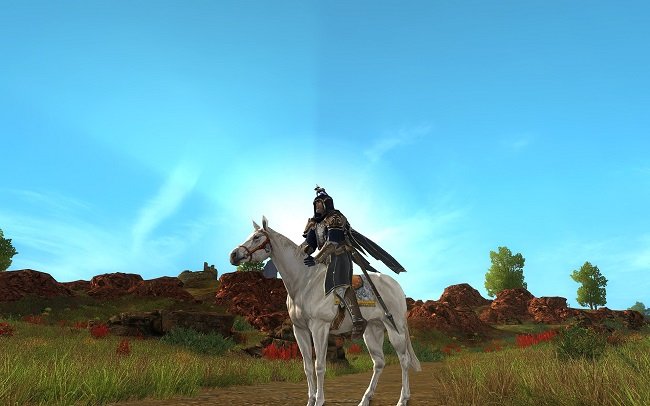
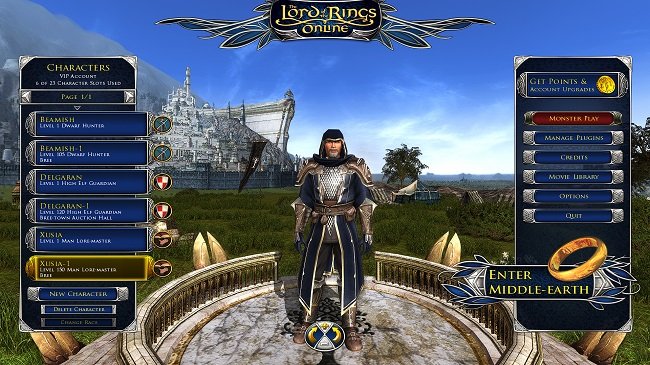
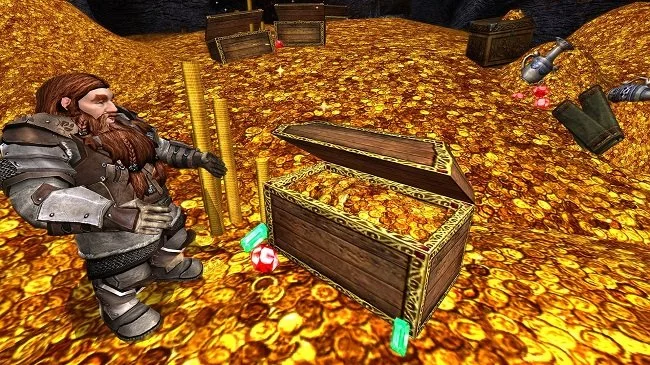
Here is the link to a gallery of screenshots of LOTRO, taken with all the above graphical changes made. The images, via Google Photos, are available at the original screen resolution of 1920 x 1200.





Game Graphics: A Question of Aesthetics and Personal Taste
The "cartoon versus realistic graphics" debate is a perennial one and regularly appears on gaming websites, often on slow news days. A variation of this question appeared on Massively Overpowered yesterday and reminded me once again that a games aesthetic is a really important selling point and that players tastes are far from universal. There’s a lot of buzz at present associated with the indie run and gun platform game, Cuphead. The game has a striking visual design inspired by the work of Polish-American animator Max Fleischer. Think Betty Boop, Popeye and Color Classics (which were a direct rival of Walt Disney's Silly Symphonies). It certainly gives the game a charismatic look and feel, making it stand out from the crowd. However, choosing such a radical style can also have a very polarising effect. Where some may find a quaint charm in the graphic design, others may abhor it.
The "cartoon versus realistic graphics" debate is a perennial one and regularly appears on gaming websites, often on slow news days. A variation of this question appeared on Massively Overpowered yesterday and reminded me once again that a games aesthetic is a really important selling point and that players tastes are far from universal. There’s a lot of buzz at present associated with the indie run and gun platform game, Cuphead. The game has a striking visual design inspired by the work of Polish-American animator Max Fleischer. Think Betty Boop, Popeye and Color Classics (which were a direct rival of Walt Disney's Silly Symphonies). It certainly gives the game a charismatic look and feel, making it stand out from the crowd. However, choosing such a radical style can also have a very polarising effect. Where some may find a quaint charm in the graphic design, others may abhor it.
There are many reasons why a developer may elect to choose a specific visual style when creating their game. Firstly, it may be a question of choosing a visual aesthetic that matches the idiom of the content or genre. Would an ultra-realistic Mario Kart be as charming as the its present incarnation? Production design (or whatever the appropriate gaming terminology is) sets the tone and can greatly influence consumers perception of the game. When WildStar was in development, I remember watching various videos that promoted the game. They had a very knowing and tongue in cheek tone. Despite the games science fiction setting it expressed this in a very satirical manner. That allowed for all established genre tropes and clichés to be utilised under the blanket of postmodern irony. The new MMO Wild West Online has elected for a more graphically realistic aesthetic. However, it has chosen the look and feel of the Hollywood West, rather than an historically accurate one.
Graphics also have an impact upon such things as a games rating, which can be an important factor when it comes to sales and marketing. Although a percentage of parent and stores are oblivious to ratings, there are those who do take a keen interest in a games content. Characters exploding in a puff of smoke, followed by a cartoon skull falling to the ground in a comical fashion, is a different kettle of fish to wall to wall blood and gore. A game graphic style, if cleverly done, can mitigate violence, potential offence and fosters an entirely different atmosphere. Conversely, the hyper realism of some games, particularly those in the RPG and FPS genres, bolsters the drama and th atmosphere that they are trying to create. It becomes a selling point in itself. This is why Lego games opt for the former and titles such as Middle-earth: Shadow of War and World War II, latest instalment of Call of Duty, elect for the latter.
Then of course there are technical factors to consider. Cutting edge PC graphics often need cutting edge hardware to run on. Not everyone has high end gaming rigs at their disposal. Console systems have set specifications that cannot be upgraded and therefore can only perform up to a certain standard. By opting to create a game that has a very stylised graphics, performance overheads can be lowered and developers can produce a product that can run on a very broad range of hardware. Increasing accessibility is always good for business. Excluding customers or forcing them into a hardware upgrade is a riskier strategy, although PC gamers do tend to embrace the notion of change more freely than other groups. This is one of the reasons why the MMO genre often has a look and feel that is somewhat dated compared to single player games. It has to ensure that its product is scalable to a broader set of customers and can accommodate the additional technical pressures that multiplayer environments create.
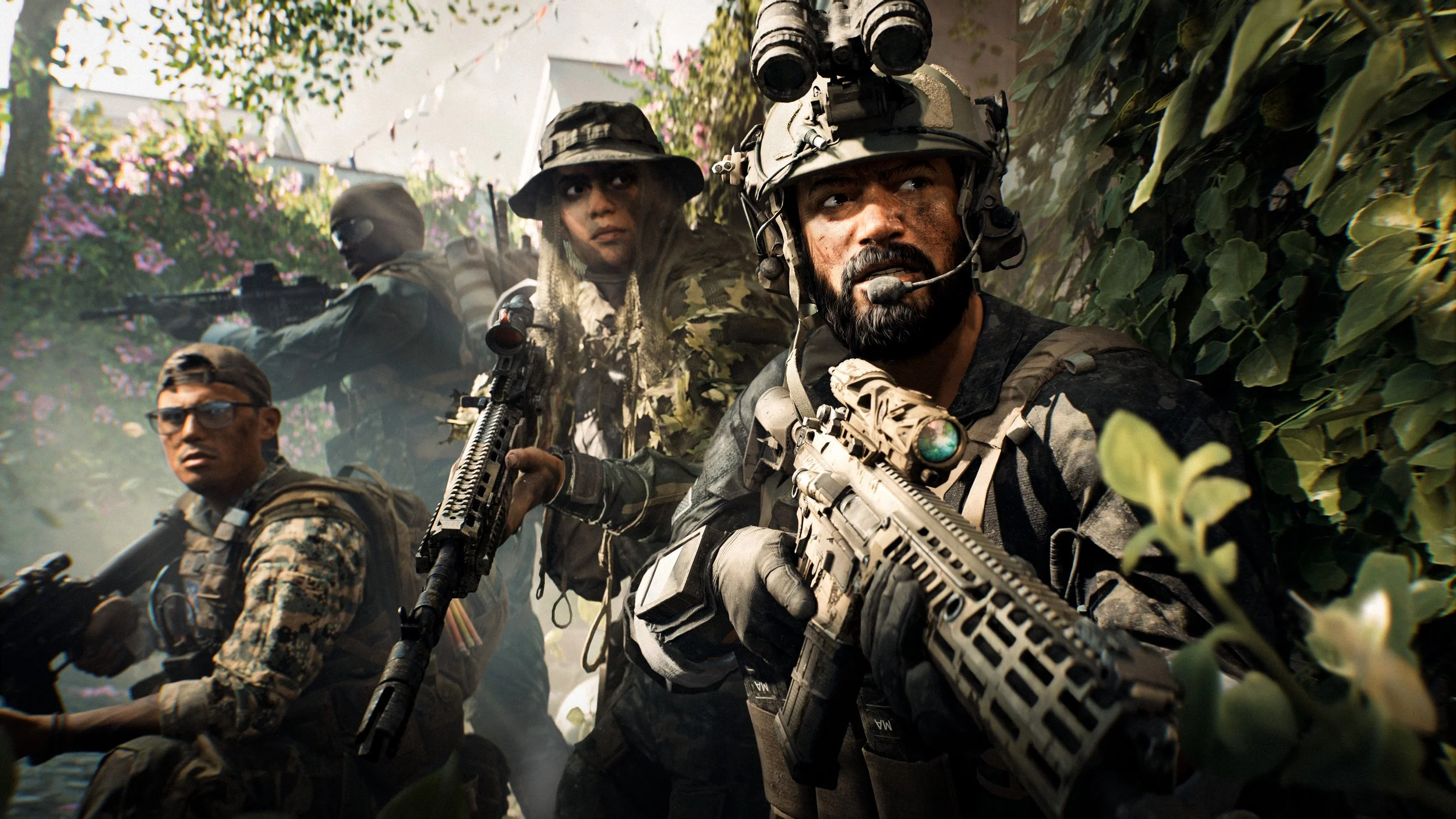
However, logical arguments aside, gamers often have preferences regarding graphics based on far more emotive considerations. One must never under estimate the power of consumers personal preferences and tastes. We are a species that rightly or wrongly, place a great deal of stock on aesthetics. Our choice of foods, clothes, interior design, even those we form relationships with is frequently influenced by our own personal views of beauty, or prevailing cultural trends. I personally like the realism achieved by Frostbite 3 engine from DICE. The preview footage available for Star Wars Battlefront II is outstanding. I would love to see an MMO powered by it, although that is unlikely to happened due to licencing costs and the impact it would have on the minimum specifications required to run the game. Conversely, this is why World of Warcraft looks the way it does. I’m not a fan of that particular design style, although I totally understand why the developers elected to make such a choice.
On a positive note, there are many players who will side line their personal graphical likes and dislikes if a title offers good game play. Then there is the recent trend of remastering games and giving old classics a fresh paint job. And let us not forget those titles that are mod friendly. These offer players a further opportunity to correct those visual aspects they don’t like. All of which goes to show that beauty truly does lie in the eye of the beholder. Game developers cannot please everyone, all the time and the reality is that they recognise that they’ll always lose a percentage of potential sales over a game’s looks. As much as I like the merits of logical thinking it is not the driving force behind human decision making. Therefore, the cartoon versus realistic graphics debate is ultimately redundant. There is no right or wrong answer, just individual preference.