
Screenshots and Photo Mode
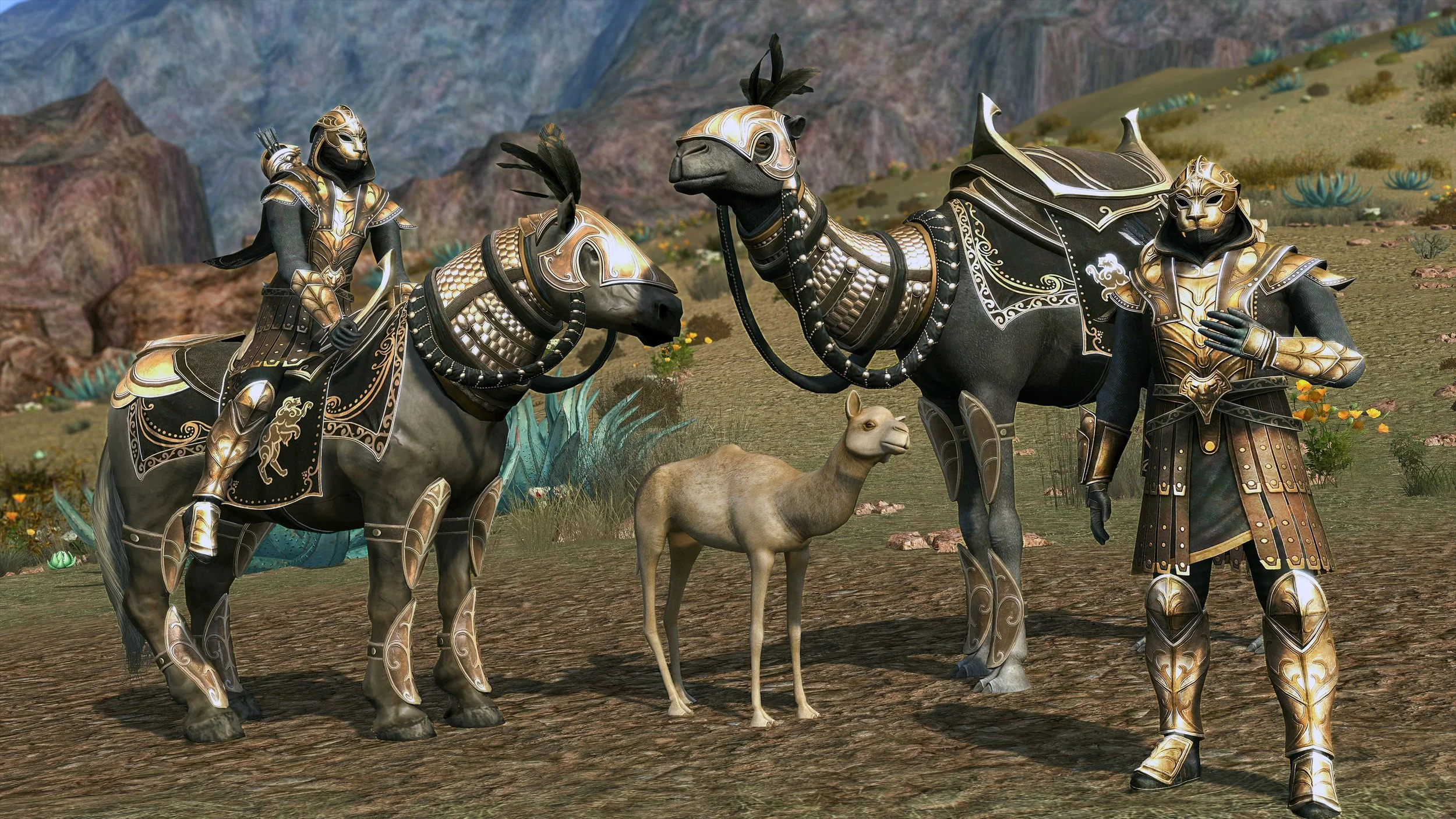
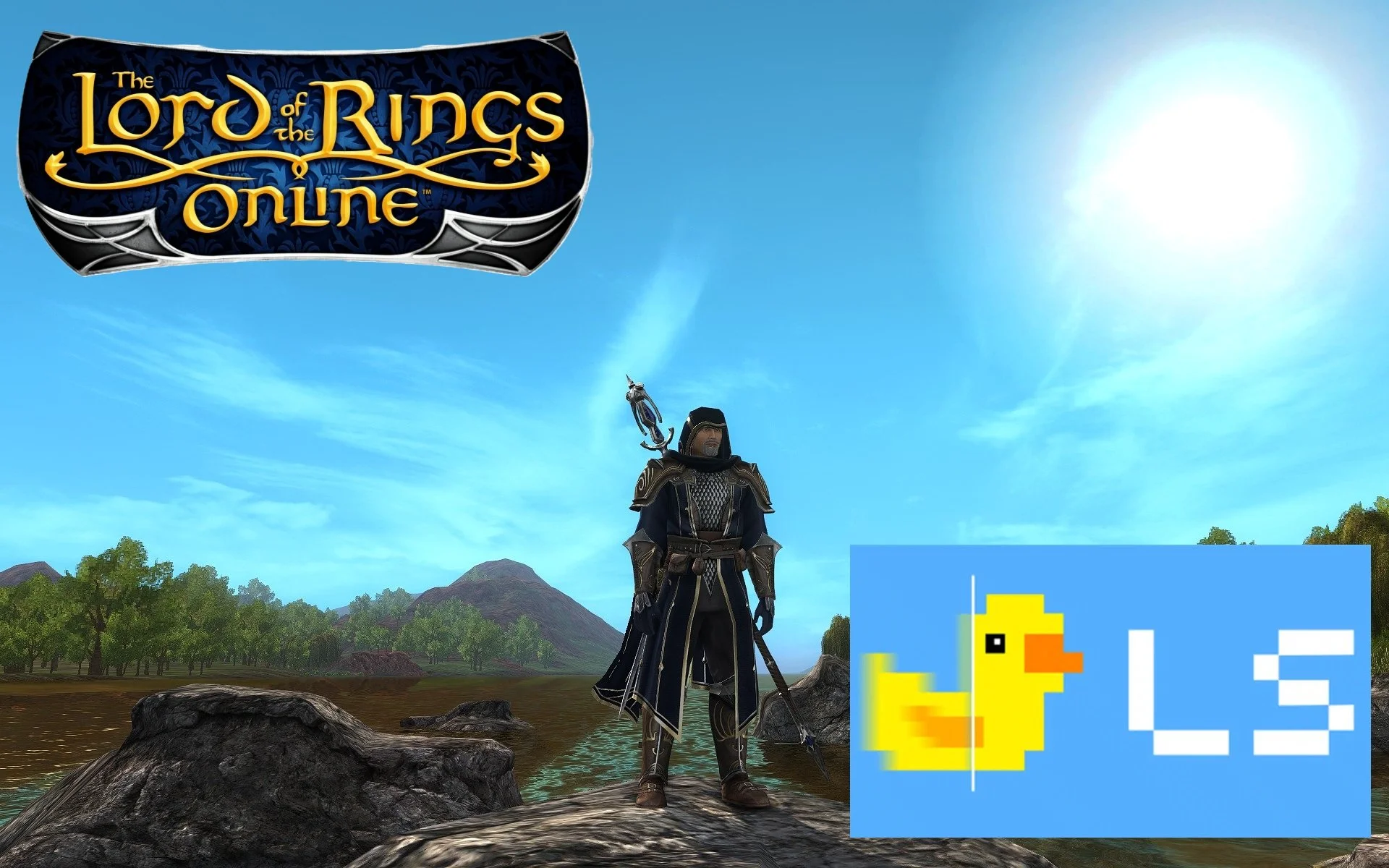
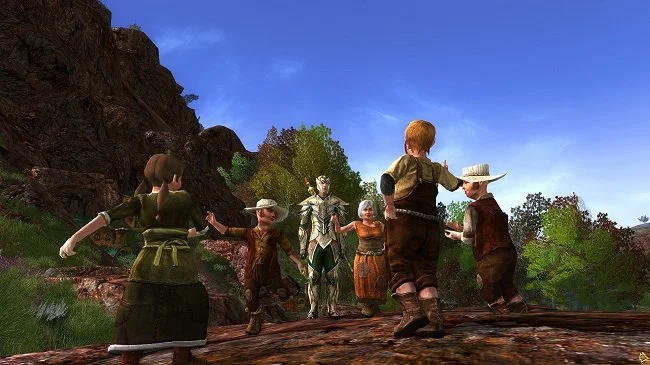
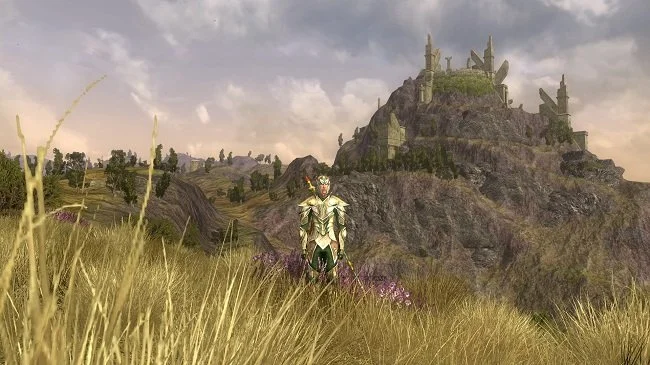
Despite its many flaws, Cyberpunk 2077 launched with a very comprehensive “photo mode”. Developer’s CD Projekt Red put a lot of resources into creating the game's aesthetic and recognised that players would want to explore it and record how their avatars interact with it. The ability to take screen captures is a selling point for many games, especially in the RPG and MMORPG genres. It allows players to keep a permanent record of their activities over time and also adds another social aspect to proceedings. Players love to share screenshots that showcase their avatars and record events they’ve participated in. Some fan sites are predicated purely upon in-game photos. Either highlighting the various cosmetic items that are available or capturing the beauty of the virtual world. I still have screenshots from The Lord of the Rings Online going back to the day I started playing in December 2008.
Despite its many flaws, Cyberpunk 2077 launched with a very comprehensive “photo mode”. Developer’s CD Projekt Red put a lot of resources into creating the game's aesthetic and recognised that players would want to explore it and record how their avatars interact with it. The ability to take screen captures is a selling point for many games, especially in the RPG and MMORPG genres. It allows players to keep a permanent record of their activities over time and also adds another social aspect to proceedings. Players love to share screenshots that showcase their avatars and record events they’ve participated in. Some fan sites are predicated purely upon in-game photos. Either highlighting the various cosmetic items that are available or capturing the beauty of the virtual world. I still have screenshots from The Lord of the Rings Online going back to the day I started playing in December 2008.
There is a surprising amount of skill involved in composing a good screenshot and it is not just a case of point and click. Framing and the “rule of thirds” are important factors. A Google search will provide you with plenty of common sense advice. However it helps immensely if a player can readily swap from third person to first person perspective. There will be times when you do not want or need your own avatar in the picture that you are taking. Thankfully most major MMOs have the facility to easily change between camera views and to turn off the user interface. However, photo mode, found in single player games, provides a far greater degree of creative freedom. It allows the game to be paused and the in-game camera to be detached from its preset configurations and to navigate in three dimensions around the desired image.
Considering that so many games these days have a business model based around the sale of cosmetic items, it comes as no surprise that gamers want to take in-game selfies. It has to be said that the MMORPG genre, especially the role playing community, has a somewhat vain streak running through it. After all it is your avatar that is at the centre of the game. Hence, it seems logical and good business sense to ensure that all games come with facilities to accommodate and support screen captures. Where possible I’d personally like to see the more comprehensive photo mode supported. This really appeals to me in the same way as drawing and painting does. There is immense satisfaction to be had in trying to compose and frame a shot. It is something I can happily spend hours on. And then there is the option of post processing although that can be a somewhat contentious issue. Does it enhance the image at the expense of the game?
Sadly, some games still lack integral screenshot support or do not have a specific photo mode. Furthermore, some even go so far as to actively block third party screen capture apps from working. For years I used the screen capture program FRAPS but some Ubisoft games see it as a security threat and consider its activity suspicious. So I found myself having to use for a while the screen capturing tool that comes with Nvidia’s GeForce experience software, to take pictures in certain games. Fortunately, I subsequently discovered Bandicam which offers a one stop screen and video capture solution, bypassing the issues caused by certain developer’s security protocols. There’s a free version that allows for unlimited screen captures without watermarks but it does restrict video capture to 10 minutes. The full version of the software cost $40.
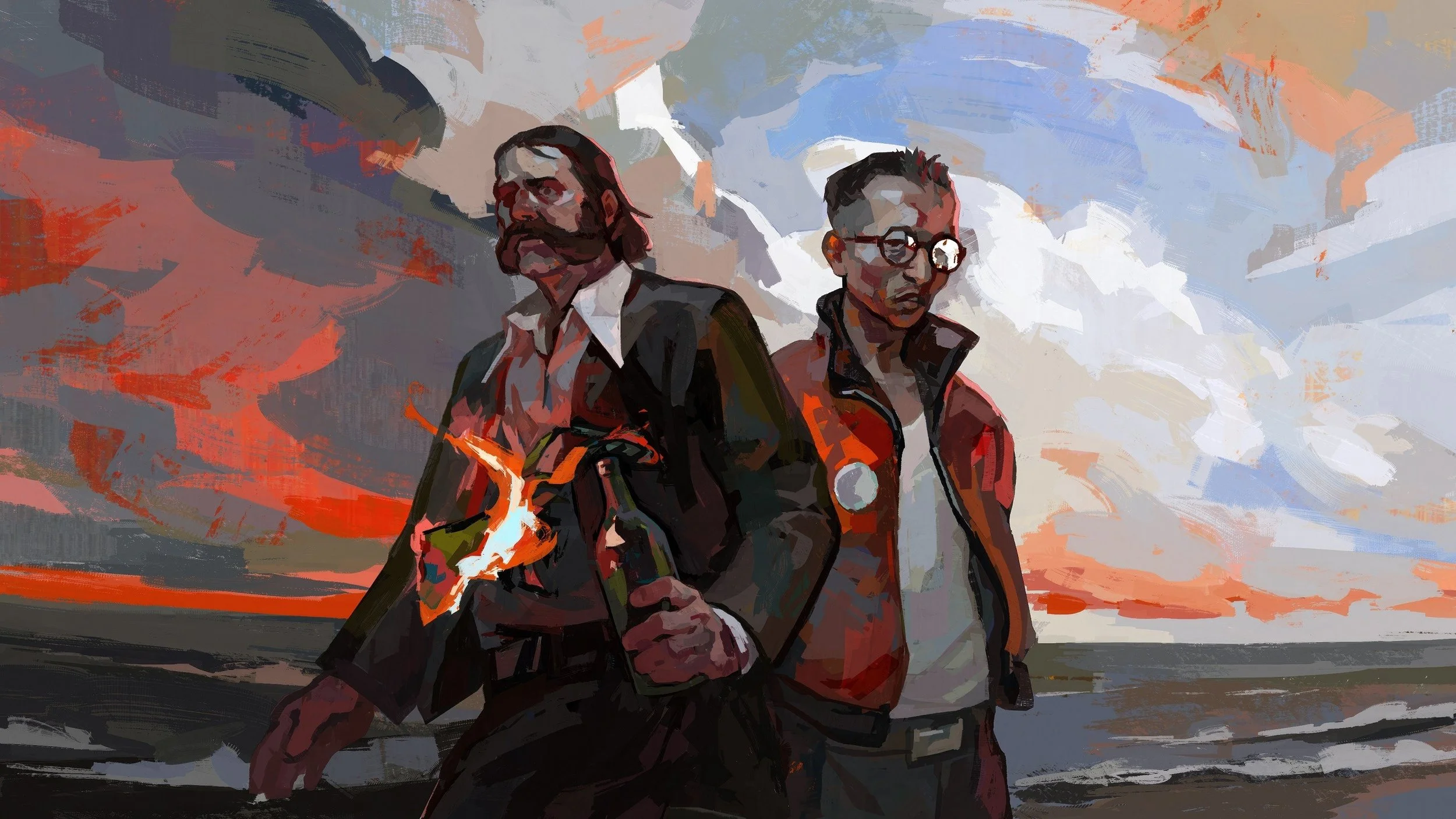
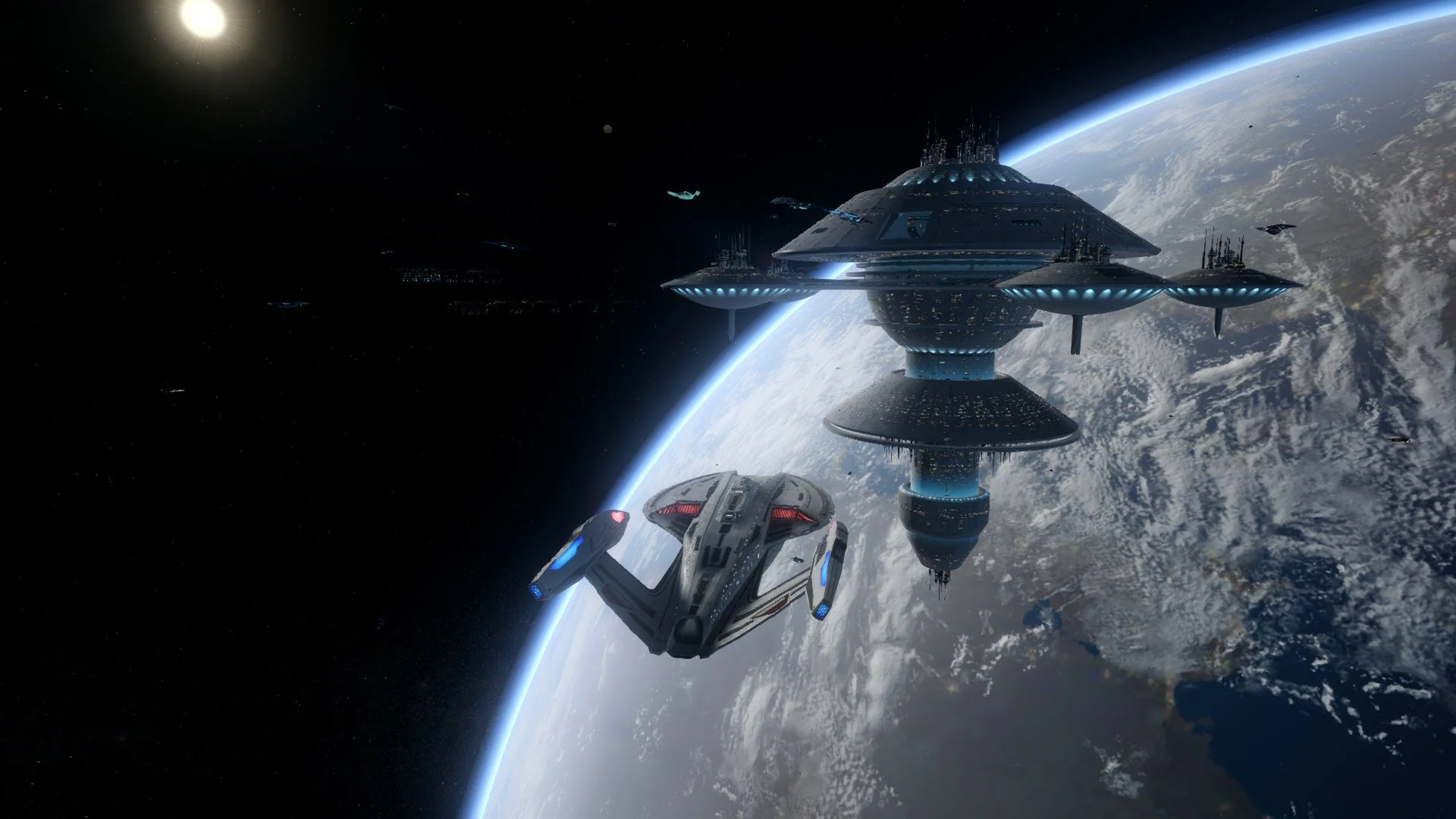
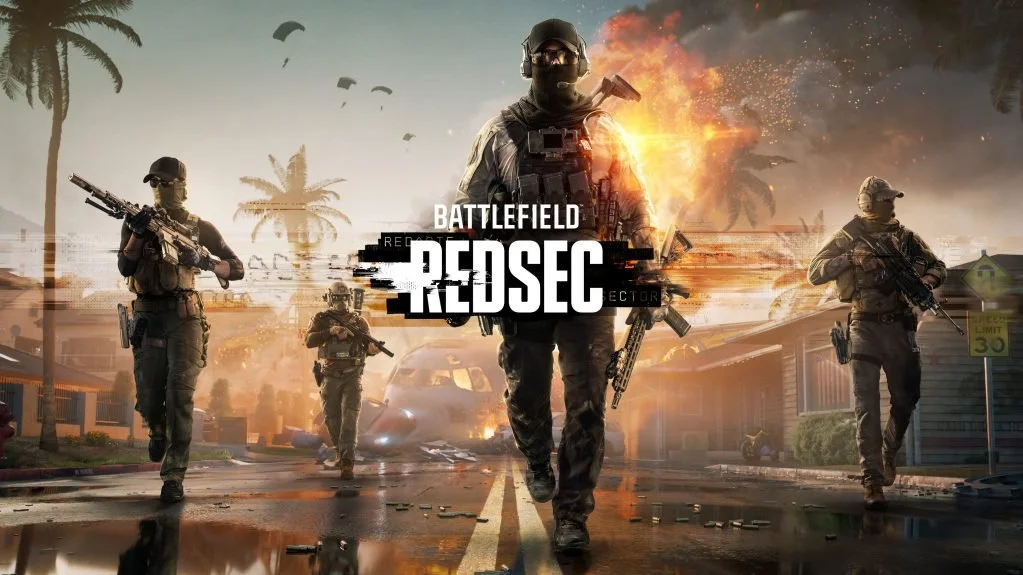


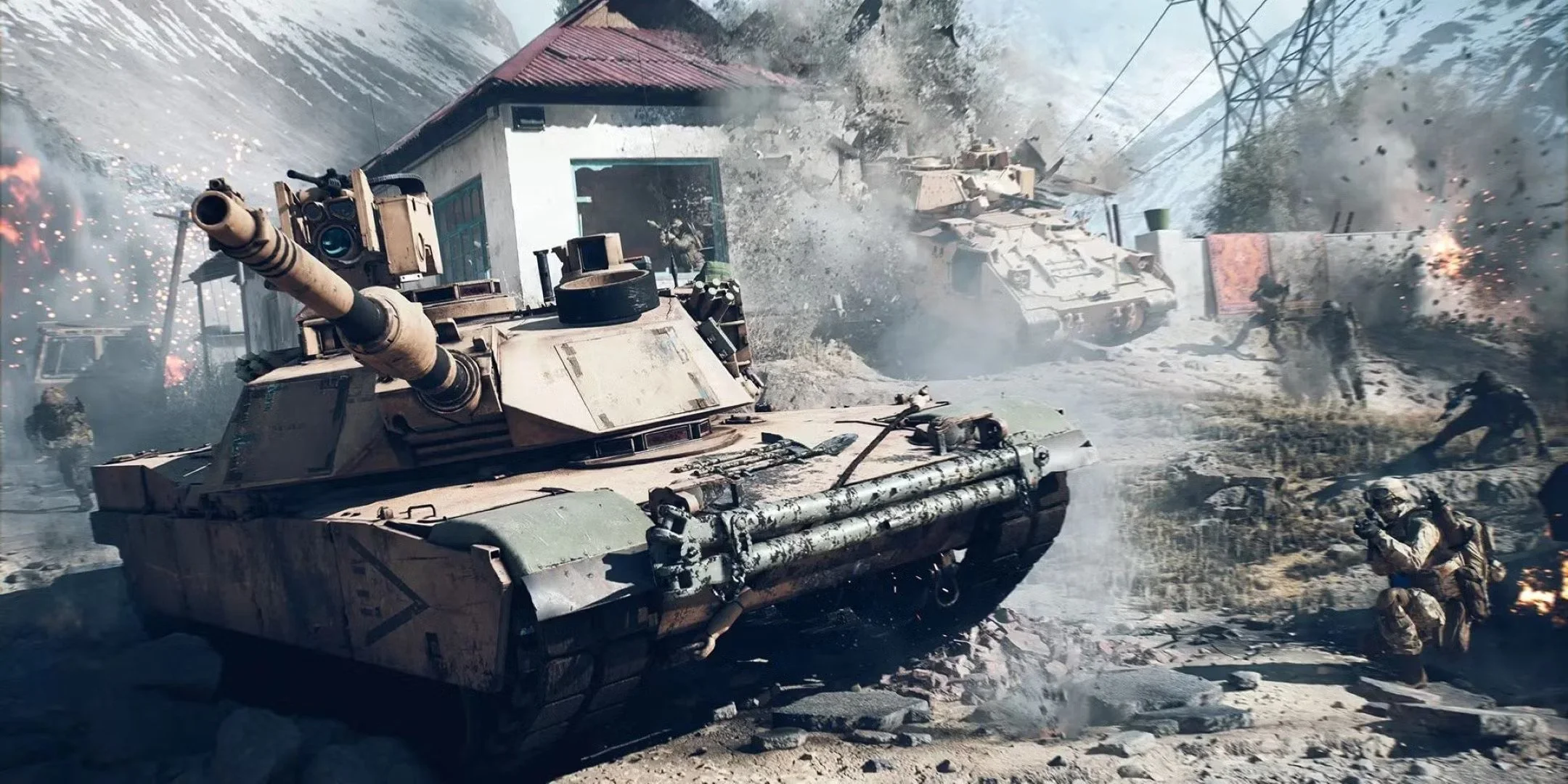
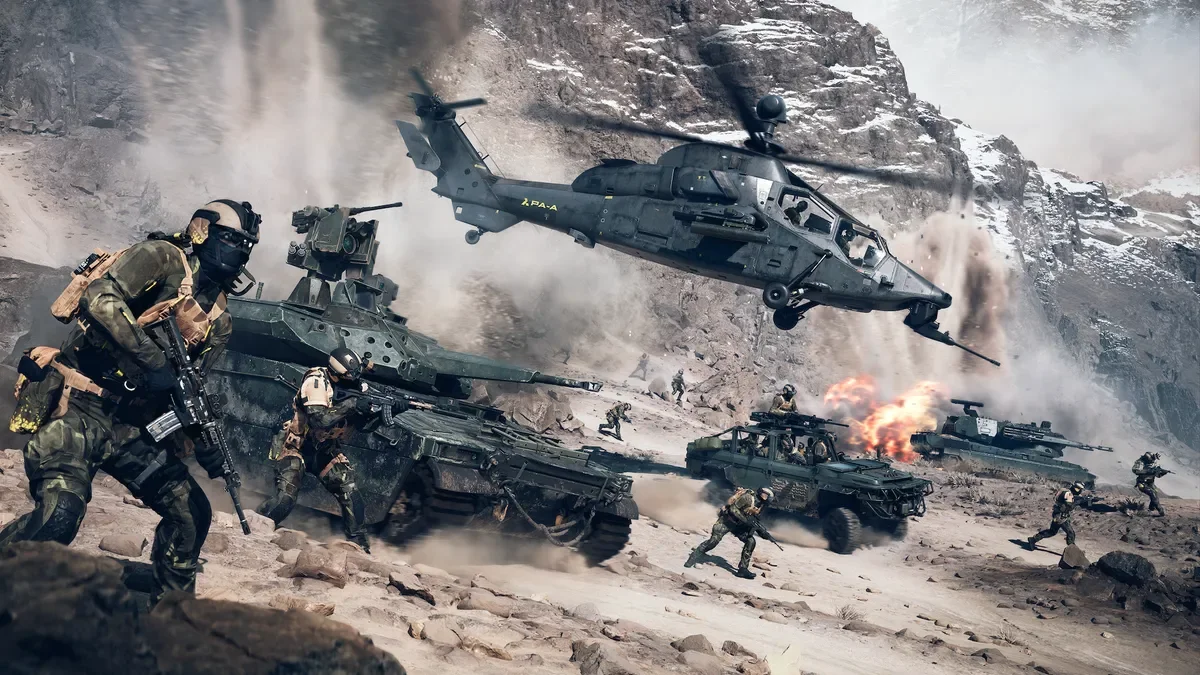
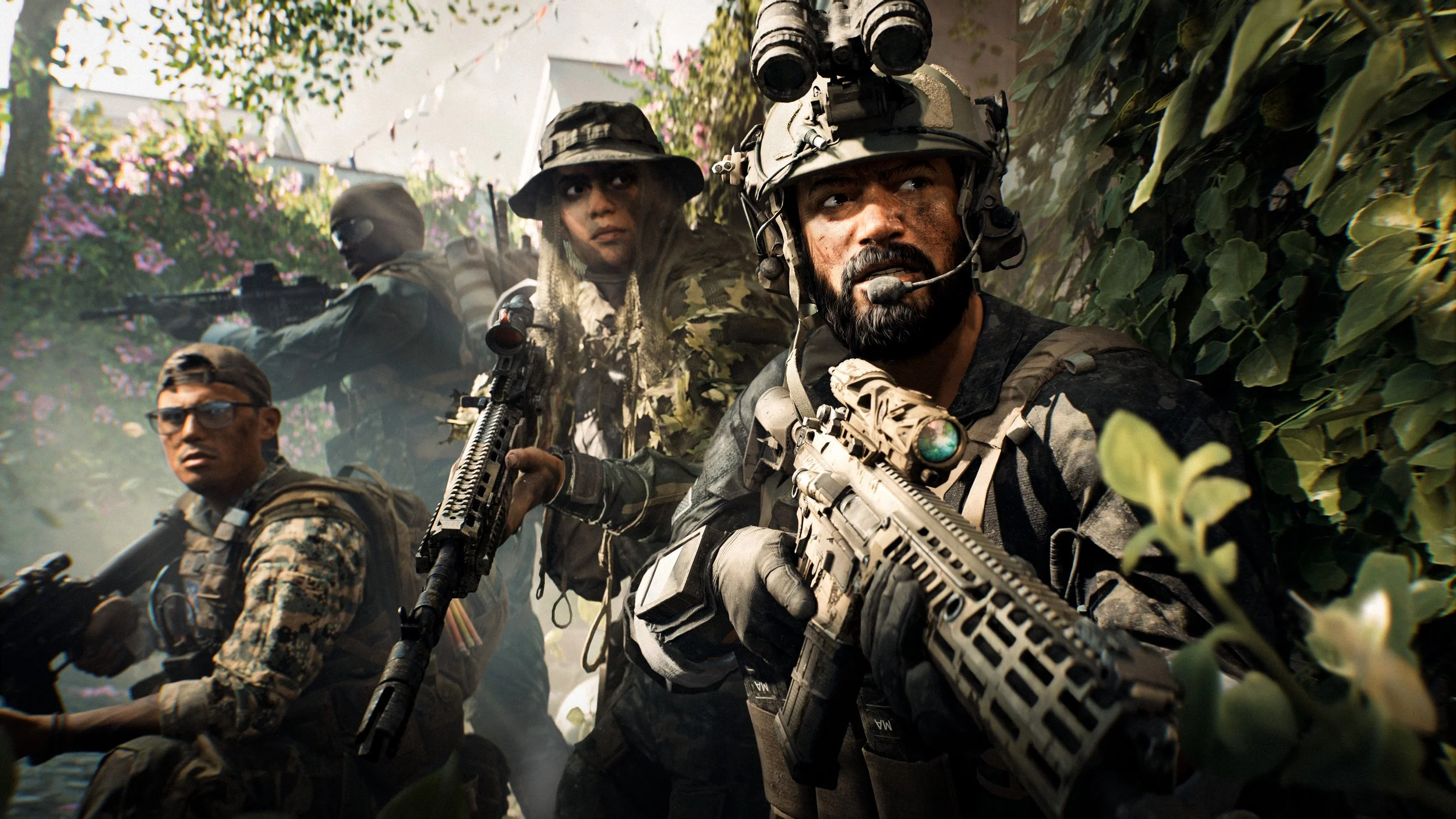
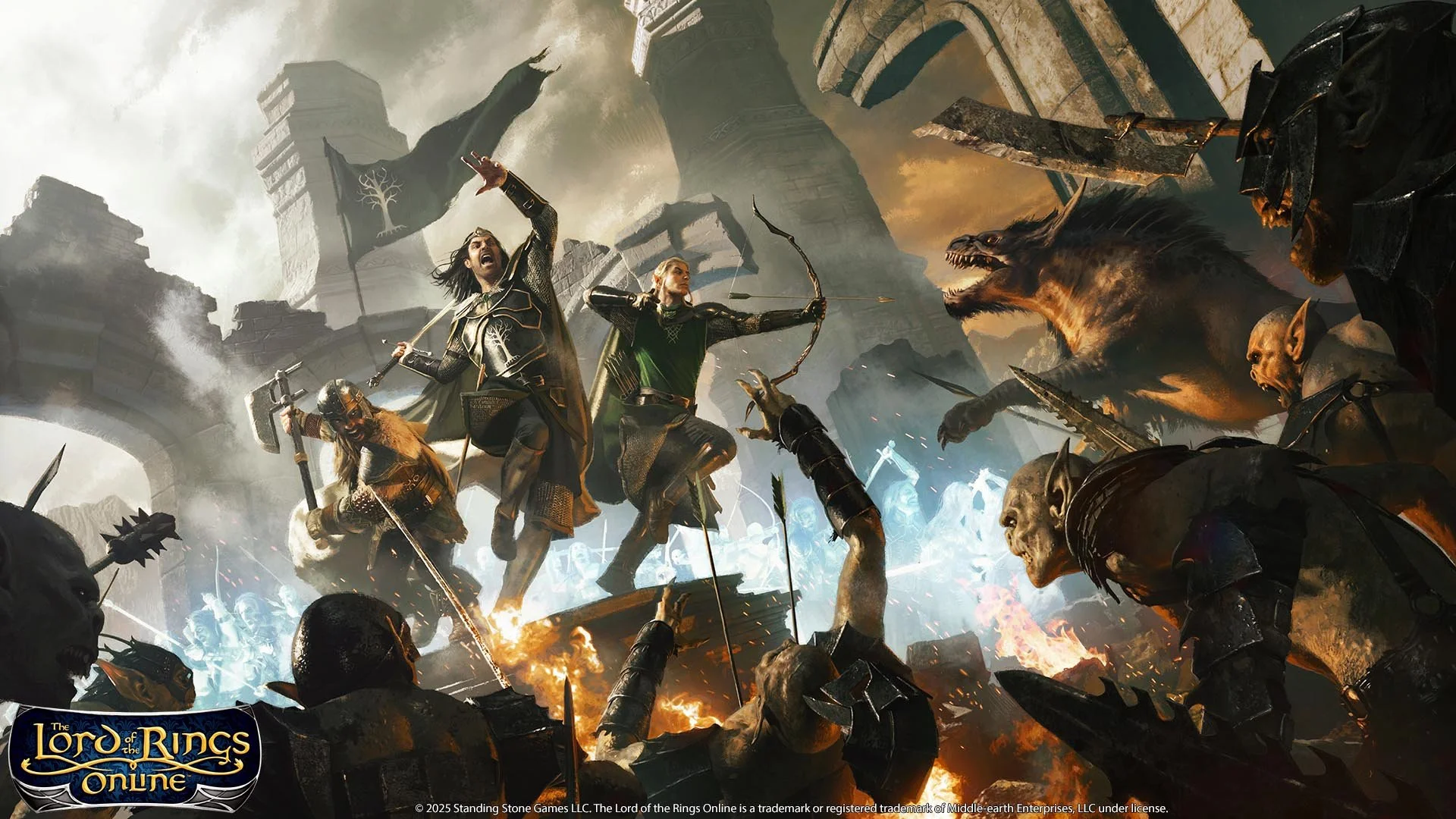
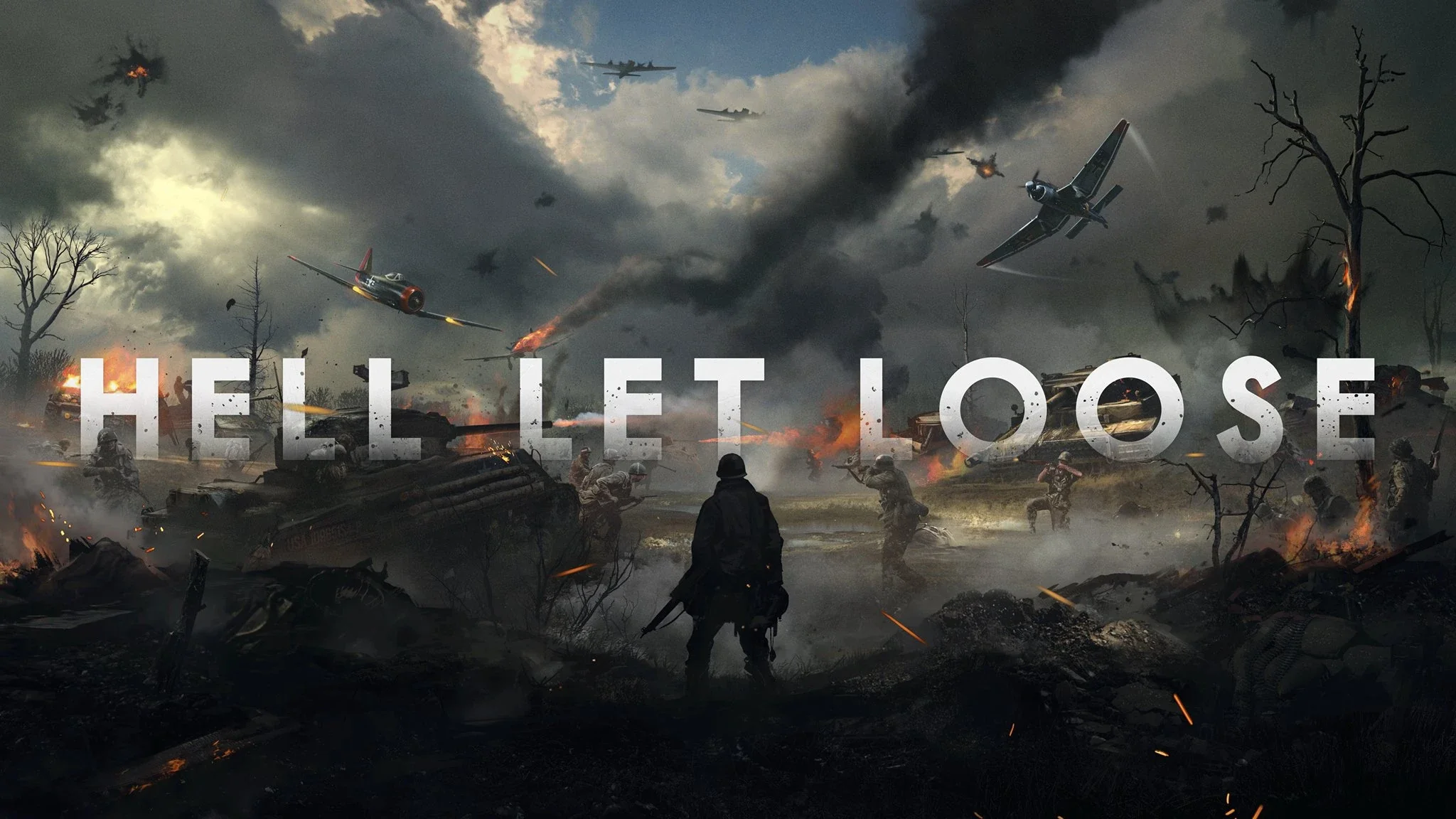
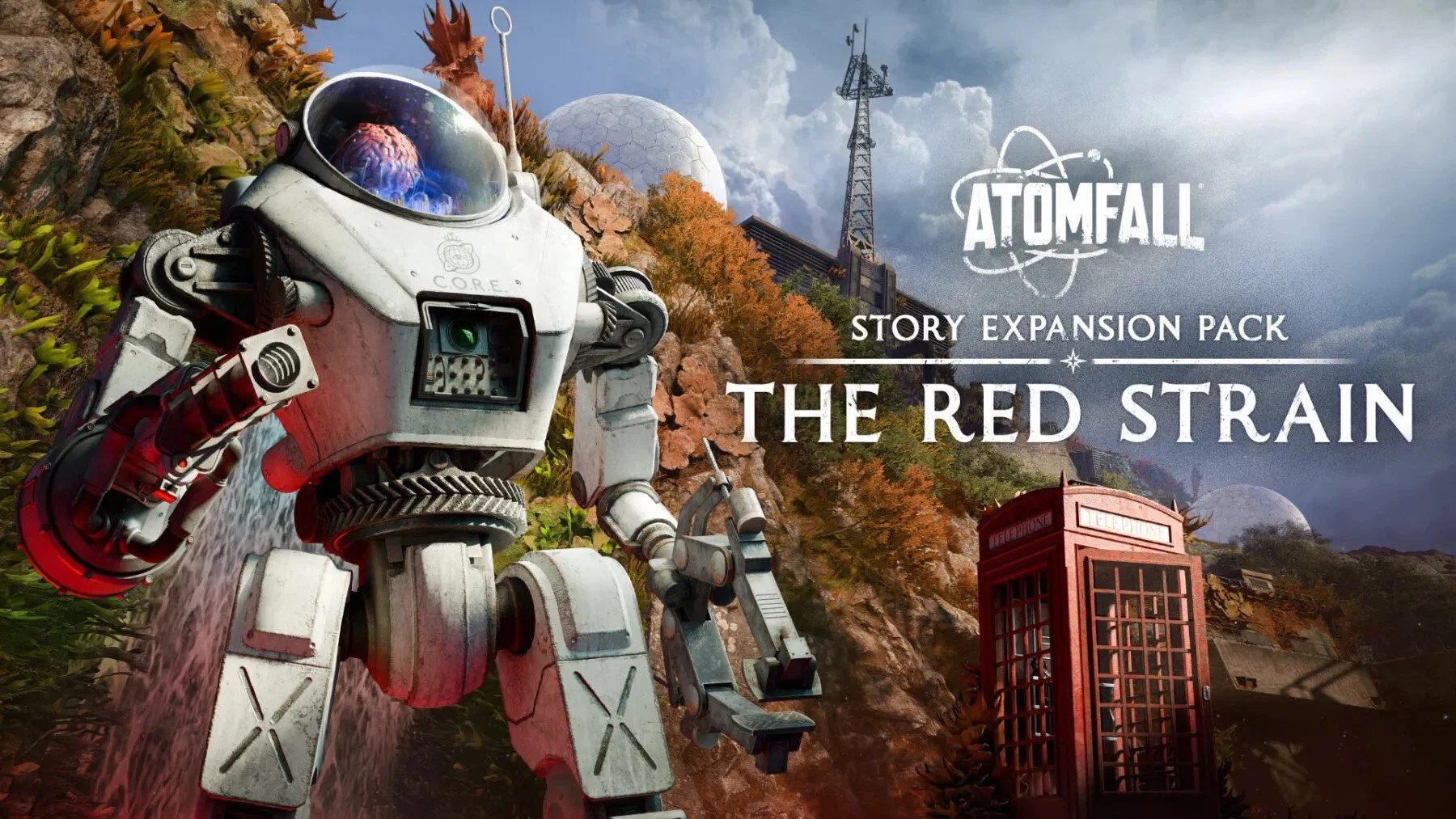
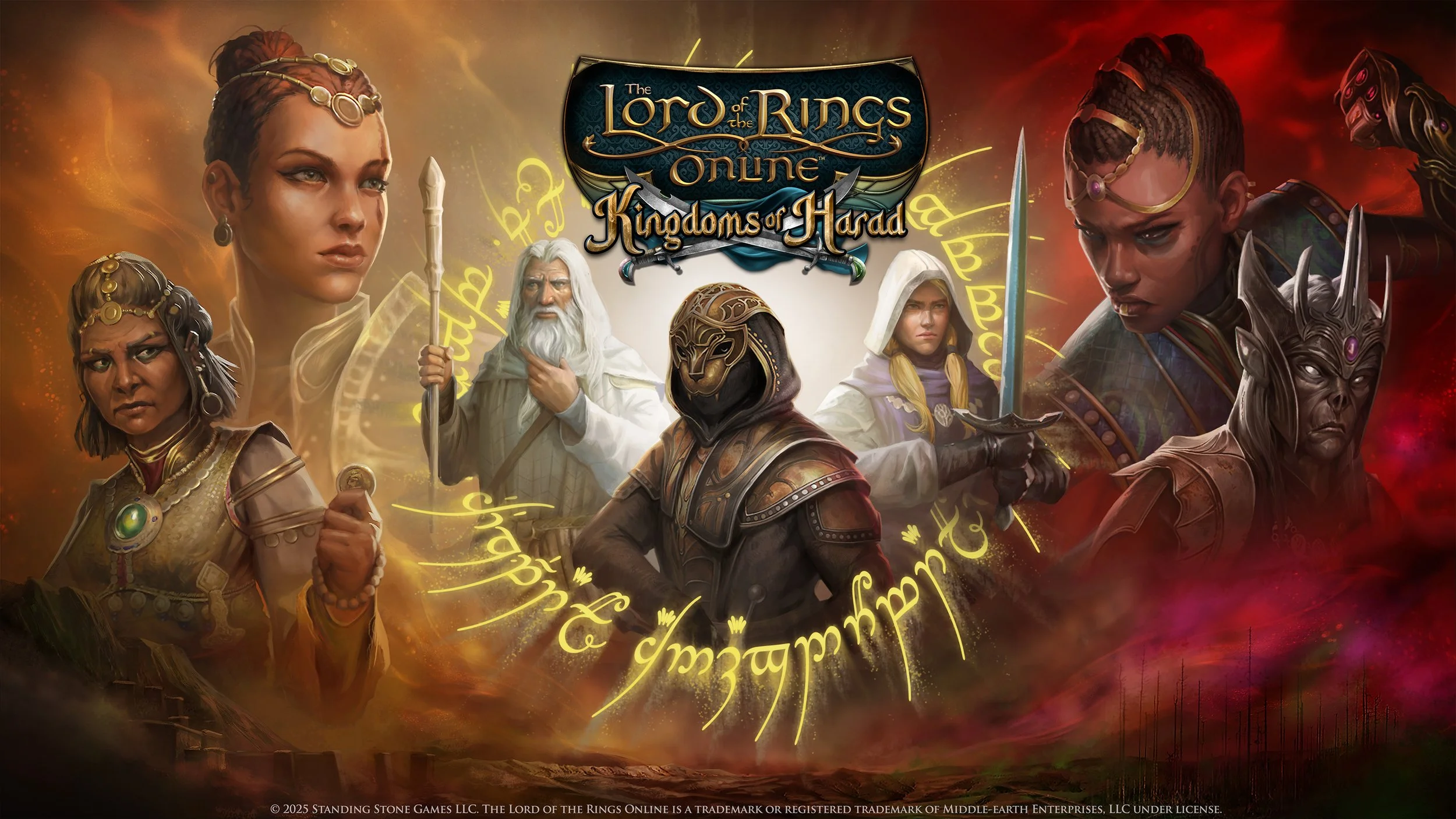
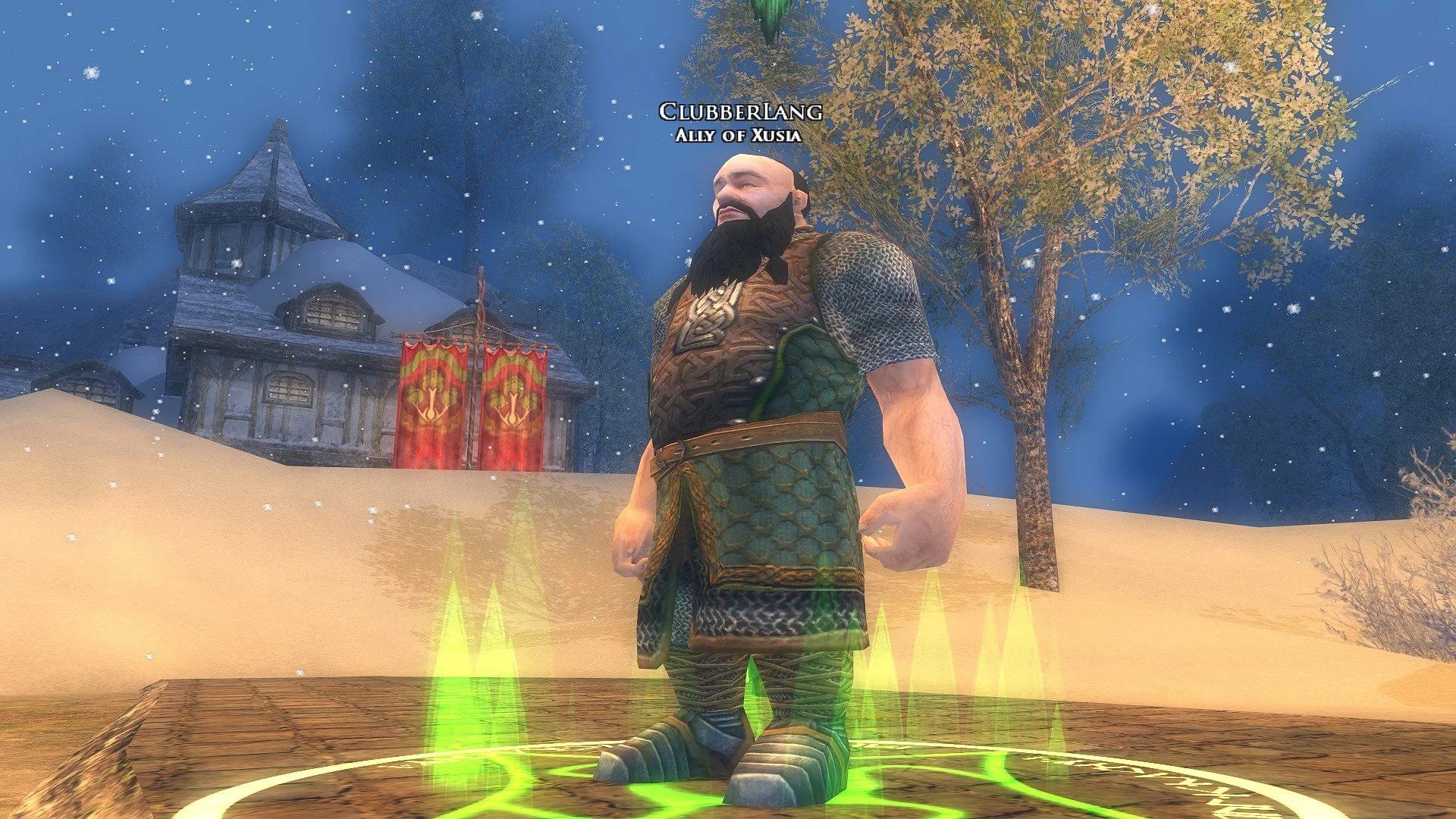


Screenshots
There is a strong social element to video games, regardless of the genre. Gamers like to share their thoughts and opinions with others via forums, blogs and videos because of their common interest. So, it is hardly surprising that video game enthusiasts like to take screenshots and preserve a record of their activities. Subsequently, the ability to capture an image from a game has now become an integral aspect of gaming culture and many titles now have a dedicated screenshot facility. This may range from a simple screenshot key to a comprehensive photo mode in which you can pause the game and pan the camera around the game environment. It’s a far cry from two decades ago when players would often have to rely on bespoke third-party programs such as FRAPS to take screenshots, or simply use the PrtScn button and then paste the image into a photo editor.
There is a strong social element to video games, regardless of the genre. Gamers like to share their thoughts and opinions with others via forums, blogs and videos because of their common interest. So, it is hardly surprising that video game enthusiasts like to take screenshots and preserve a record of their activities. Subsequently, the ability to capture an image from a game has now become an integral aspect of gaming culture and many titles now have a dedicated screenshot facility. This may range from a simple screenshot key to a comprehensive photo mode in which you can pause the game and pan the camera around the game environment. It’s a far cry from two decades ago when players would often have to rely on bespoke third-party programs such as FRAPS to take screenshots, or simply use the PrtScn button and then paste the image into a photo editor.
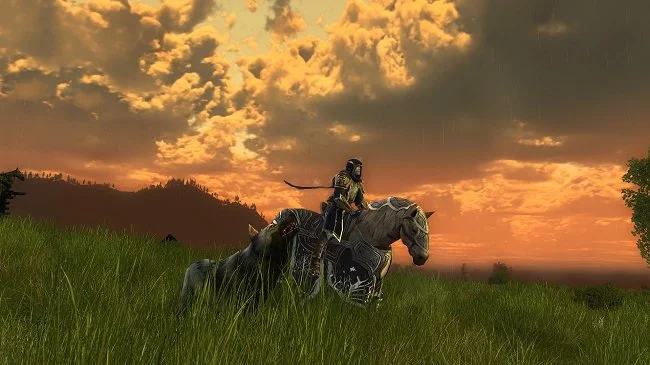
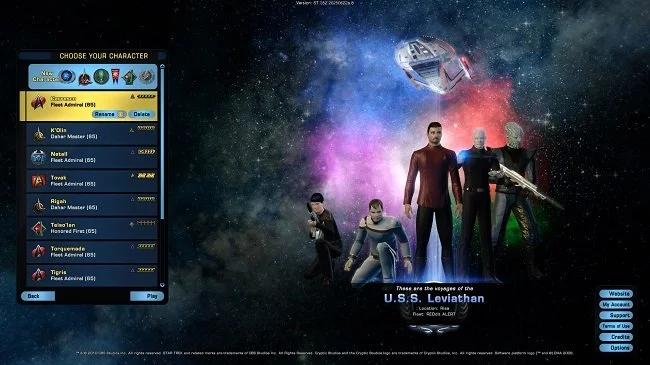
The MMO genre, with their rich persistent worlds, lends itself greatly to screenshots. Often the environments and the graphical design is reason enough to capture images. I have done this often in games such as LOTRO and STO and have folders filled with pictures of landscapes, vistas or battles. Screen captures also provide a convenient means to document achievements and social activities. Players will often take a group picture after a successful raid or at in-game events such as festivals. The convenience of this system also makes it ideal for collating data regarding builds and equipment. Taking a screenshot of your skills tree and how you’ve spent your points is so much easier than meticulously transcribing the details. And as game preservation and history becomes a more important subject, images taken over a period of years can be invaluable in documenting change. I have several hundred LOTRO screenshots taken over a period of nine years. Many show features and systems that have been altered or replaced.
There are specific aspects that contribute to a good screenshot. Like photography, these are based in composition, lighting and creativity. Furthermore, such images can be enhanced using standard photo editing software. Tweaking the brightness or contrast can make a difference and improve the overall presentation. However, in recent years, some games have gone a stage further and introduced a far more comprehensive photo mode that does more than just capture what is initially apparent. I first encountered this facility in Middle-earth: Shadow of Mordor. The player can pause the game at any time during proceedings, and then move the “camera” around the environment to either see the subject form an alternative angle, or as a means to explore aspects of the world not immediately clear. Different elements can be made the focus, while others reduced in clarity. The game UI can be removed, and the finished image framed with specific borders if chosen. There is a similar functionality in Assassin’s Creed: Odyssey and it produces some compelling screenshots.
However, there can be some problems associated with taking screenshots. Some contemporary triple A games have started using anti-tamper software that blocks third party apps such as FRAPS. I have experienced this with such titles as Star Wars: Battlefront II and Ghost Recon: Wildlands. One solution is to take a screen capture using the in-game overlay that is built into the client launcher, such as Origins or Uplay. The down side to this is that you have to customise settings of each launcher if you want to use a standard screen capture key. Alternatively, if you have a Nvidia graphics card then GeForce Experience software offers a universal screenshot facility. This not only works for games but can capture images from your desktop as well as videos played via VLC Player or similar software. But regardless of the technicalities as to how you take your screenshots, ultimately, they are a distillation of all the reasons why we game. Like conventional photographs they are a means of capturing a moment for posterity, that can later be shared and reflected upon.